CouponF5 is an independent publisher. We may earn a commission when you purchase through our links, at no extra cost to you. Merchant terms apply.
In this guide
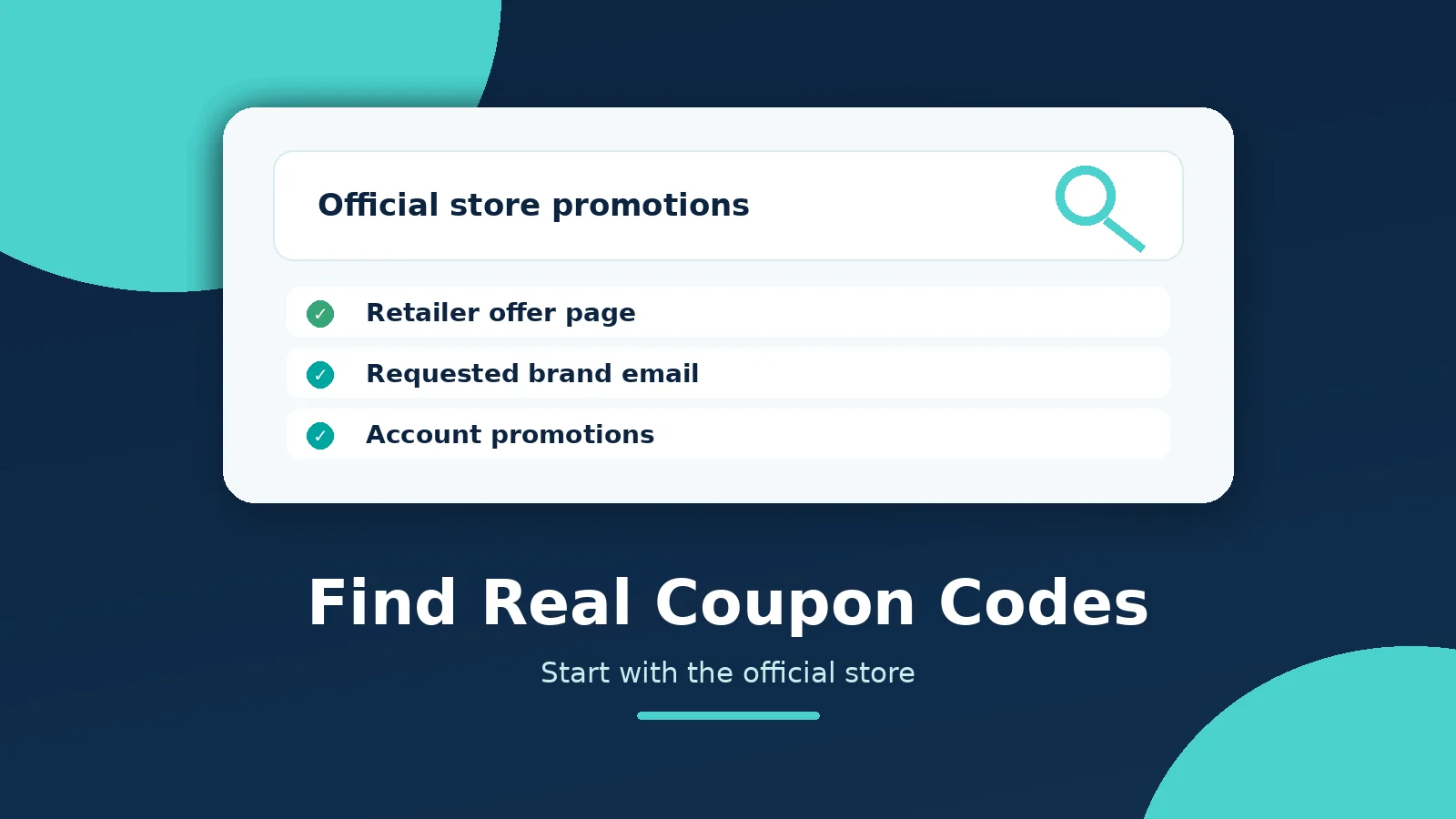
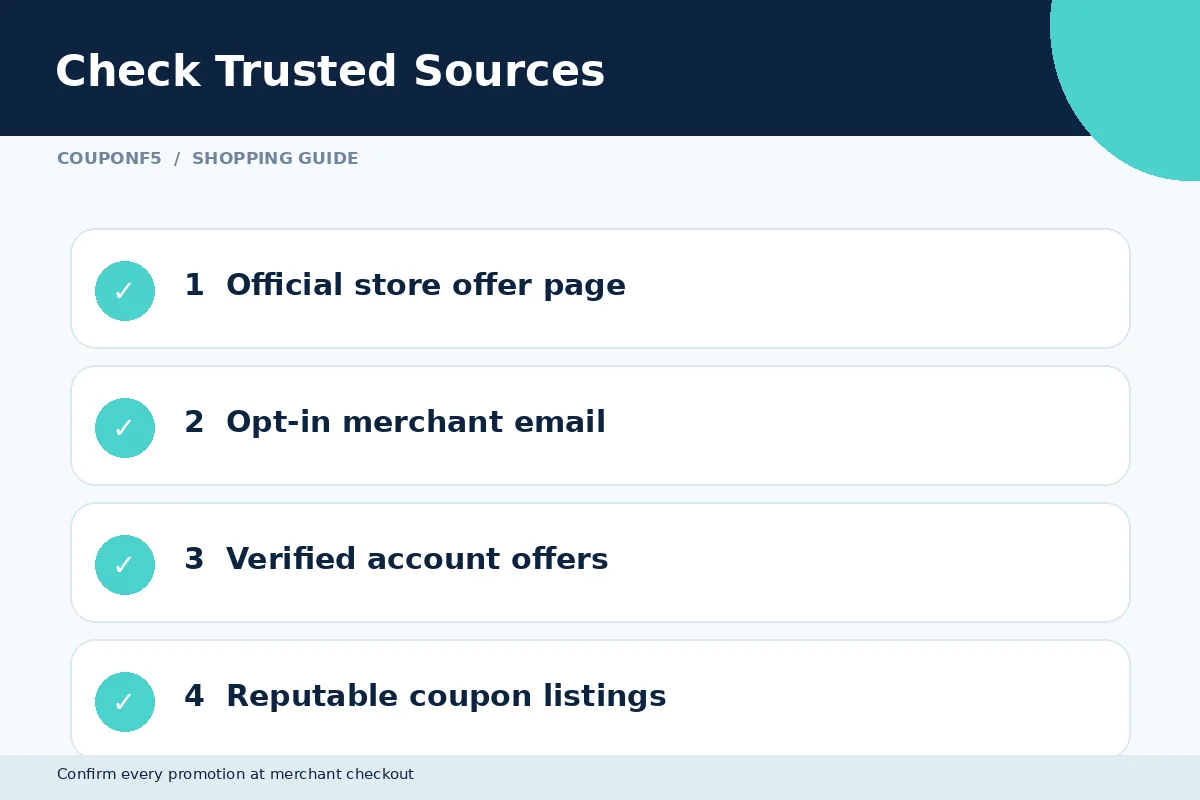
To find legitimate coupon codes online, start with the retailer’s official website, then check the brand’s opt-in emails, your customer account, and reputable coupon listings. The decisive step is confirming the offer’s terms and seeing the discount apply at the retailer’s real checkout. A code appearing in a search result does not prove it is current or valid for your order.
This guide focuses on where to look and how to confirm the source. A different question—whether a code is still active—requires checking dates, redemption limits, and the specific cart. You can use both checks to avoid wasting time on expired or invented offers.
Start With Sources Closest to the Merchant
1. Official store promotion pages
Check the sale, offers, promotions, or coupon section on the merchant’s website. You may also find offer details in a header banner or on a product page. Read the terms linked to the promotion instead of relying only on a colorful discount claim. A sale can be automatic and may not require a code at all.
It is generally safer to open the store by typing its known address or using a trusted bookmark, rather than following a surprising coupon link in an unsolicited message. The official page is the first place to verify whether the merchant itself is advertising an offer.
2. Retailer emails or text messages you requested
If you signed up for a brand’s marketing messages, those campaigns may contain coupon codes and eligibility terms. Check the sender carefully and compare the message with the retailer’s official website. A familiar logo alone does not prove that a message really came from the company; scammers can imitate branding.
Do not forward personalized codes publicly without checking the terms. Some are intended for specific accounts, new customers, or a limited redemption group.
3. Your store account or loyalty dashboard
A retailer may show account-specific offers only after you sign in on its legitimate site. Look under rewards, offers, wallet, or account benefits. You may find a saved coupon, a code, or an automatic reduction. The exact interface and eligibility differ by merchant.
4. Reputable coupon discovery sites
Coupon websites may help you discover possible promotions, but they are not the final authority. Look for a clearly identified merchant, intelligible conditions, recent information, and a direct route to the real store. Treat “verified” or “working” labels as claims unless you can confirm the savings on your own checkout.
A listing may stay online after a code expires, may omit important exclusions, or may describe a targeted promotion as public. A trustworthy presentation should make those limitations clear rather than promising every reader the same savings.
How to Check Whether a Coupon Source Is Legitimate
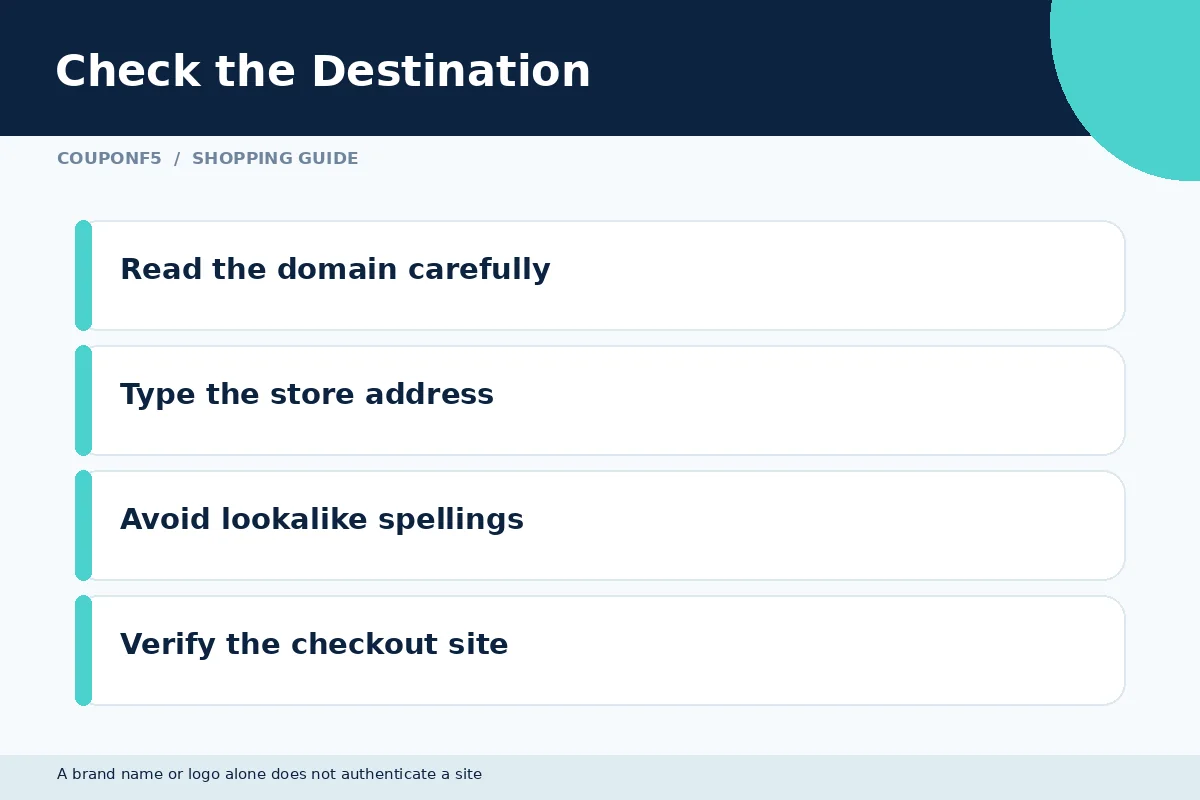
Before entering a code or sharing personal details, confirm who actually operates the destination. A brand-like name or attractive design is not enough.
- Find the official domain independently. Type the merchant’s known address rather than trusting a shortened or unexpected link.
- Inspect the complete website address. Watch for misspellings, extra words, misleading subdomains, or an unfamiliar top-level domain that mimics a brand.
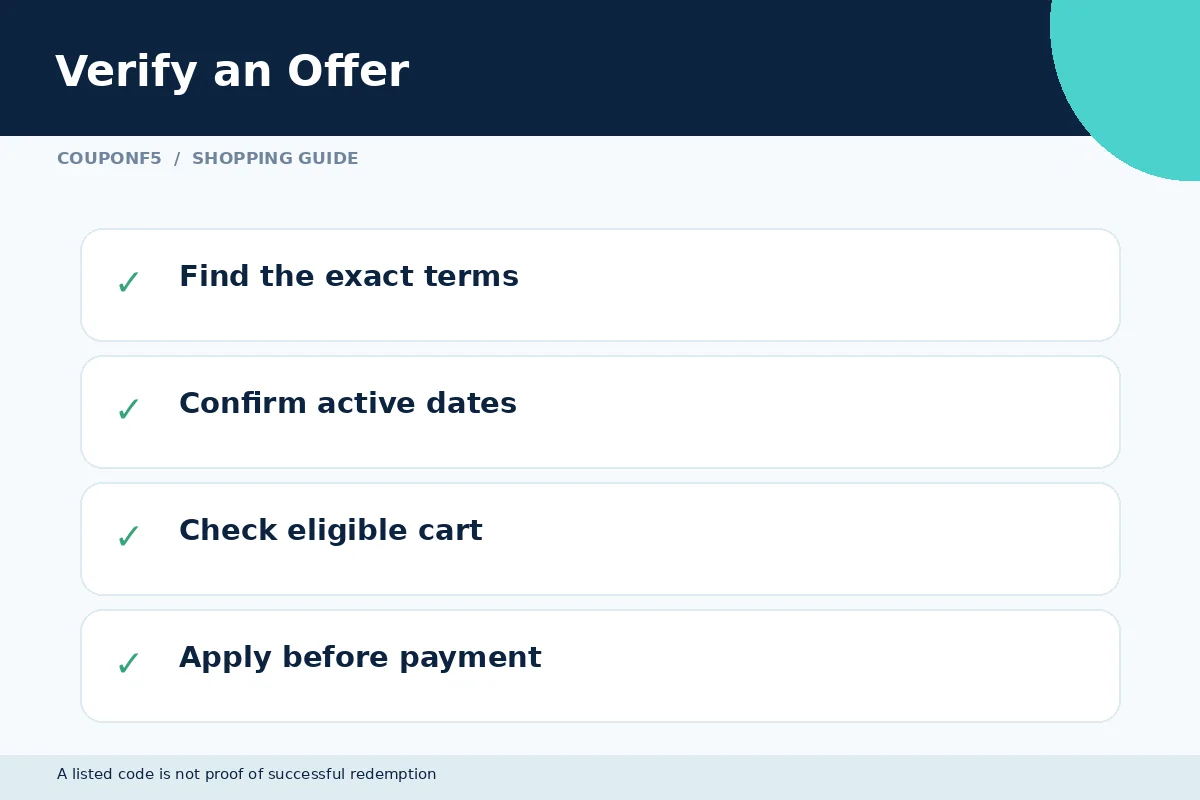
- Read the promotion conditions. Note the start and end dates, eligible products, minimum spend, customer restrictions, and whether a code is required.
- Be skeptical of unlocking demands. A third party that asks for a fee, password, credit-card number, or unrelated software installation just to reveal a coupon is a warning sign.
- Apply the offer only at the real checkout. Confirm the intended deduction appears before placing an order.
The Federal Trade Commission’s phishing guidance specifically warns that scammers may lure people with fake coupons for free goods and messages that request sensitive information. If a deal arrives unexpectedly, confirm it using the business’s genuine website or a phone number you know is legitimate.
What Makes a Coupon Listing Useful?
A helpful coupon listing identifies the merchant and the type of benefit, gives understandable restrictions, and distinguishes a code from an automatic deal. Useful details include a stated end date, which products qualify, minimum spend, whether the offer is new-customer-only, and whether it appears to require an account.
Missing details are not automatic proof of a scam, but they are reasons to verify before relying on the offer. By contrast, “unlimited codes, guaranteed huge savings” without terms or a real merchant destination is a weak basis for a purchase decision.
How to Confirm a Found Code Without Buying
If you have a possible legitimate code and are considering a purchase, you can usually check it without completing payment:
- Open the authentic merchant website through a known route.
- Add the eligible items you actually intend to buy.
- Locate the coupon or promo field in the cart or checkout.
- Enter the code and select Apply.
- Read the response and the discount line in the order summary.
- Stop before payment if you are only verifying eligibility.
Shopify’s documentation for merchants explains that discount codes may have validity dates, usage caps, minimum order values, product restrictions, and combination rules. A code that exists can therefore still fail on a particular cart. Never claim a code is universally working based on a single person’s result.
Are Coupon Apps and Browser Extensions Necessary?
No. You can find and verify offers using the store’s own pages, your account, and a normal browser. Some optional tools may simplify discovery, but their permissions, privacy practices, accuracy, and terms vary. Review any permissions before installing software, and do not assume an extension has access to valid codes for every store.
Never install an unfamiliar extension or enter account credentials solely because a coupon pop-up claims you must do so to unlock a savings code.
Beware of Social Media Coupon Claims
A social media post or advertisement can contain a real promotion, but it can also impersonate a brand. The FTC has warned that scammers use social ads featuring substantial discounts on well-known products to lead shoppers to fraudulent sites. The fact that an offer is displayed in a paid ad does not authenticate the seller.
Search for the company’s name alongside words such as “review,” “complaint,” or “scam,” and compare prices through independent sources. For an unfamiliar seller, evaluate return policies and payment methods as well as coupons.
Build a Fast Coupon Search Routine
You do not need to visit dozens of code sites. A practical sequence is: official store first; requested brand communications second; account offers third; reputable directories fourth; real checkout confirmation last. If these steps reveal no credible promotion, it may be better to stop looking than to experiment with random codes or suspicious links.
Record the exact discount you saw at checkout, not merely the percentage announced in a listing. Do not change an otherwise sensible purchase just to reach an unnecessary promotion threshold.
Frequently Asked Questions
Where is the safest place to find coupon codes?
The retailer’s official website and legitimate account or email communications you requested are good starting points. Even then, check the current terms and discount at checkout.
Are coupon codes from search engines always real?
No. A search result may be outdated, copied from another site, or lead to a misleading page. Verify the offer directly with the retailer.
Can a coupon directory guarantee a code works?
Not for every customer and cart. Merchant eligibility settings, dates, usage limits, and product rules can cause different results.
Do I need to pay to get a coupon code?
A standard promotional code should not require paying an unknown third party to reveal it. Separate paid memberships exist, but evaluate their actual terms and seller legitimacy.
How do I know whether an offer was applied?
Look for a discount or shipping adjustment in the real store’s checkout and compare the final amount due with the original total.
The Bottom Line
Legitimate coupon discovery starts with a real merchant and ends with a verified checkout result. Use trustworthy sources, inspect the destination and offer terms, and treat code listings as leads rather than guarantees. The goal is a genuine reduction on a planned purchase—not collecting as many untested codes as possible.