CouponF5 is an independent publisher. We may earn a commission when you purchase through our links, at no extra cost to you. Merchant terms apply.
In this guide
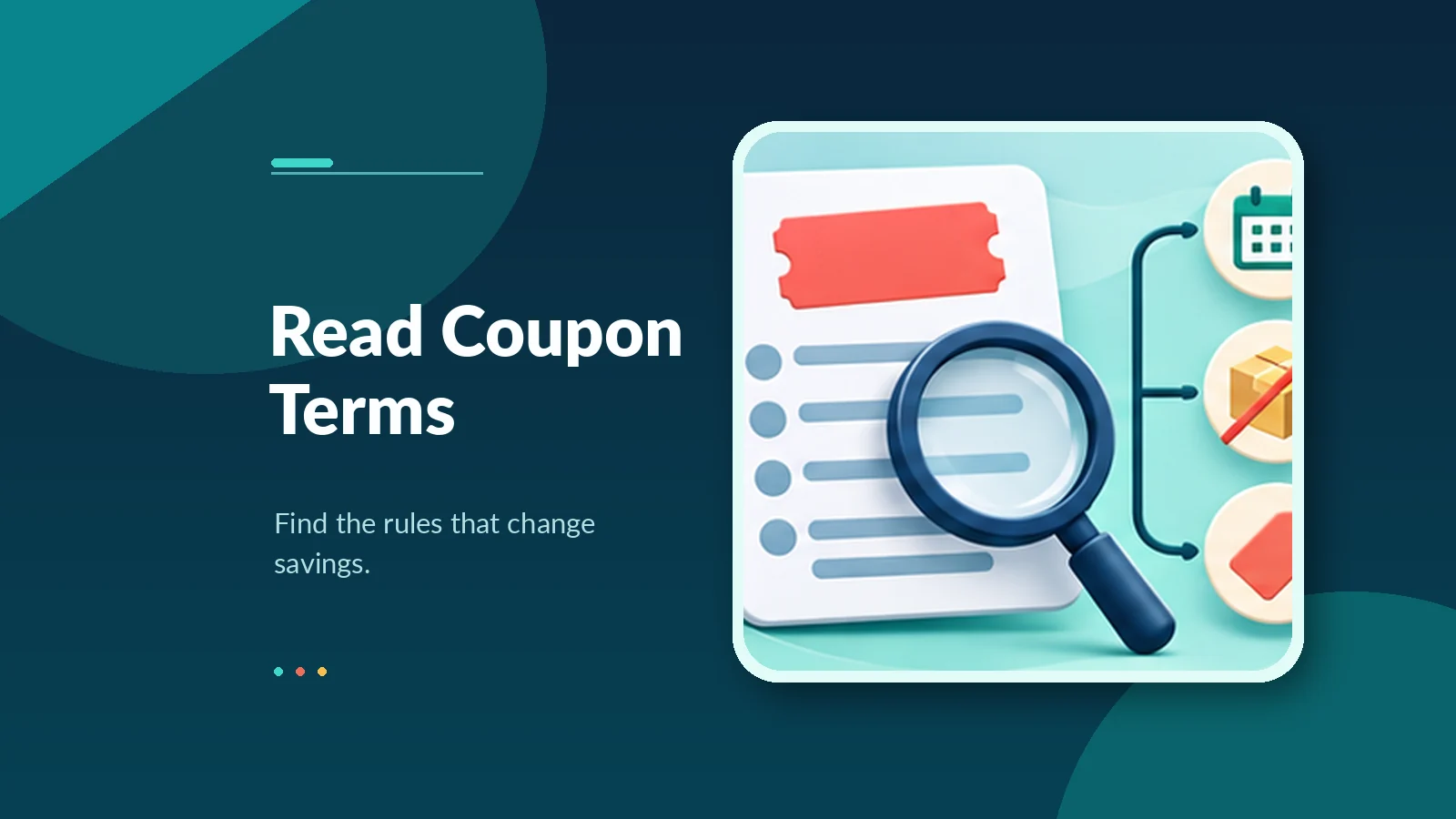
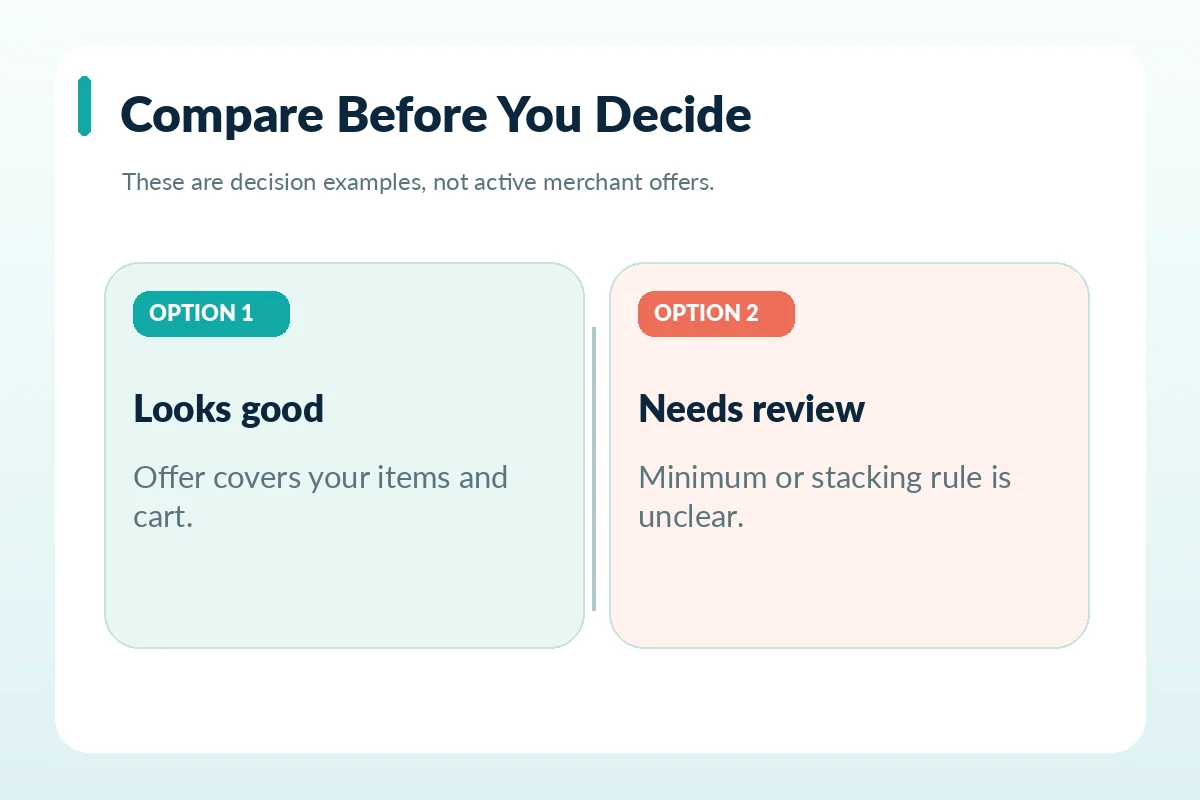
To read coupon terms and conditions, start with who and what qualifies, then check the expiration date, minimum purchase, exclusions, discount cap, redemption limits, and whether other offers can be combined. The important question is not whether the headline sounds generous. It is whether the precise rules fit your actual cart.
Most coupon fine print can be understood without legal training. Learn a few common phrases and translate them into simple checkout questions before making a purchase.
Find the Conditions Before You Enter the Code
Look for a link labeled “Terms,” “Offer details,” “Exclusions,” or similar near the promotion. The merchant’s own terms are more authoritative than a code listing that may omit conditions or reproduce an outdated offer. If the terms are hard to locate, do not treat the biggest headline claim as a guarantee.
Record the exact advertised benefit, such as a percentage of eligible merchandise, a fixed deduction from a qualifying order, or a waiver of a shipping charge. A coupon may offer a benefit without guaranteeing a lower final total on every cart.
1. Read the Validity Dates and Time Zone
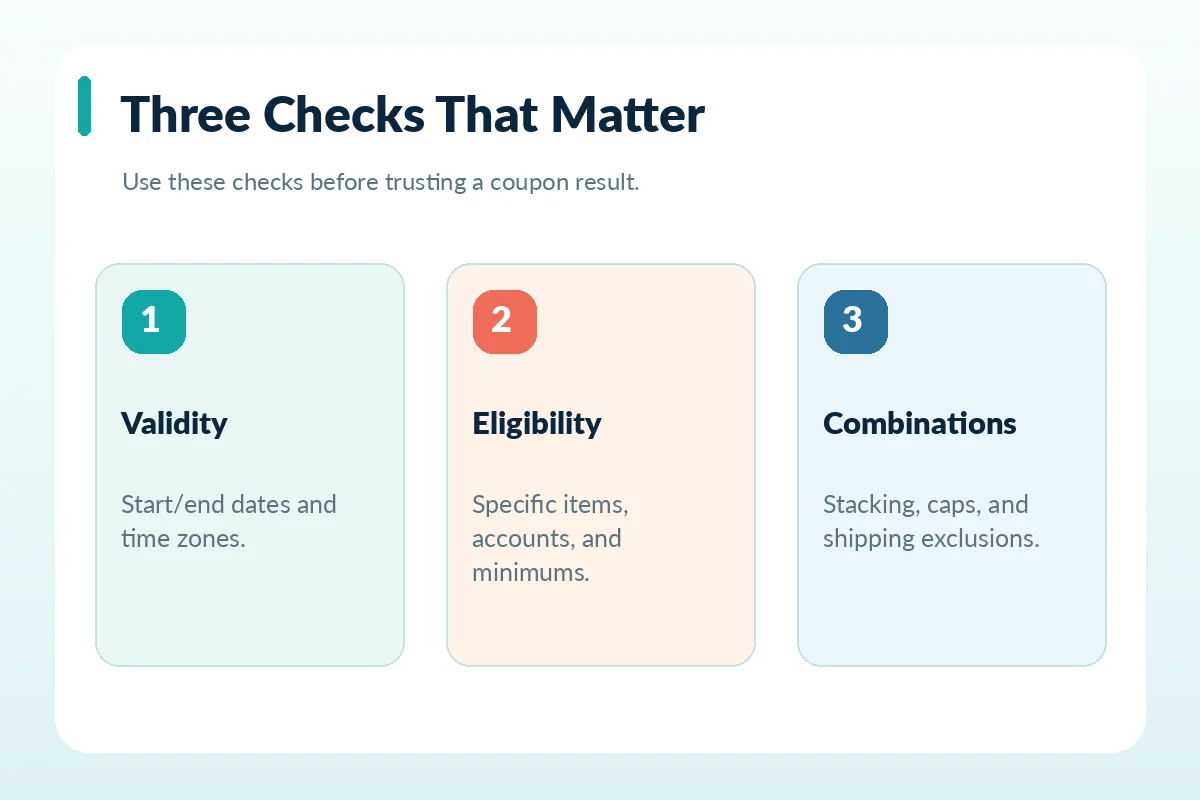
Look for the starting date, ending date and, where provided, an exact cutoff time. The merchant may calculate dates using its own store time zone rather than the one you live in. “Ends Sunday” can therefore be ambiguous if the time zone is not stated.
A code shared months ago may still appear in search results even after it stops working. Shopify’s code documentation explains that merchants can configure active dates, usage limits and combinations. Check the current merchant page or checkout if the deadline is unclear.
2. Decode “Eligible Items” and “Select Styles”
These phrases mean the discount is not necessarily universal. The retailer may include specific products, collections, sizes, colors or variants and exclude others. “Select styles” often implies only part of a category qualifies; do not assume every item in the category is eligible.
For a mixed cart, calculate the percentage using only qualifying products. If you have $100 of merchandise but a 20% code applies to just a $30 item, the nominal item savings are $6 rather than $20. That is an illustrative example, not a real coupon.
3. Understand Minimum Spend and “Before Tax”
A minimum qualifying subtotal can differ from the displayed total because delivery, taxes, gift cards, and excluded products may not count. On Shopify, minimum purchase calculations for amount-off promotions can depend on product eligibility and prior product discounts; its official documentation explains the platform’s specific rules. Other retailers may configure thresholds differently.
Consider a hypothetical “$10 off $75” coupon. If only $70 of your $90 cart is eligible, the promotion might not apply. Avoid adding something unwanted solely to reach the minimum.
4. Look for Caps and Maximum Discounts
“20% off up to $15” is not the same as an uncapped 20% discount. On a $100 eligible subtotal, the raw 20% calculation is $20 but a $15 cap would limit the saving to $15. A fixed-dollar coupon may also be restricted to one use per order or one particular item.
Do the arithmetic before comparing a capped percentage coupon with a fixed amount. Check whether the cap applies per item, cart or customer instead of guessing.
5. Understand Redemption Limits and Eligibility
“One per customer,” “new customers only,” and “members only” restrict who can redeem an offer. A code issued to a particular account or campaign recipient may not apply to everyone who sees it.
A total-use limit can also make an offer unavailable even within its dates. A past report that a code worked does not establish that it is still usable for your transaction.
6. Read “Cannot Be Combined With Other Offers”
Stacking restrictions may cover other coupon codes, automatic sales, product-level deals or shipping promotions. A checkout might reject the new code or choose the best allowable combination. Check whether a new promotion replaces an existing discount line.
The same terms may describe multiple exclusions. For example, “full-price items only; cannot be combined with other offers” restricts both product eligibility and coupon combinations. Treat each restriction independently.
7. Check Delivery and Return Conditions Separately
Free-shipping offers can be limited to a shipping method, region or qualifying value. They may not waive handling or express-delivery fees. Likewise, a coupon’s terms do not necessarily define the seller’s return policy.
The FTC recommends checking return conditions, especially for sale and clearance merchandise. Before buying a size-sensitive or expensive item, verify whether return postage, restocking fees or final-sale rules could affect the decision.
Common Wording, Translated Into Shopper Questions
| Phrase | What to ask |
|---|---|
| Eligible items only | Which products and variants qualify? |
| Minimum spend | What counts toward the required subtotal? |
| Up to $X off | Is there a maximum deduction? |
| One per customer | Has the eligible account already redeemed it? |
| Cannot combine | Will it replace another discount? |
| Standard delivery only | What shipping service and region are included? |
A Four-Step Terms Review
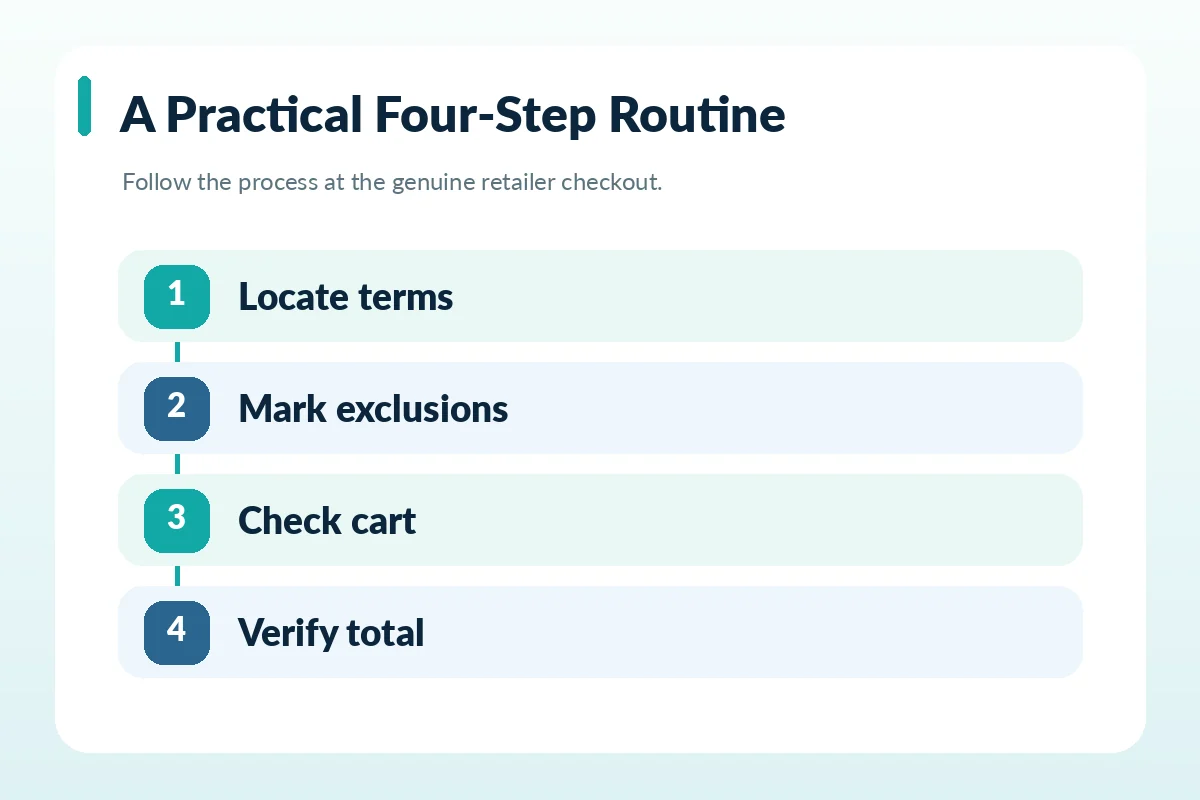
- Locate the merchant’s current full conditions.
- Mark dates, products, spend requirements and restrictions.
- Apply those rules to your exact planned cart.
- Confirm the benefit in the order summary before payment.
Frequently Asked Questions
What does “one use per customer” mean?
The merchant restricts redemption to an eligible customer’s permitted use. Its account or checkout records determine eligibility.
Can clearance items be excluded from a coupon?
Yes. Product eligibility varies; a sale price does not automatically qualify for additional discounts.
Does “sitewide” mean absolutely every item?
Not necessarily. Read any exclusions or product-specific conditions linked to the headline.
What should I do if the wording is ambiguous?
Check the official merchant support or checkout before relying on the claimed saving.
The Bottom Line
Coupon fine print describes the real offer. Read the eligibility, value, limits and final checkout rules. An accurate interpretation protects you from assuming a discount applies when it does not.