
Product overview
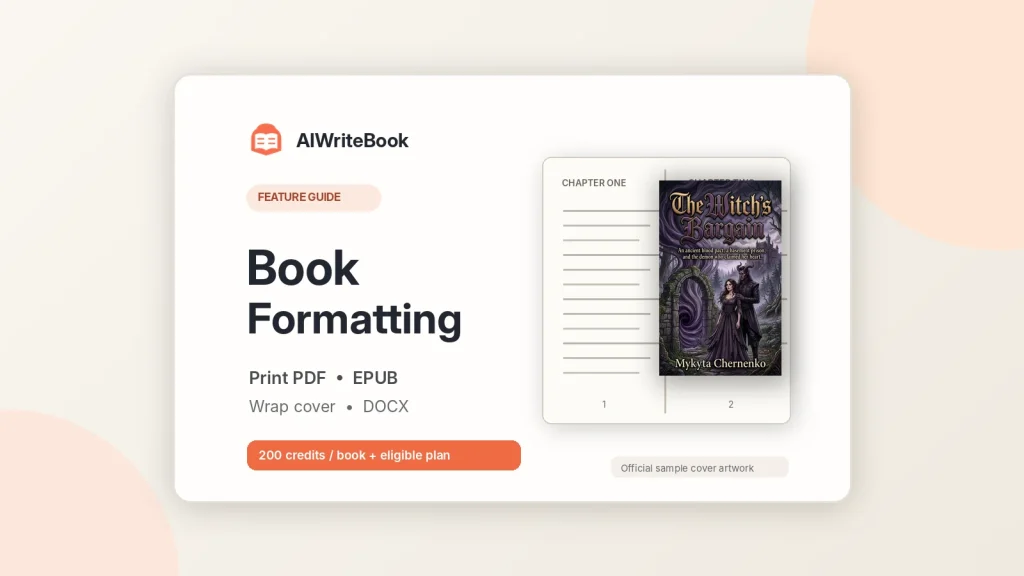
AIWriteBook Book Formatting is the Format step inside the AIWriteBook author platform. It turns an existing manuscript into a typeset print interior, printer-specific wrap cover files, a checked EPUB, an editable DOCX and a separate eBook cover JPG. This is a book-production feature, not a separately sold desktop app. The merchant says a book unlock costs 200 credits once per book, but full formatting also requires an active Pro, Ultra or eligible AppSumo lifetime plan. Those are two separate requirements. This is a research-based product overview, not a report of files we personally exported or submitted to a printer.
What files does the Book Formatting feature produce?
The official AIWriteBook Format feature page lists five output groups from a single Generate action. The print interior is described as a PDF/X-1a:2001 file with embedded fonts and CMYK conversion using a FOGRA39 coated profile. For print-on-demand cover production, AIWriteBook says it calculates full front–spine–back wrap dimensions from page count, paper stock and the selected printer profile, reserving barcode space and adding spine text only when enough width exists.
The eBook version is an EPUB that the company says is checked using EPUBCheck, with a linked table of contents. Authors can also obtain a DOCX for further editorial work and a separate JPG cover for eBook storefront forms. These file types serve different publishing needs; a validated EPUB is not a substitute for a print interior PDF, and a front-cover JPG is not a paperback wrap cover.
How does the book formatting process work?
Within a book project, the merchant positions Format between the Metadata and Publish steps. The sequence begins by unlocking formatting for that book. Next, an author chooses a layout theme, trim size, paper and typography, then reviews front and back matter such as the title page, copyright page and about-the-author section. Text can reportedly be edited on the formatted pages; chapter titles, scene breaks, drop caps, lists, block quotes and image positions are part of the available page controls.
Cover settings use the manuscript’s current page count to calculate the spine width and wrap dimensions. The tool also advertises a DPI warning for unsuitable cover art and a preflight checker that points to issues the author needs to fix. Once reviewed, the Generate action creates the package. The website says changing the book’s text, trim or theme and generating files again does not trigger another 200-credit unlock for that same book, although ongoing access still depends on an eligible plan.
How much does it cost, and which plans qualify?
AIWriteBook does not publish a separate US-dollar checkout price for Book Formatting as a standalone item. The stated feature charge is 200 AIWriteBook credits per book. According to the dedicated feature page, full formatting is available on Pro, Ultra and AppSumo lifetime tiers, with both the plan requirement and the book-specific credit unlock applying. Free users get a watermarked standard PDF; Plus users get DOCX export and a Format preview that prompts an upgrade rather than the full package.
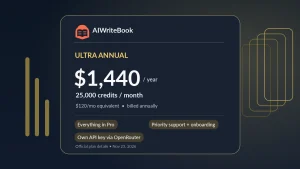
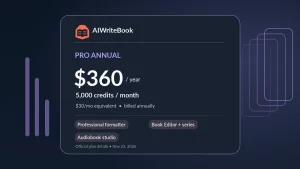
The merchant pricing page currently advertises Pro at a $30-per-month equivalent billed as $360 annually, and Ultra at a $120-per-month equivalent billed as $1,440 annually. Those are subscription prices, not a dollar conversion for the 200-credit formatting charge. Whether credits are available, how they were acquired and whether a subscription remains active may change the real cost to finish a book. A user who needs to format only one manuscript should compare the whole subscription commitment, not just the number of credits.
What typography and trim choices are available?
The dedicated Format page currently describes 17 trim sizes, including 5 × 8 inches, a 6 × 9 default and 8.5 × 11 inches, and five interior themes called Classic, Modern, Romance, Literary and Readable. It also lists 12 body fonts, with serif choices such as EB Garamond, Lora and Merriweather alongside Open Sans and Source Sans 3. The page describes mirrored margins, a growing binding gutter, running heads, roman-numeral front matter and chapter-one page-number resets.
Documentation caveat: some other AIWriteBook marketing pages still mention only nine trim sizes. The dedicated Format feature page is more detailed and says 17, but the buyer should check the current settings available in their own account rather than assuming every older marketing statement matches the live interface. This guide has not opened a paid formatting project to reconcile those descriptions.
Will the files work with KDP, IngramSpark and other publishers?
The company describes printer-specific cover profiles for Amazon KDP/IngramSpark, Lulu, Draft2Digital/Barnes & Noble Press and BookVault. It also lists EPUB use with Kindle, Apple Books, Kobo, Google Play Books and other major eBook platforms. These are the merchant’s stated output targets, not independently verified acceptance results. Publishers can change requirements; page count, book type, fonts, bleed, image resolution and the exact trim/paper combination may still generate an upload warning.
Before spending money on print copies, inspect the actual interior PDF, cover barcode area, spine and bleed; upload them to the chosen publisher’s preview or proofing system; and order a proof copy if appropriate. A clean automated preflight is helpful, but it cannot replace a careful visual check of a real printed book.
Who is Book Formatting best for?
Best fit: an author already using AIWriteBook to draft or edit a manuscript who wants print and eBook files from the same project, especially when a wrap cover and print typography would otherwise require separate software. The combined preview, per-book credit charge and repeated generation are potentially useful for iterative changes.
Less suitable: a writer who only needs an inexpensive DOCX, an author who is unwilling to maintain an eligible subscription, or someone who needs professional human book design for complex illustrated, scholarly or highly customized interiors. A separate formatting specialist or standalone tool might fit better where total cost, layout control or vendor support matters more than integrated drafting.
What should you verify before unlocking?
- Project eligibility: confirm the book exists inside AIWriteBook and your account is on a qualifying plan.
- Credits: verify a 200-credit balance, the expected deduction and the current plan’s expiration or renewal terms.
- Print specifications: select the exact trim size, paper stock and intended publishing service before finalizing a wrap.
- Front and back matter: check copyright details, page order, table of contents, headings and any images or captions.
- Publisher validation: independently inspect exports and test their upload with the actual publisher before promising print acceptance.
Editorial and advertising disclosure: this overview is based on AIWriteBook’s public feature and pricing pages checked November 23, 2026. We have not bought the plan, spent credits, generated exports, uploaded files to KDP, measured output quality or verified a refund. AIWriteBook’s affiliate terms require prior written approval for promotion on coupon/deal websites; no CouponF5 affiliate approval is established. Accordingly, this Product record is kept as a draft with no promotional CTA.