CouponF5 is an independent publisher. We may earn a commission when you purchase through our links, at no extra cost to you. Merchant terms apply.
In this guide
AIWriteBook
AIWriteBook Book Formatting — Print PDF, EPUB & Wrap Covers
AIWriteBook Book Formatting turns your manuscript into print PDF, wrap covers, a validated EPUB, DOCX and an eBook cover. Full access requires an eligible…
The AIWriteBook book writing tool combines manuscript planning, AI-assisted chapter drafting, editing, cover creation and publishing preparation. For a writer juggling a draft, characters, book files and KDP metadata, that consolidated workflow may be useful. The best reason to try it is to see whether its first free chapter follows your intended structure and voice. The main trade-offs are credit-based usage costs, feature differences between plans and the editorial work needed before a book is ready for readers. This is an independent, research-based buying guide—not a hands-on quality test.
What does AIWriteBook actually do?
AIWriteBook is organized around the life of a book, rather than a one-off text prompt. The merchant describes outline and character builders, chapter-by-chapter generation, a writing-style field, manuscript import, in-book AI editing, cover creation, and tools for preparing a book for distribution. The official feature directory also lists book-series support, translation, audiovisual tools and publishing marketing functions. Whether these are included in your subscription depends on its tier and the credits assigned to each action.
It helps to separate generation from publication. Creating text, a book cover and an EPUB does not establish that the manuscript has been professionally edited or that a marketplace has approved it. The author must review the content, images, credits and publishing-platform requirements before uploading or selling anything.
Start with a new idea or continue a manuscript
For a new book, the workflow begins with an idea, a chapter outline and—for fiction—characters or a story world. The platform offers genre-specific assistance and lets authors adjust the plan before generating chapters. For nonfiction, the process can organize an existing body of notes or references, but citations and factual claims still need human checks. An outline is useful only when it accurately reflects the reader’s needs and the structure of the intended book.
Authors who already have drafts can use the import flow rather than beginning again. The official manuscript-import guide describes bringing in Word documents and retaining chapters, basic formatting and images where supported. The site advertises a free first import for certain new-account book types, with subsequent operations priced in credits. Check the exact file requirements before investing time in a complex project with extensive tables or unusual formatting.
What is genuinely free?
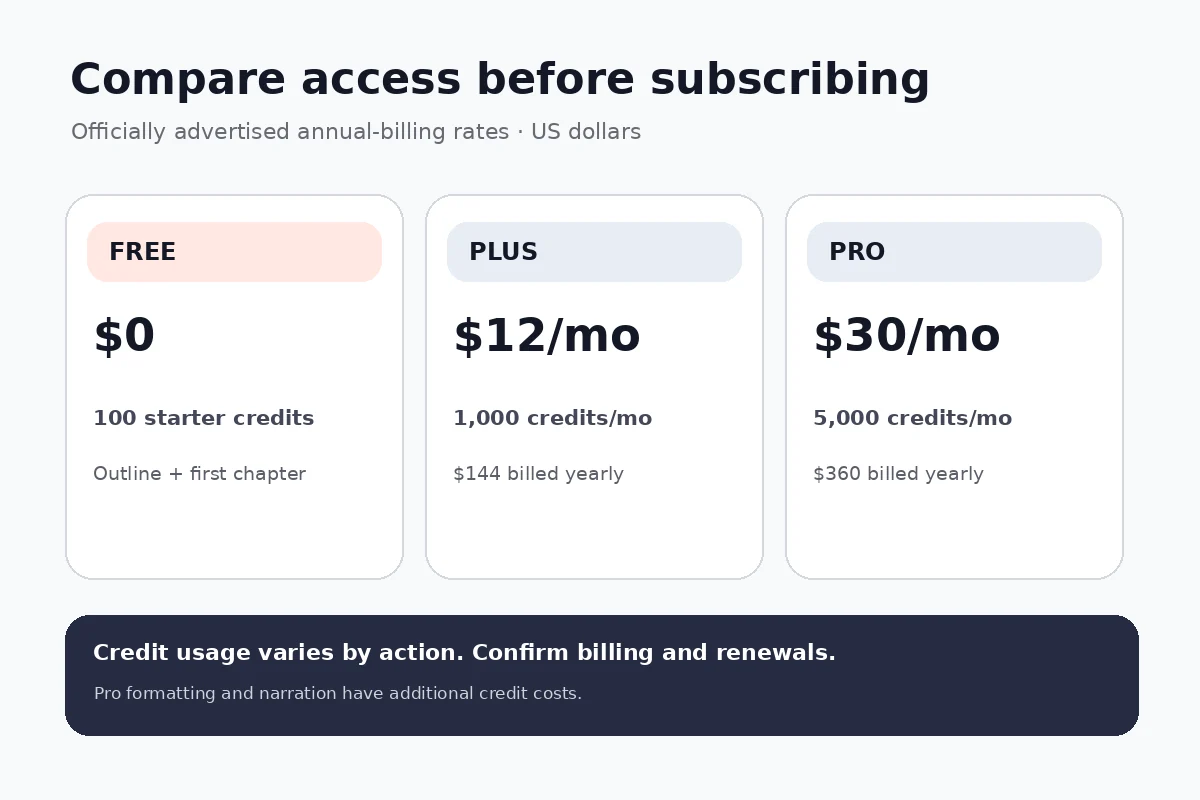
AIWriteBook’s published pricing page offers a $0 Free tier with 100 starter credits, a planning experience and an initial chapter, with no credit card required to begin. Free access is therefore useful for evaluating the outline and initial writing style, not a promise of unlimited completed manuscripts, unlimited cover files or unrestricted audiobook exports. If your goal is to assess output quality, test a subject or scene you know well and compare the result against your own requirements before upgrading.
The merchant sells Plus, Pro and Ultra plans. Its annual-billing display lists Plus at $144 per year (equivalent to $12 per month, 1,000 credits per month); Pro at $360 per year ($30 per month equivalent, 5,000 credits per month); and Ultra at $1,440 per year ($120 per month equivalent, 25,000 credits per month). These are not month-to-month invoice amounts. The separate Terms of Service also mentions month-to-month rates, so check which billing choices actually appear in your account.
How much do chapters and other actions cost?
The tool uses credits across different models and features. Its current pricing matrix lists 15 credits for a Gemini chapter, 20 for a Grok chapter, 30 for a Claude chapter, three credits for an individual chapter outline, and 30 credits for a generated book cover. Editing, illustrations, audiobook narration, translation and professional formatting can require additional credits.
A simplified example helps: 10 chargeable Gemini chapters × 15 credits = 150 credits. Add 10 chapter outlines × 3 credits (30), and a cover at 30, for a subtotal of 210 credits before rewriting, editing, premium models or professional formatting. This is an illustrative calculation using the merchant’s published action rates, not a quote for any particular manuscript. A free initial chapter, special plan privileges or changed rates may affect a real account’s estimate.
Also consider unused credits. The pricing FAQ describes monthly expiration, while the updated Terms of Service describes limited Pro rollover. Since those statements are not identical, request clarification from AIWriteBook before making assumptions about saving credits over several months.
What changes at Plus, Pro and Ultra?
According to the plan table, Plus adds ongoing chapter writing, AI chat assistance, a cover maker and DOCX export. Pro adds features such as professional formatting, book editing, audiobooks, book-series support, translation and a public author page. Ultra increases the credit allocation and adds options including bringing an OpenRouter API key, with separate provider billing for model use. Verify the current per-feature credit charges and export rights before choosing a higher tier simply for its headline capacity.
Who benefits from a book-focused workflow?
First-time fiction authors may value a stepwise outline and character system, especially when a blank-page prompt feels unstructured. Experienced self-publishers may be more interested in repeatable formatting and metadata tasks. Nonfiction writers can use a drafting and editing workflow around their own source material, but the system is not a substitute for verified references, expert review or original reporting. Visual-book creators should check image consistency, layout limits, watermark rules and illustration credits rather than assuming every picture-book option is on the entry plan.
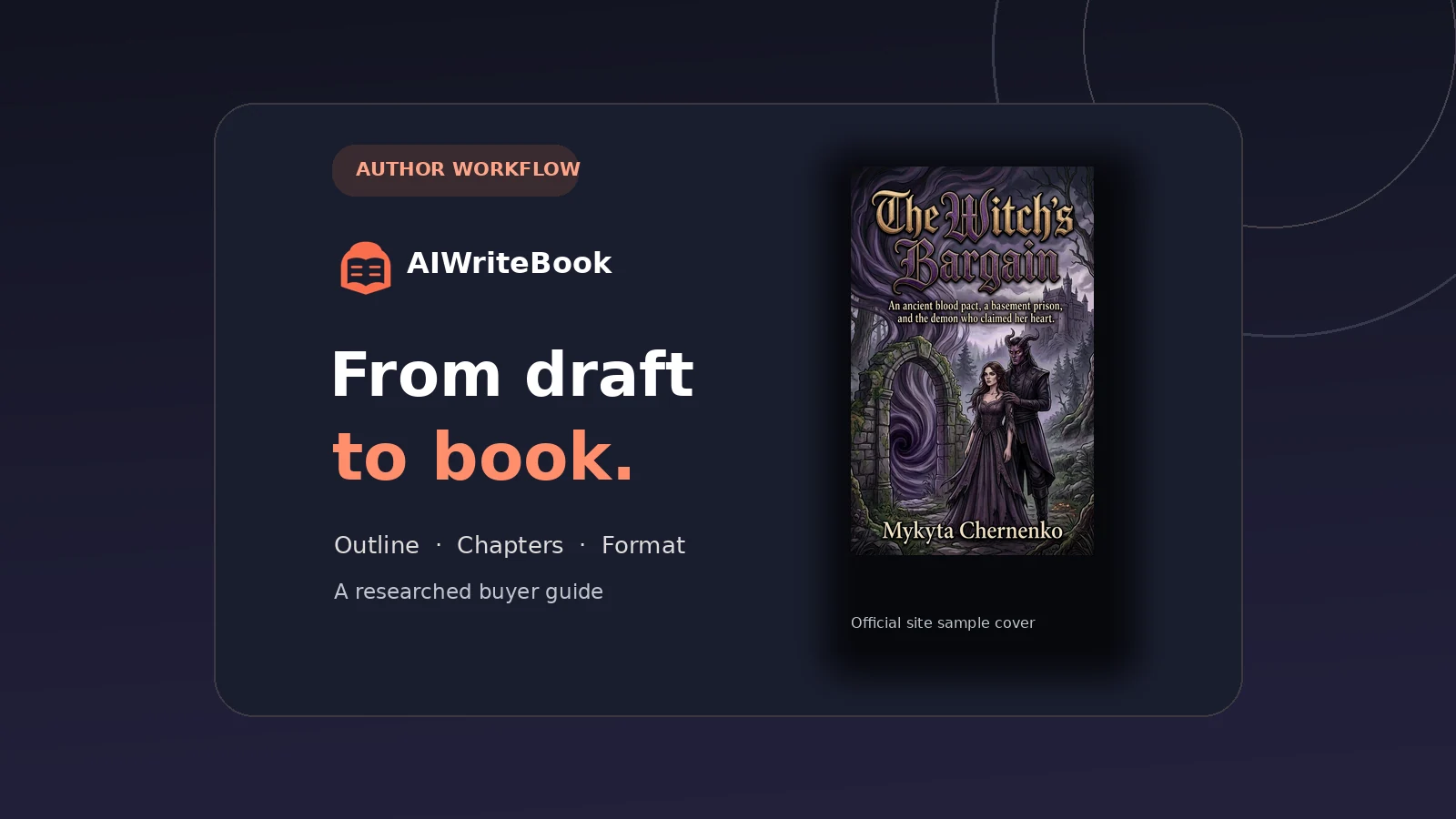
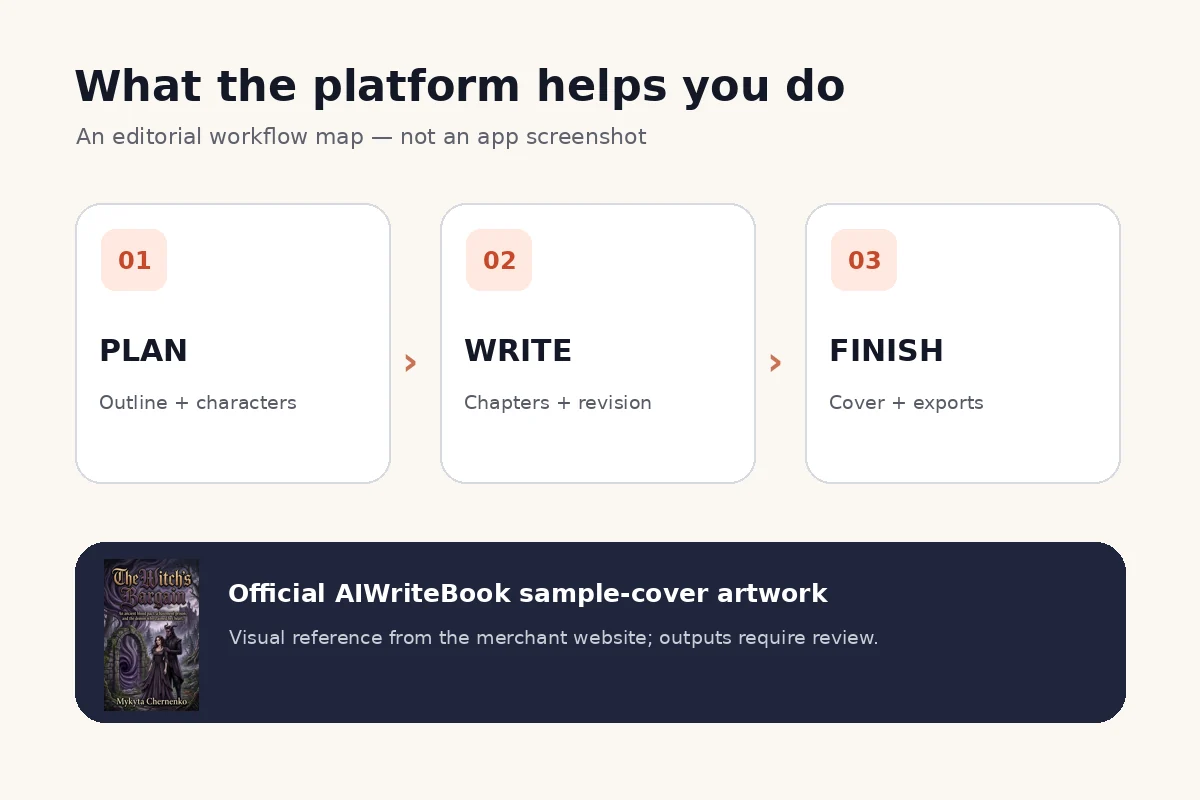
The official site displays an example fantasy cover titled The Witch’s Bargain. We use that original official sample artwork in the accompanying editorial image; it is a visual example from the merchant website, not a result we generated or a claim about the quality of all covers.
What are the main limitations before you pay?
First, voice matching is a merchant-described capability, not proof that generated paragraphs will read like your own writing without revision. Second, book consistency and factual accuracy need editorial checks, particularly for long nonfiction projects. Third, subscription credits can be consumed by revisions, images, audio and other separate actions. Fourth, a manuscript export does not itself complete KDP approval or ensure discoverability, revenue or copyright eligibility.
The current Terms of Service describe a conditional seven-day refund opportunity for the first eligible subscription purchase when less than 50% of the allocated credits have been used. Renewals and one-time credit purchases have different restrictions. This is not a no-questions-asked seven-day trial. Confirm cancellation timing, unused-credit rules and whether the intended export feature is available on your plan.
How should a US author choose?
- Try Free first. Build a real outline, provide a short writing sample and judge the first generated chapter for structure, coherence and tone.
- List required outputs. Decide whether you need DOCX only, or EPUB, print-ready PDF, cover assets, audio or translation.
- Estimate your actions. Count chargeable chapters, outline steps, covers and editing passes before comparing plan credits.
- Check billing and refund terms. Compare actual annual invoice amounts and plan eligibility, not only a low monthly equivalent.
- Keep editorial control. Revise chapters, verify nonfiction claims, inspect final files and confirm publishing-platform requirements yourself.
Bottom line: useful workflow, conditional value
AIWriteBook is worth investigating when you want an integrated path from idea or imported draft to a manuscript and book-related publishing assets. Its free entry point gives prospective authors a way to evaluate the workflow before paying. The paid plan that makes sense is the lowest tier supporting the specific formats and actions you need, with enough credits for realistic revisions. Treat quality and publishing claims as merchant statements until you have tested your own material. This guide does not provide a promotional coupon or assert that CouponF5 is an authorized AIWriteBook affiliate.
Research methodology: This article uses AIWriteBook’s public feature descriptions, pricing matrix, import guide, Terms of Service and affiliate-program restrictions reviewed November 23, 2026. We did not purchase a subscription, generate a book, conduct an originality test, publish to KDP or redeem an offer. The featured image combines an official company icon and official example cover with original editorial design; inline figures are editorial explanations, not fabricated screenshots.
AIWriteBook
AIWriteBook Book Formatting — Print PDF, EPUB & Wrap Covers
AIWriteBook Book Formatting turns your manuscript into print PDF, wrap covers, a validated EPUB, DOCX and an eBook cover. Full access requires an eligible…