CouponF5 is an independent publisher. We may earn a commission when you purchase through our links, at no extra cost to you. Merchant terms apply.
In this guide
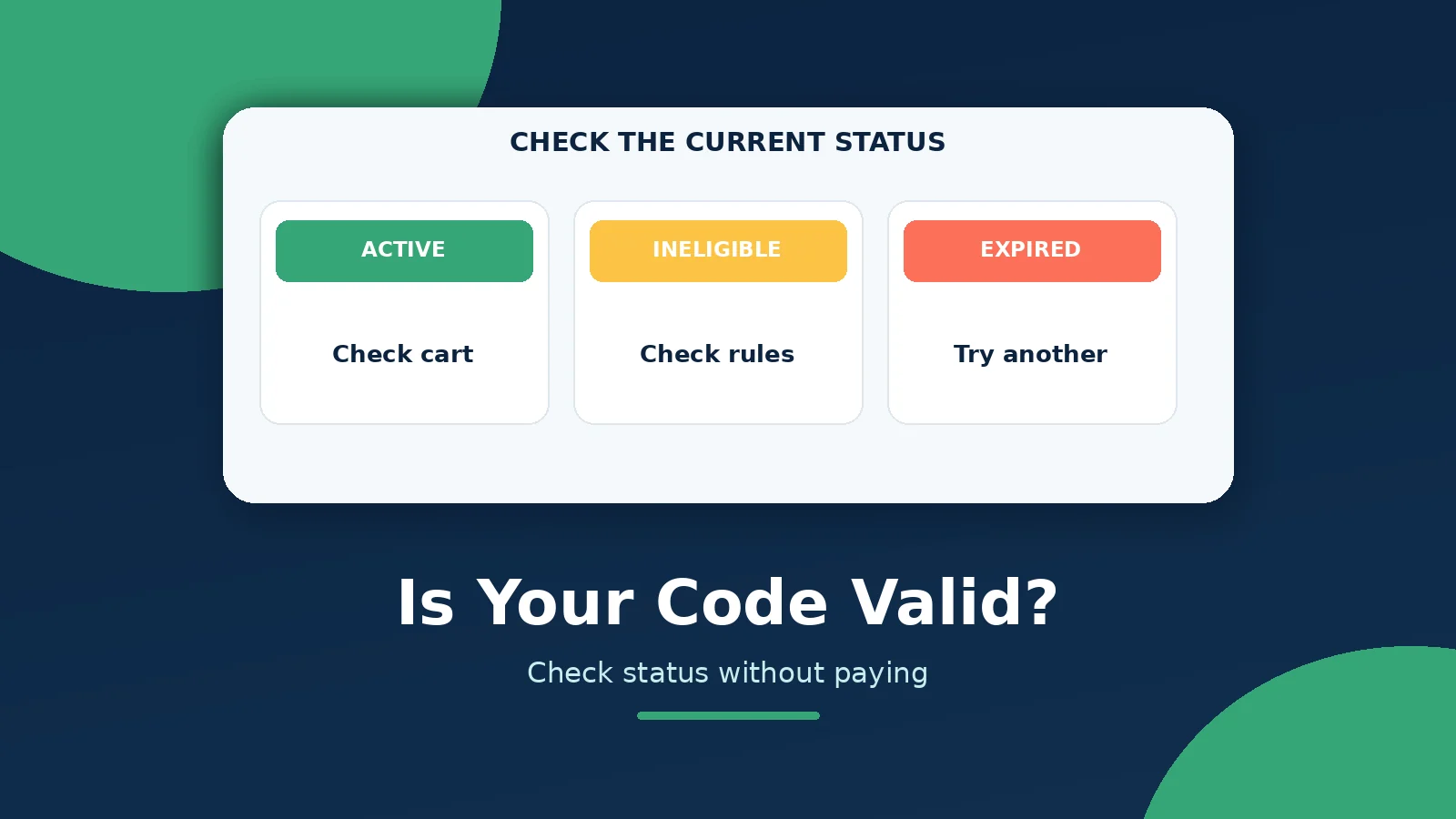
The most reliable way to check if a coupon code is still valid is to verify its dates and terms with the retailer, then try it on an eligible cart at the retailer’s real checkout without completing payment. A code can be active yet fail because your items, account, minimum spend, or other promotions do not qualify.
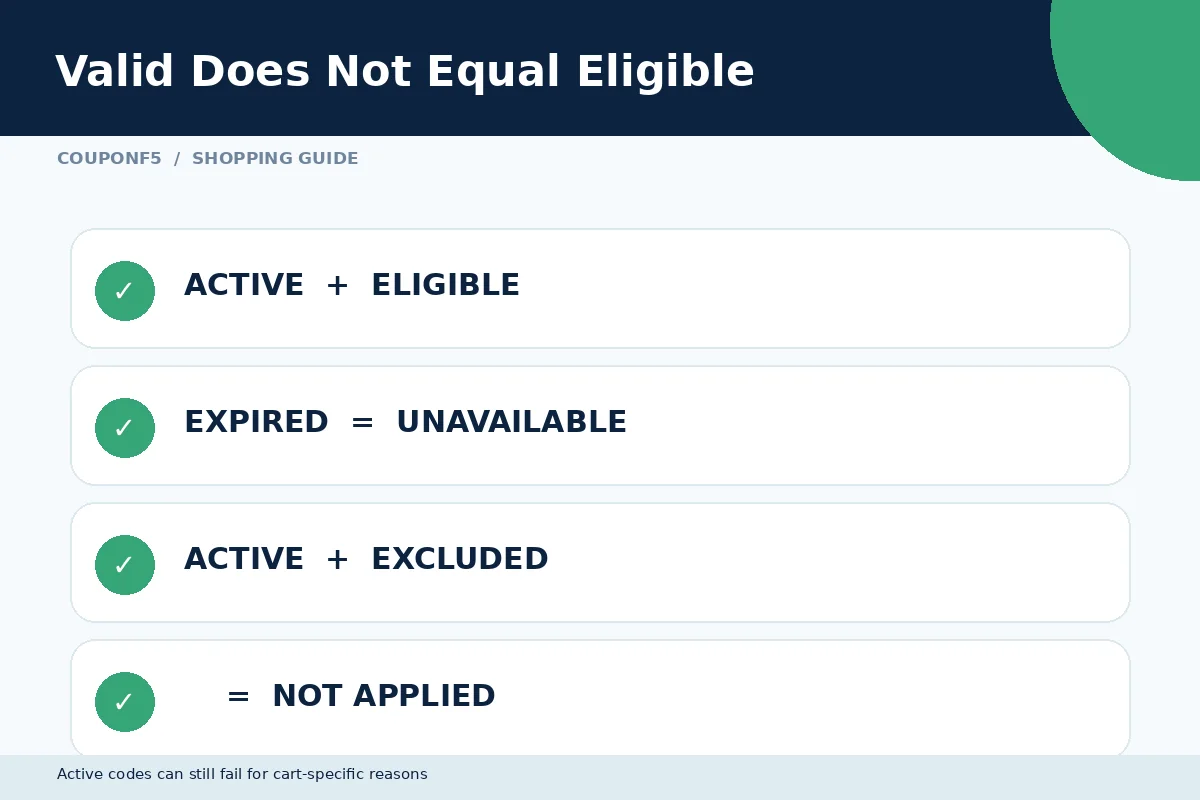
This guide separates three different results: active, eligible for your order, and successfully applied. That distinction helps you understand a rejected coupon without assuming every failure means the offer has expired or is fake.
Valid vs. Active vs. Eligible: What Do They Mean?
| Status | What it means | What to check |
|---|---|---|
| Active | The store has made the promotion available during its configured period. | Start/end time, merchant settings, and any remaining uses. |
| Eligible | Your specific cart, account, and circumstances satisfy the promotion rules. | Products, customer eligibility, minimums, destination, and combinations. |
| Applied | The checkout has accepted the promotion and reflected the benefit. | Discount or shipping-adjustment line and final payable total. |
| Expired/inactive | The promotion is not currently available according to the retailer. | Official dates and merchant support. |
For example, a coupon configured for the current week may be active but restricted to first-time customers. A returning shopper might see an error even though the code exists and is within its dates. A separate code might be eligible but fail because it reached a use limit. These examples are conceptual.
Step 1: Look for the Official Promotion Date
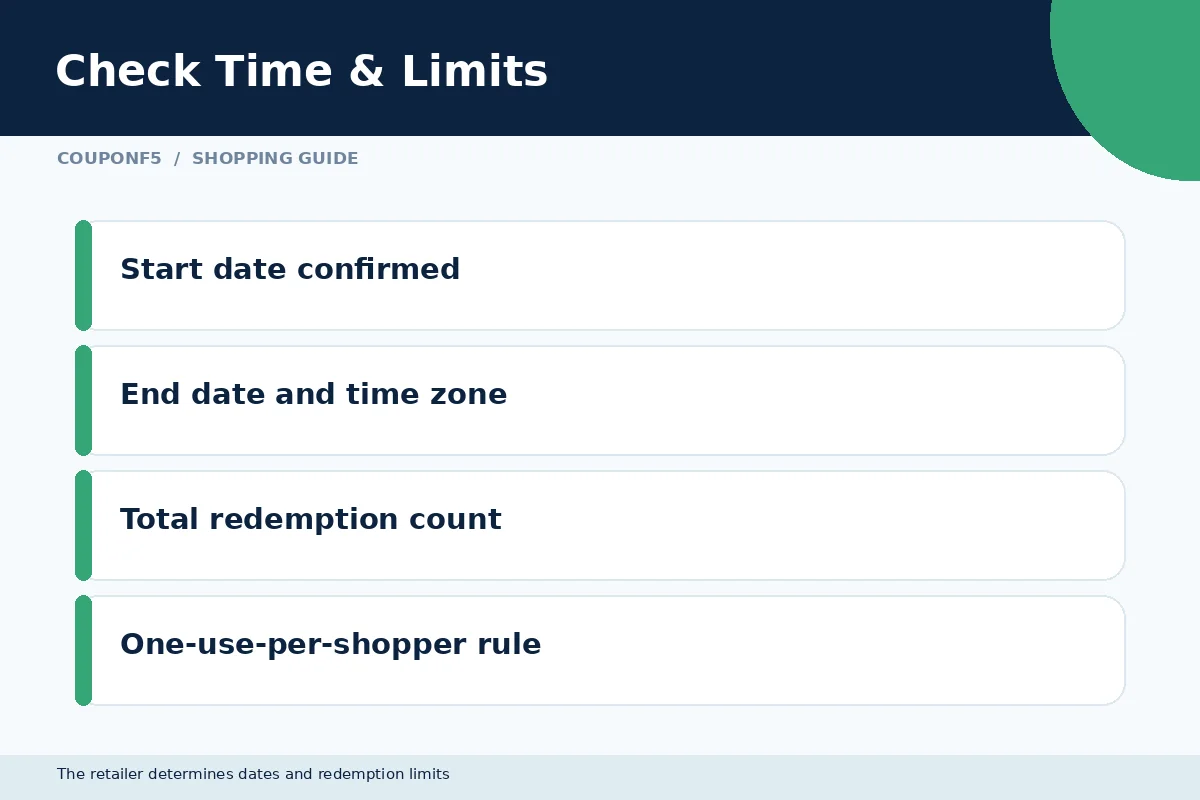
Open the merchant’s actual website and search for the promotion’s terms, email campaign details, or relevant account offer. Check when the offer begins and ends. “Valid through Friday” may depend on the merchant’s configured time zone, not your own. Also check whether the coupon is limited to certain shopping periods or campaigns.
Shopify’s discount-code FAQ explains that expiration is tied to the configured end date, end time, and displayed store time zone. When you do not know the exact cutoff, do not claim the promotion remains usable until your local midnight.
An old page, cached search snippet, or previously forwarded email is not an authoritative real-time status check. The store’s current terms and checkout are stronger evidence.
Step 2: Check Product, Cart, and Account Requirements
Before concluding that a code expired, confirm that your cart qualifies. Ask these questions:
- Are the exact items, product variants, or collections included?
- Is the eligible subtotal high enough to satisfy any minimum order rule?
- Does the offer exclude sale merchandise or gift cards?
- Is the code targeted to a new customer, subscriber, loyalty member, or specific account?
- Are redemption counts limited overall or per customer?
- Does another code or automatic sale prevent this promotion from applying?
Shopify’s official code documentation describes these configurable restrictions. Other retailer platforms vary, but the shopper-facing principle is the same: an active offer may have eligibility limits.
Step 3: Test the Code at the Real Checkout
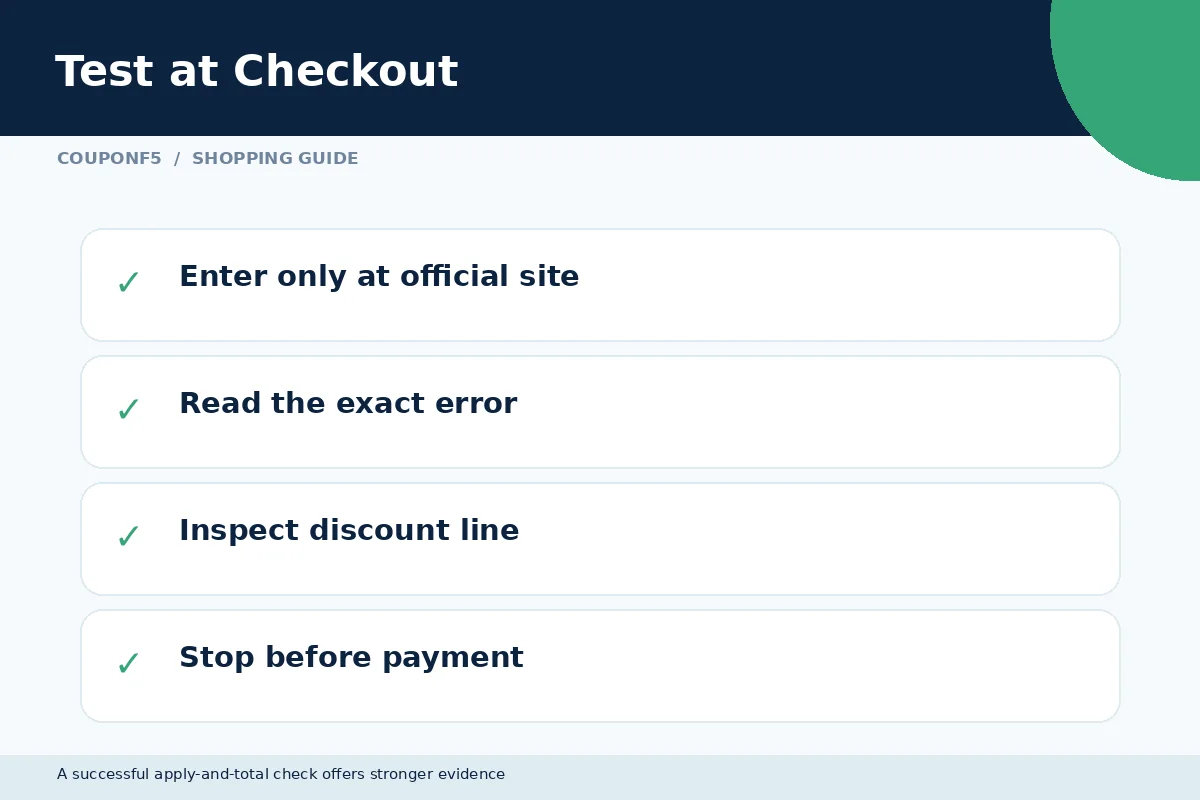
If the promotion appears credible, add the items you actually intend to buy to the retailer’s cart. Navigate to the promo field, enter the exact characters, and select Apply. Stop before placing the order if you are checking only the code’s status.
Inspect the message and any new discount line. A successful result for your cart is evidence the offer currently applies to that specific transaction. It does not prove the same code will work tomorrow, for a different account, or on excluded products.
Never use a suspicious third-party “code checker” that asks for passwords, payment information, or an account login. The official checkout is the place to validate a merchant discount.
Step 4: Interpret the Error Message
Different failures have different causes. An error such as “Enter a valid discount code” can mean the code does not exist or is not active. A message indicating that the code is not valid for your cart suggests an eligibility problem. A message about incompatible discounts points to stacking rules. Retailers may use different wording, so do not treat any example as universal.
The Shopify FAQ distinguishes inactive or nonexistent codes, codes not valid for cart items, and combination errors. If the problem is unclear, review the terms and contact the retailer through official support. An unrecognized code is not proof of fraud, and a code that applies once is not a lifetime guarantee.
Step 5: Confirm Real Savings Before Payment
Compare the checkout total before and after applying the promotion. The store might show a percentage discount, a dollar amount, or a delivery adjustment. The relevant number is the final amount due for the same items and shipping method, with applicable taxes and fees.
For illustration, if an eligible $60 product subtotal receives a hypothetical 10% reduction, the discount is $6 and the revised product subtotal is $54 before other charges. A real store may exclude certain products or place caps on savings, so use its actual checkout calculations rather than assuming the example applies.
Why an Active Coupon Can Still Be Rejected
There are several common reasons:
- Item mismatch: the promotion covers only certain categories or variations.
- Minimum not met: eligible merchandise, rather than the full cart, falls short.
- Account restriction: the offer belongs to an eligible customer group.
- Use limit: the code has reached a total or per-customer cap.
- Other discount conflict: a merchant does not allow the combination you are attempting.
- Timing mismatch: the retailer’s time zone or configured date differs from your expectation.
- Entry mistake: an accidental extra space or incorrect character changes the code.
For some merchants, a held checkout or incomplete order can also affect a one-use coupon. If a code is flagged as already used despite no completed purchase, ask the retailer to investigate using its order records rather than attempting to bypass restrictions.
Can Coupon Sites Accurately Label Codes as “Working”?
A coupon site can publish a code and may report a past test or shopper feedback, but its status label cannot guarantee availability for all customers. Codes can expire or be limited to accounts, regions, products, or redemption counts. A “last verified” date describes a claimed observation, not an ongoing promise.
Look for a credible source and current terms, then evaluate your own cart on the merchant’s site. Avoid entering sensitive information into a coupon directory just to run a validity check. A reputable listing should not require your retailer password.
How Often Should You Recheck a Coupon?
Recheck when you are ready to pay, especially if the promotion has a short time window, a limited quantity of redemptions, or an account-specific condition. You do not need to continually test the same code. If the purchase is not urgent, consider whether waiting for an officially published offer fits your budget.
Do not rely on a screenshot of an old promotion as proof of current availability. If an offer has ended, ask the retailer whether another official promotion is active; do not assume a code will be reactivated.
Quick Status Checklist
- Is the coupon from a credible retailer source?
- Does the current promotion show valid start and end dates?
- Are you in the eligible customer group?
- Do your exact products and subtotal qualify?
- Is the code unused or within any permitted use cap?
- Does the checkout allow the intended combination?
- Does the official checkout accept the code now?
- Is the promised discount reflected in the total before payment?
Frequently Asked Questions
How can I tell if a coupon expired?
Check the retailer’s official end date and time, then look at its checkout response. A code can fail for other reasons, so an error alone may not establish expiration.
Can a coupon be valid but not work for me?
Yes. Active promotions may be restricted by product, order amount, customer account, geography, or prior use.
Is there a universal website that checks every coupon?
No independent site can guarantee that every merchant’s code is current and eligible for every order. The merchant’s own checkout is the strongest shopper-facing check.
Does applying a code use it up?
Usage rules vary. Some systems may hold a limited-use coupon during an unfinished checkout. Ask the retailer if the code is flagged as used unexpectedly.
Can an expired code become active again?
Only if the merchant decides to extend, reissue, or create another promotion. Do not assume that an old code will resume working.
The Bottom Line
A coupon is most meaningfully “valid” when it is active, your specific cart qualifies, and the merchant’s real checkout shows the benefit before payment. Check dates and restrictions, test safely without completing an order, and interpret errors carefully. That method is more reliable than a coupon directory’s status badge alone.