CouponF5 is an independent publisher. We may earn a commission when you purchase through our links, at no extra cost to you. Merchant terms apply.
In this guide
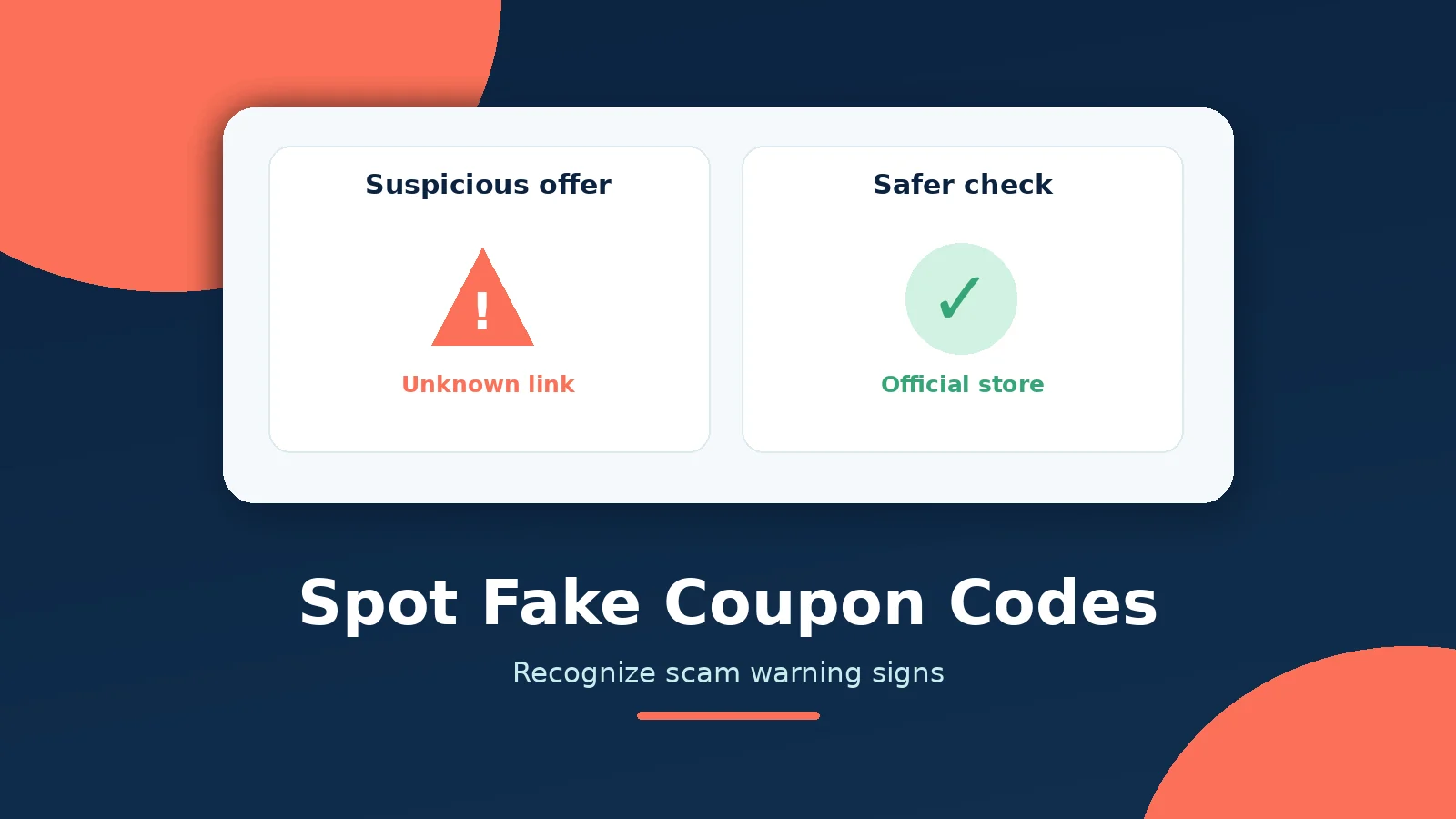
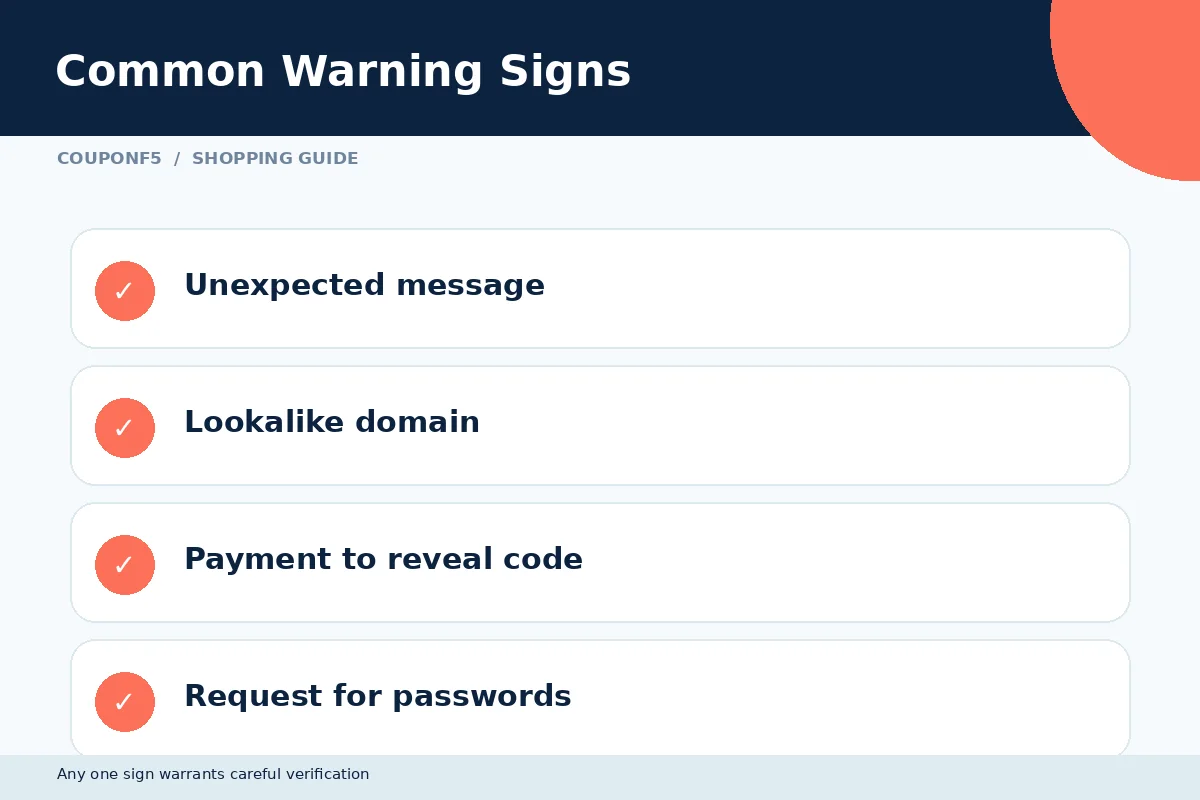
A coupon code may be fake or tied to a scam if it appears on an impersonation website, comes through an unexpected message with a suspicious link, or requires passwords, payment details, or a fee just to unlock a supposedly free offer. But an expired or ineligible coupon is not necessarily fraudulent. The key is to evaluate the source, destination, and request—not just whether the code works.
This guide explains the warning signs, a safer way to verify an offer, and what to do if you have already clicked a questionable coupon link. Not every unusual promotion is a scam, and no single indicator can prove authenticity on its own.
Fake Coupon vs. Invalid Coupon: What’s the Difference?
An invalid coupon may be a legitimate code that has expired, hit its usage cap, or does not apply to your particular basket. A fake coupon scam may involve invented savings, impersonation of a real retailer, a malicious website, or attempts to extract money and personal information.
For instance, a real store may reject a code because your cart contains excluded items. That tells you the promotion was not applicable, not that the store itself is fraudulent. Likewise, a convincing coupon graphic shared by a stranger is not proof that the offer came from the company.
Seven Warning Signs a Coupon Offer Could Be Fake
1. The link points to a lookalike website
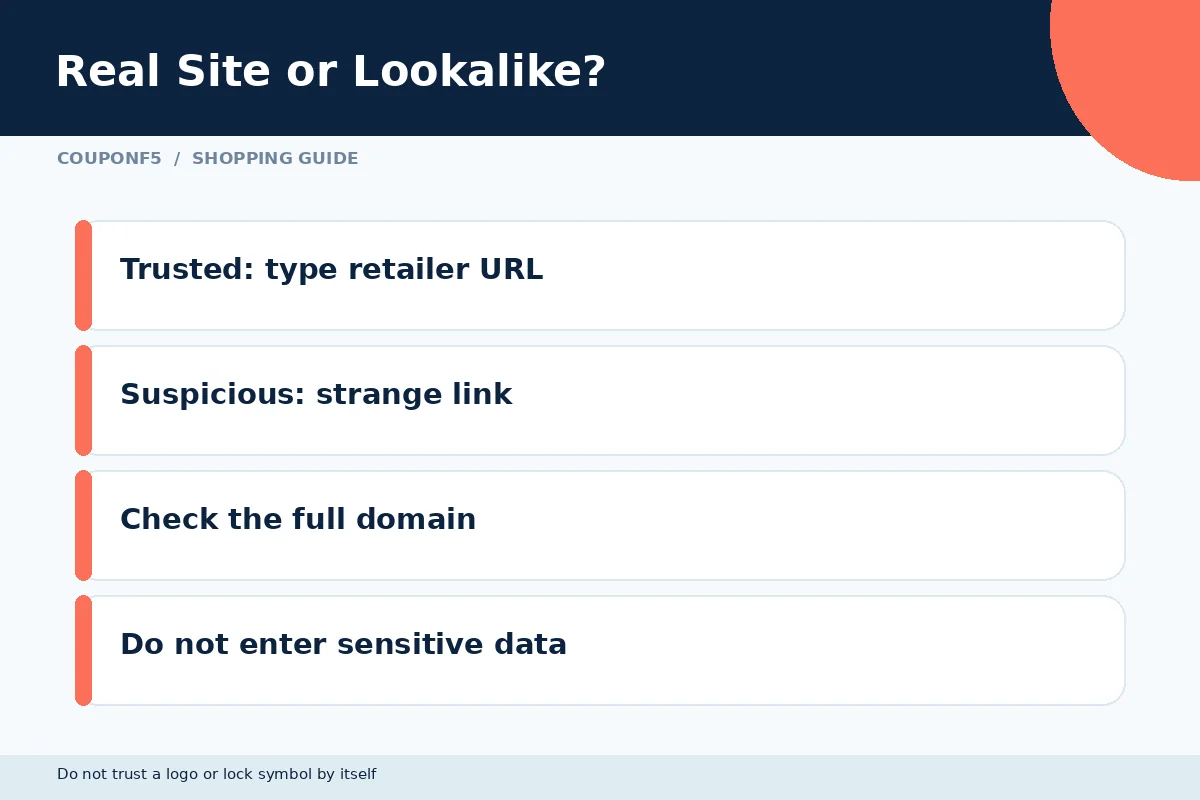
Scammers can imitate brand names with extra words, swapped letters, or deceptive subdomains. A recognizable logo, modern design, or HTTPS padlock does not by itself establish that the page is owned by the retailer. Compare the complete domain with a known legitimate address. When uncertain, type the retailer’s address yourself rather than follow the link.
2. The message arrives unexpectedly
An unsolicited email, text, social message, or pop-up promising an unusually generous coupon should invite scrutiny, especially if it urges you to act immediately. Real merchants do run promotions, but scammers can copy their branding and tone. The FTC’s phishing guidance explicitly lists fake coupons for free goods among possible lures.
3. You must give sensitive information to reveal the code
Be skeptical if a coupon source demands your account password, one-time verification code, bank information, or unrelated identity documents. A regular discount code is not a reason to disclose such information to a third-party page. If you need to sign in for a member offer, do so through the verified retailer’s own sign-in flow.
4. A third party asks you to pay for a “free” code
Some retailers have genuine paid loyalty programs, but that is different from an unknown site charging to display an alleged standard promo code. Understand what is being sold, who operates the site, whether fees recur, and whether there is an actual merchant-issued promotion behind the claim.
5. The deal looks wildly inconsistent with normal pricing
Very large discounts on valuable products are not inherently fraudulent, but they deserve extra verification—especially when the seller is unfamiliar. The FTC has warned about fraudulent social media ads impersonating well-known brands with extremely low prices that lead to fake shopping sites. Check the seller and compare realistic prices independently.
6. The offer has no usable conditions or official reference
Legitimate offers may still be concise, but a page that promises universal savings without naming eligible products, limits, or the genuine retailer may be unreliable. Look for the merchant’s terms, dates, and a way to confirm the offer at its real checkout.
7. It pressures you to install software or complete a survey first
An unknown download, extension, app, or survey that promises to reveal a code is not a necessary part of normal checkout redemption. Such requests can be used for unwanted software or data collection. Do not install anything you have not independently evaluated just to obtain a promotion.
How to Verify a Suspicious Coupon Safely
Use this sequence rather than clicking through a questionable message:
- Leave the suspicious page. Do not enter login credentials, payment data, or one-time verification codes.
- Open the merchant independently. Type its official address or use a bookmark you already trust.
- Check official offers. Look for the promotion or ask customer support using contact information from the official site.
- Compare the terms. Confirm the offer’s date, product restrictions, minimum spend, and customer eligibility.
- Test only in genuine checkout. If the promotion looks legitimate, add eligible items and confirm the discount in the real order summary before payment.
Do not assume a link is safe because it appears in a paid advertisement. The FTC advises independently checking a seller’s identity before buying from social ads, and warns that very low prices can be part of an impersonation scheme.
What Does a Fake Coupon Website Often Try to Do?
A fraudulent site may try to obtain payment information for an order that never ships, harvest account credentials, trick you into installing software, or capture personal details through a fabricated coupon claim. The exact risk depends on the site. A code that simply fails at checkout is a different problem and does not establish any of these outcomes.
It is also important to distinguish a fraudulent coupon source from a third-party directory with outdated information. An honest but stale listing can still waste time; deliberate impersonation or a demand for credentials is a much stronger warning sign.
What to Do if You Already Clicked or Shared Information
Your next step depends on what happened. If you only opened a page and did not provide information or download anything, close it and avoid returning through the suspicious link. If you entered a password, change it using the real service’s website and consider enabling multifactor authentication. If you gave payment information, contact your bank or card issuer promptly through an official channel and ask about protection or disputes.
If you downloaded unfamiliar software, follow your device’s security guidance and run a reputable security scan. If you suspect identity theft, consider the FTC’s resources at IdentityTheft.gov. You can report suspected fraud through ReportFraud.ftc.gov.
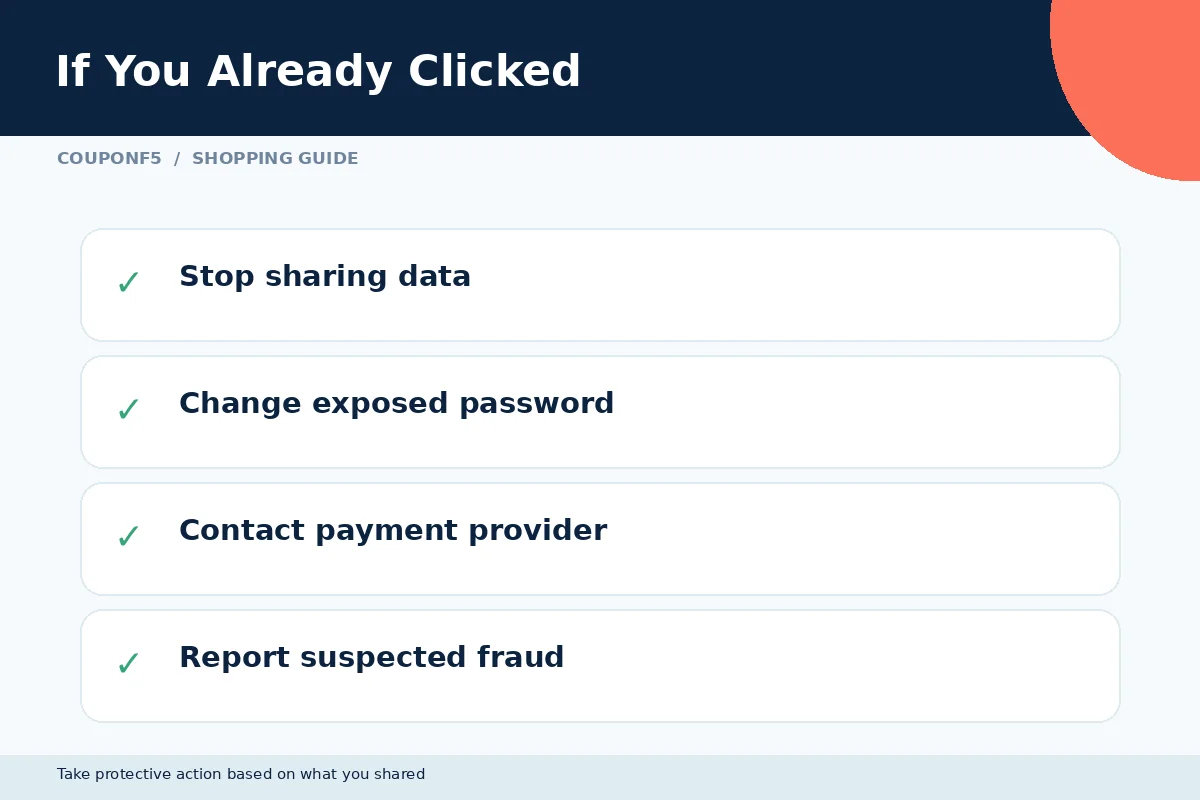
These actions are general risk-reduction guidance, not a diagnosis that a particular device or account was compromised. If you are unsure whether financial or personal information was exposed, speak with the relevant provider using independently verified contact details.
Can a Legitimate Coupon Look Suspicious?
Yes. A real retailer may send a targeted offer, use a short redemption window, or issue a personalized code that does not work for everyone. Those features alone do not prove fraud. Verify the sender and merchant destination, inspect the terms, and avoid trusting a message simply because its branding looks professional.
Similarly, an error such as “not valid for this cart” usually indicates a problem with eligibility or status. Shopify’s official FAQ explains that merchant discount settings can cause distinct inactive, ineligible, or incompatible-code messages. Those errors are not the same thing as proof of a scam.
Quick Decision Guide
| What you see | Likely concern | Safer next step |
|---|---|---|
| Code rejected on official site | May be inactive or ineligible | Read the terms or ask the retailer |
| Unknown link with a lookalike brand domain | Possible impersonation | Use a known official store URL instead |
| Site requests password to reveal a code | Possible credential harvesting | Do not provide the password; leave the page |
| Unfamiliar seller offers an extreme discount | Possible fake store | Research the merchant and compare prices |
| Official merchant advertises a targeted offer | May be legitimate but restricted | Confirm your eligibility at checkout |
Frequently Asked Questions
Is every coupon code that does not work fake?
No. A genuine code can expire, reach a usage limit, or fail because your cart or account does not qualify.
Does HTTPS prove a coupon site is legitimate?
No. HTTPS encrypts the connection; it does not guarantee that the operator is honest or affiliated with the brand.
Are all coupon links in social media ads scams?
No, but the platform’s placement or payment for an ad does not guarantee that the seller or offer is trustworthy. Verify independently.
Should I pay a site to reveal a discount code?
Be skeptical of unknown third parties charging for access to alleged ordinary promo codes. Research the seller and terms rather than paying based on the promise alone.
Where can I report a suspected scam?
US consumers can use ReportFraud.ftc.gov. If they suspect identity theft, IdentityTheft.gov provides relevant guidance; payment providers can help with questionable charges.
The Bottom Line
The most important sign of a suspicious coupon is the behavior of the source, not the code’s appearance. A legitimate merchant can issue a code that fails for ordinary reasons. Avoid unexpected links that demand sensitive information, verify the official retailer, and confirm any usable offer at its real checkout.