CouponF5 is an independent publisher. We may earn a commission when you purchase through our links, at no extra cost to you. Merchant terms apply.
In this guide
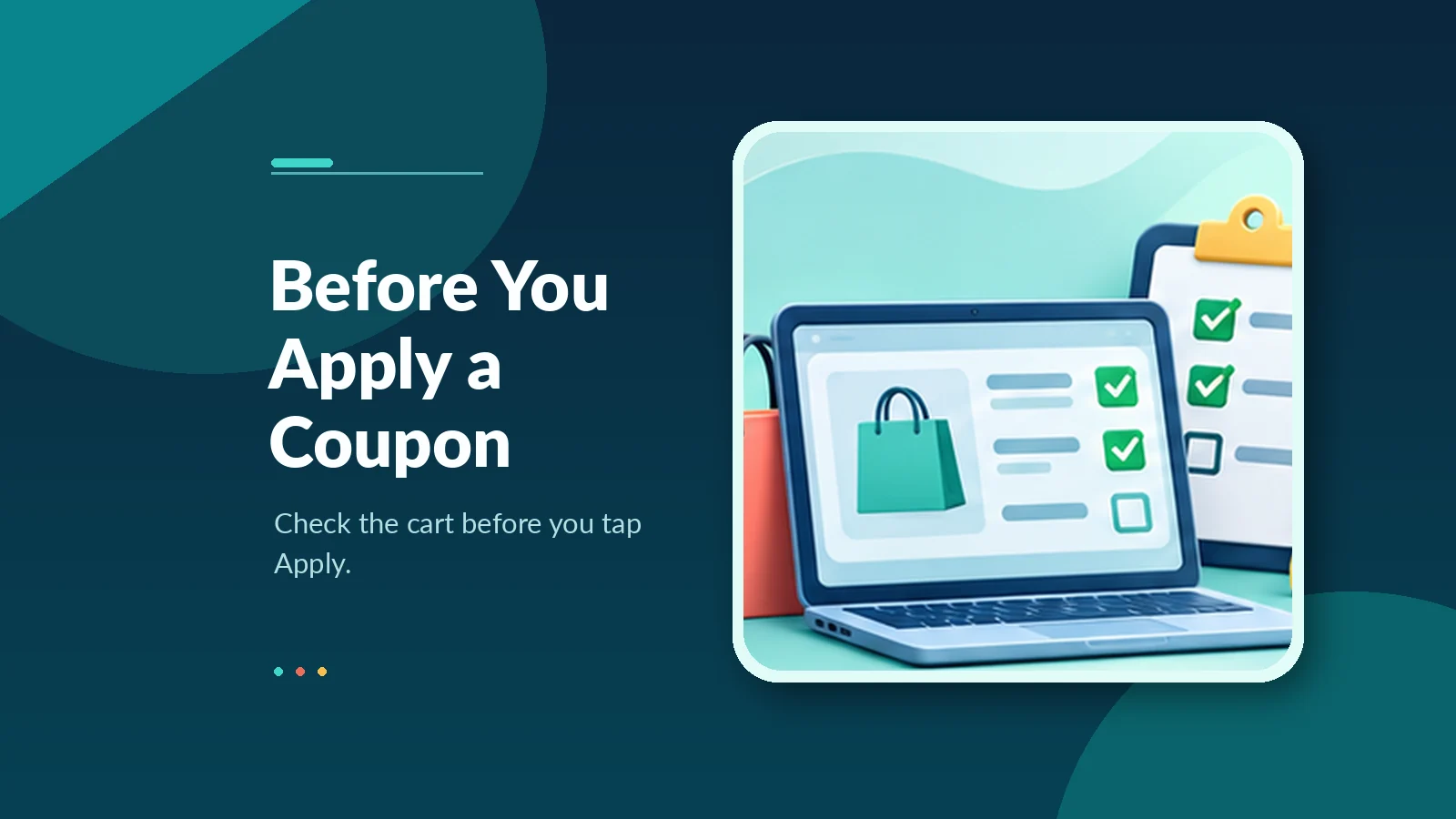
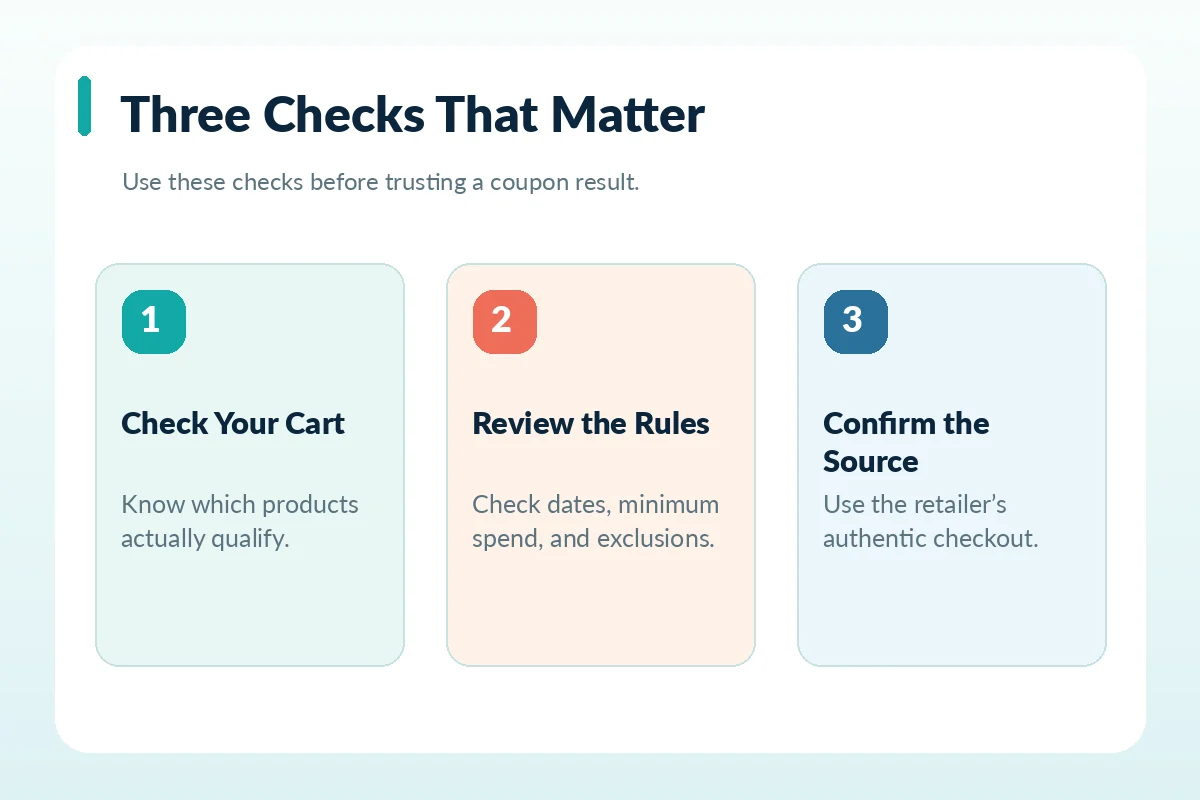
Before applying a coupon at checkout, confirm your cart is correct, the offer comes from a trustworthy source, and the items and account meet its terms. Then check dates, minimum spend, excluded products, and whether a promotion is already applied. These quick steps make it easier to recognize a genuine reduction before paying.
You do not need an elaborate process to save money on a planned purchase. A short pre-checkout routine can prevent the most common disappointments: a code that does nothing, an unnecessary add-on to meet a minimum, or a discount that removes a better offer.
1. Confirm the Products You Actually Want
Check model names, sizes, quantities, variations, and availability before thinking about discounts. If you are buying clothing, confirm size and color; for electronics, match the exact model or specification. An inexpensive product that does not meet your needs is not a better deal because it has a coupon.
Also check whether an item is marked final sale. Some stores apply different return conditions to clearance products. The FTC’s online-shopping advice recommends looking at return and shipping policies before buying rather than judging a product by the displayed price alone.
2. Verify That the Offer Comes From the Merchant
A code listed on a coupon directory can be useful, but the directory cannot promise that the offer is currently active for your cart. Look for the promotion on the brand’s official site or in legitimate communications you requested. Avoid a link that leads to a lookalike domain or requests your login password just to reveal a code.
You may use a verified retailer’s checkout to test eligibility without completing payment. Do not provide payment information to an unknown coupon page on the assumption that its listing is authentic.
3. Read the Date and Customer Restrictions
Some offers are limited to a weekend, a first purchase, a particular customer segment, or a loyalty account. The retailer’s configured time zone can affect an expiration deadline. If the code is associated with your account or email, sharing it does not necessarily make it valid for someone else.
Shopify’s discount documentation describes merchant-configurable valid dates, usage caps, minimum order amounts, product eligibility, and combination rules. These are possibilities—not a guarantee that any one merchant has chosen the same settings.
4. Check the Minimum Eligible Subtotal
A promotion requiring $75 in qualifying products may not count taxes, delivery, or excluded merchandise toward that threshold. Suppose your merchandise subtotal is $80, but only $65 is eligible. The code might fail even though the cart’s total exceeds the advertised minimum.
Do not add an unwanted item just to make a code work. For example, buying an extra $20 product to obtain $10 off can increase your planned spending by $10. The example is hypothetical; the broader principle is that the coupon must improve the purchase you already intended to make.
5. Identify Any Sale or Automatic Discount Already Applied
Check the cart before typing anything. An automatic sale, loyalty reduction, or shipping promotion may already be affecting the price. Entering a second discount is not guaranteed to stack; the retailer can restrict combinations or choose the best permitted outcome.
Record the starting order total so that you can compare it with the result after applying the code. A coupon accepted by the interface may change only selected items or shipping rather than the entire cart.
6. Know Whether the Code Applies to Products or Delivery
A percentage code might discount selected merchandise, while a free-shipping offer only waives the eligible delivery charge. On a hypothetical $60 qualifying item subtotal, 10% off saves $6. If standard delivery costs $9 and you must choose only one offer, a free-shipping coupon could be worth more before taxes and fees.
Compare the benefit in dollars rather than assuming a percentage always wins. The same code can become more or less valuable as the eligible subtotal changes, and delivery offers may have destination or shipping-method exclusions.
7. Make the Final Total Your Pass-or-Fail Test
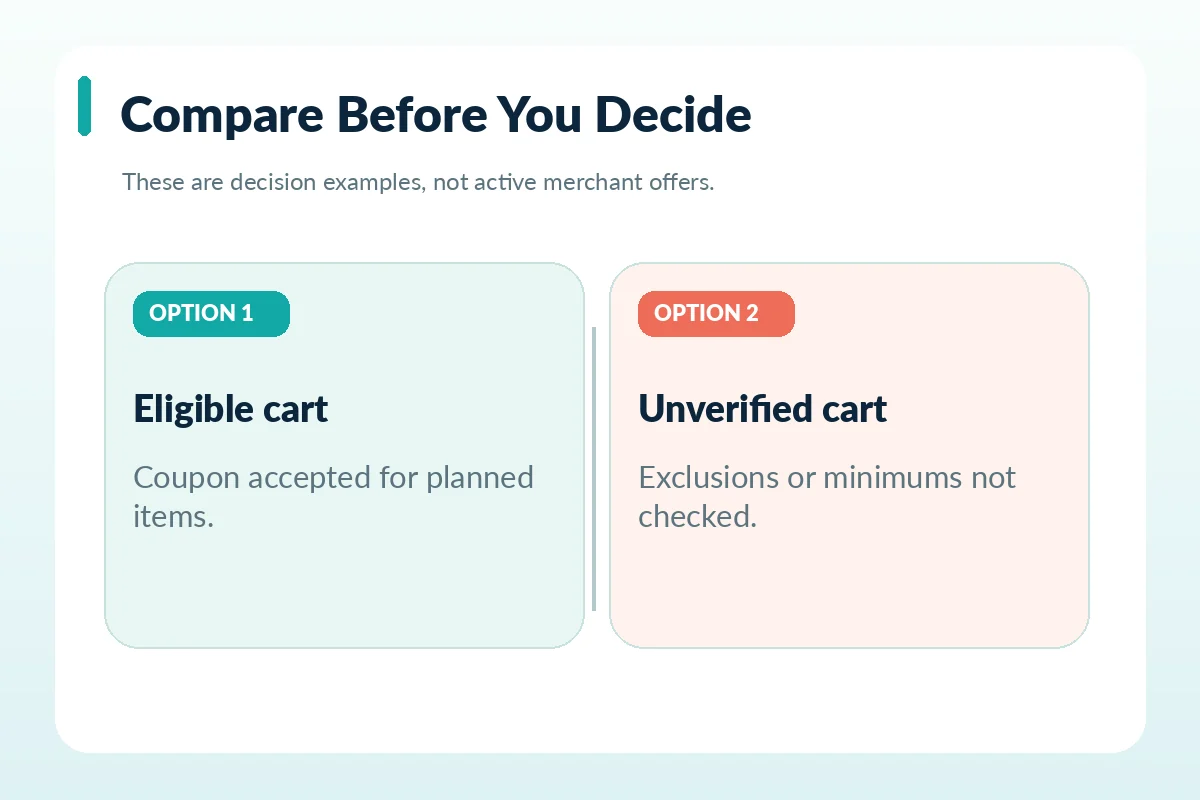
After you select Apply, read both the checkout message and the updated order summary. Look for a discount line, shipping adjustment, and final amount due. Verify that taxes and other fees are included wherever the site displays them.
Do not submit payment expecting a code to be honored later if it has not visibly applied. Ask the merchant through official support if a code should qualify but the message is unclear.
A Short Pre-Checkout Routine
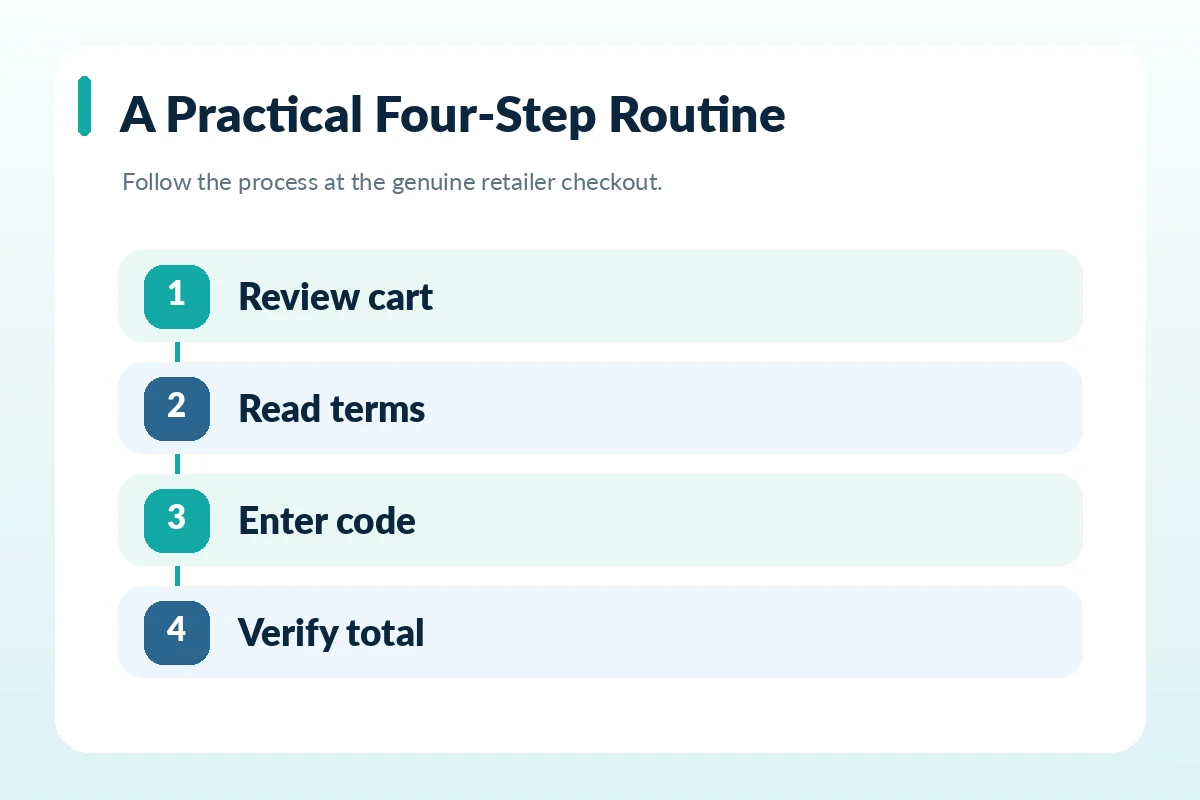
- Confirm the exact products and quantities you need.
- Check the retailer and the promotion’s current conditions.
- Verify your eligible subtotal, account and product restrictions.
- Note any automatic sale or shipping savings.
- Apply the code at the real merchant checkout and compare the final payable amount.
What Not to Do Before Applying a Coupon
Do not chase dozens of random codes, accept a required software download from an unrecognized website, or add unwanted merchandise purely to activate a threshold. A small verified reduction can be more useful than a much larger claim with conditions that do not fit your cart.
If a code fails, distinguish its status from its eligibility. A legitimate code might be expired, limited to certain items, or incompatible with an existing deal. None of those outcomes alone proves fraud.
Frequently Asked Questions
Should I enter a coupon before signing in?
If the offer targets account holders or new customers, sign in using the merchant’s official site first. Otherwise, follow its normal checkout instructions.
Do sale items count toward a coupon minimum?
Only if the merchant’s terms include them. Some promotions measure the minimum using qualifying merchandise, excluding taxes or shipping.
Can a code remove my existing sale discount?
Potentially. Retailers control discount-combination rules, so compare the full total before and after applying the new code.
What if I see no coupon field?
Check the cart and expandable order summary. The store might use automatic discounts or not support codes for that checkout.
The Bottom Line
Prepare the cart before you apply a promotion. Check what you intend to buy, what qualifies, and what you would otherwise pay. The best evidence of a useful coupon is a lower final checkout total on the same planned purchase.