CouponF5 is an independent publisher. We may earn a commission when you purchase through our links, at no extra cost to you. Merchant terms apply.

In this guide
Coupon browser extensions can be useful for finding or trying promo codes, but they are not automatically safe or accurate. Their value depends on the developer, requested browser permissions, data practices, merchant coverage and whether a claimed discount actually improves your checkout total. Installing an extension is optional; you can search for coupon codes without one.
Before adding shopping software, decide which convenience you need and what access you are willing to grant. A few saved minutes are not worth permission to sensitive browsing information if the tool offers little benefit.
What Coupon Extensions Typically Try to Do
Different products may search for promo codes, compare available prices, display shopping rewards or offer to apply an eligible discount at checkout. Those functions are not universal. Some tools show a list of potential codes; others interact with the checkout interface or link to external merchant and affiliate sites.
A code suggested by an extension is only a candidate. It can be expired, restricted to certain products or incompatible with an automatic offer. Do not treat a green checkmark or “verified” label as proof that the final price decreased.
1. Understand Why Browser Permissions Matter
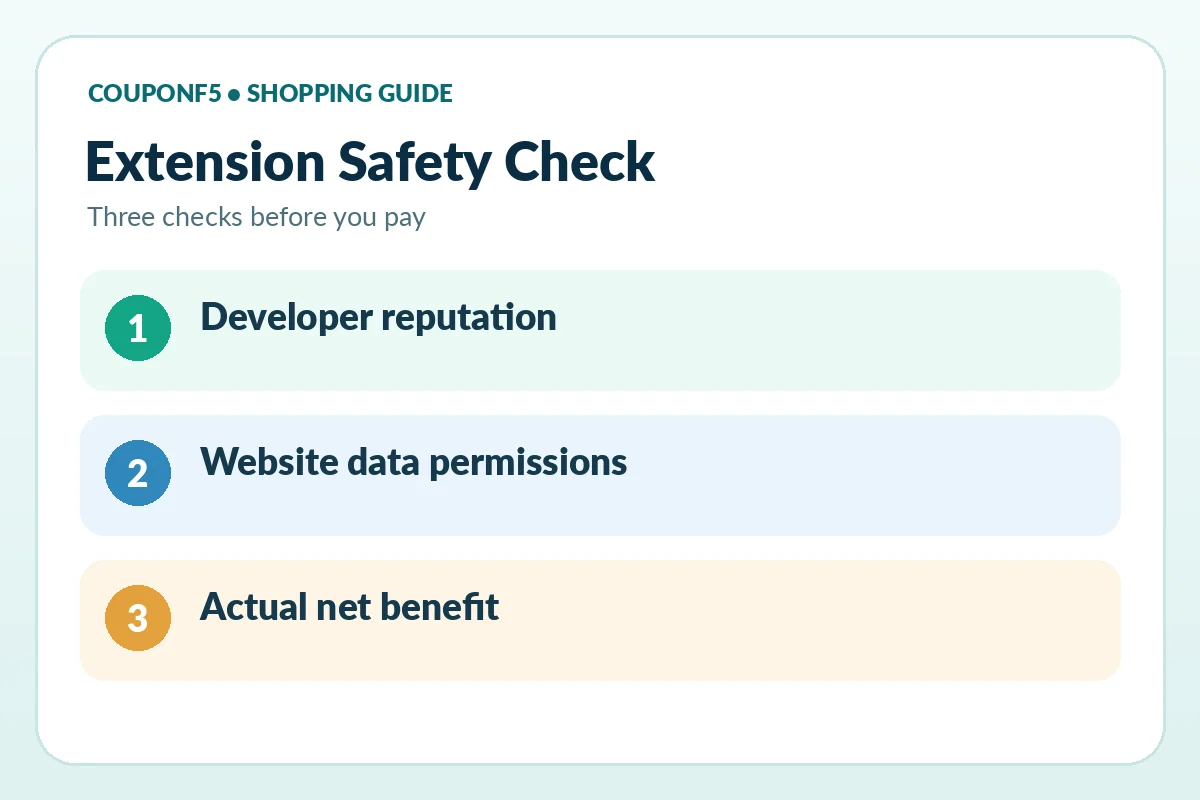
To work with shopping pages, an extension may request the ability to read or change website content. Permission to access all websites has a broader privacy and security scope than permission to run only when selected on a relevant store. A tool that can inspect pages may have access to information you did not intend to share.
Google’s Chrome Web Store guidance explains how users can limit site access to an on-click interaction, a specific website or all websites where supported. It also emphasizes approving only extensions you trust. These controls apply to Chrome and may differ in other browsers.
2. Review Developer Reputation and the Listing
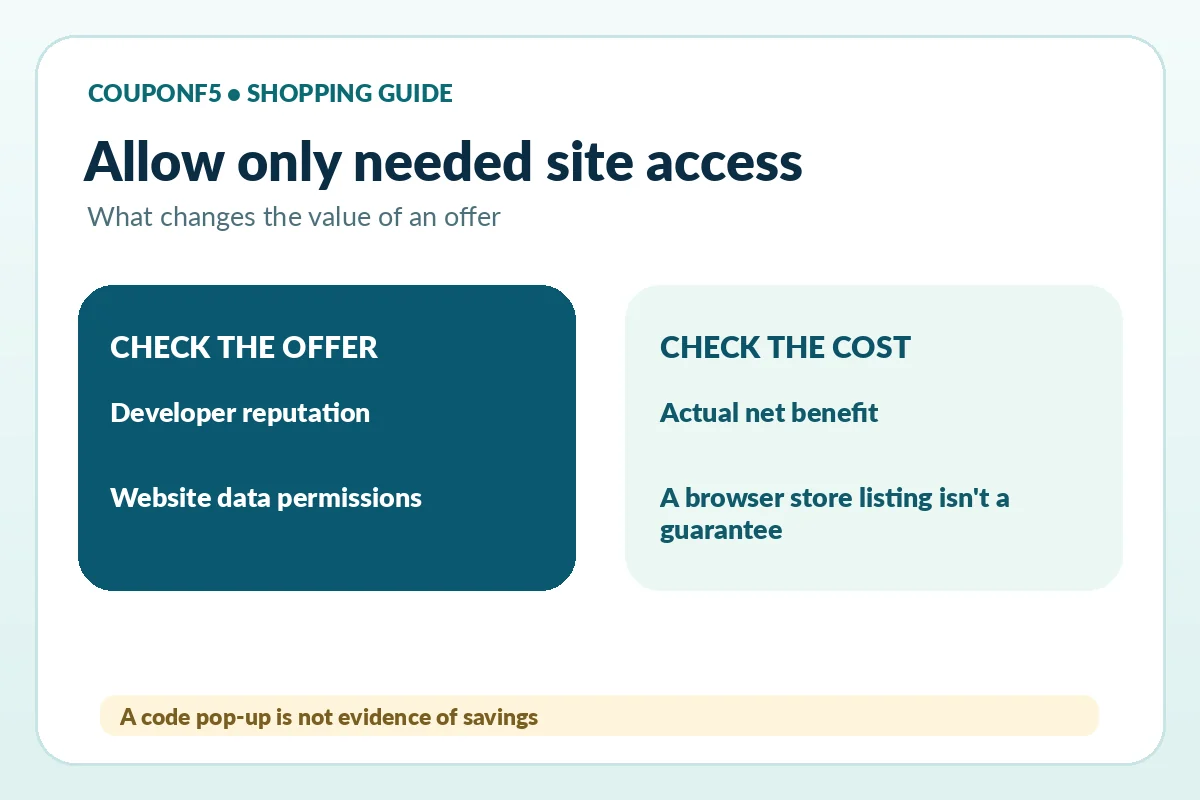
Check the extension’s official listing, developer identity, website, privacy policy and recent release history. Examine independent reports and read both positive and negative reviews. High download counts or an app-store listing can be useful signals, but neither guarantees that an extension is safe or appropriate for you.
Do not install a file from an unexpected coupon popup or a lookalike download page. Prefer the browser’s supported extension marketplace and evaluate the current permissions before granting access.
3. Compare Site-Specific Versus Broad Access
If the extension’s useful feature works with limited access, choose the narrowest reasonable setting. For example, granting permission only when clicking the extension on a shopping page may expose less browsing activity than always-on access across unrelated websites.
Browser permissions are not a perfect guarantee: extensions can request different capabilities, and network-level permissions may be handled separately. The goal is to understand the actual scope and avoid granting more access than you need.
4. Look at Privacy, Tracking and Affiliate Disclosures
Some shopping tools have commercial partnerships or affiliate relationships, and they may collect usage data to provide recommendations or attribute purchases. That business model is not inherently malicious, but you should understand what information is gathered, with whom it may be shared and how you can control it.
Read the privacy notice rather than assuming every extension has identical practices. Be particularly cautious if it requests credentials, payment information or access unrelated to its advertised coupon function.
5. Verify Actual Savings, Not Just Code Attempts
One extension may test several codes yet find none that apply. Another might suggest a coupon that replaces a better automatically applied discount. Record the order total before and after any change. An accepted code can reduce only selected merchandise or affect shipping instead of the whole cart.
For an illustrative $80 eligible subtotal, a 10% coupon would save $8 before separate charges if all terms are met. If standard shipping is $12 and a different allowed offer waives that fee, shipping savings may be more useful. No browser extension can make an ineligible code valid.
6. Think About Compatibility and Maintenance
Not every extension works in every browser, private window, mobile environment or retailer checkout. Browsers update their permission systems and extensions may change their features. Confirm current support instead of assuming the tool works across all devices and stores.
Review installed extensions periodically. Remove those you no longer use, especially if you cannot remember why they need broad website access. Disabling or uninstalling an extension should be done using the browser’s supported controls.
When a Manual Coupon Search Is Better
If you shop online only occasionally, checking the merchant’s current promotions, your legitimate account and a reputable coupon directory may be sufficient. No software needs to read unrelated browsing pages for that workflow.
A manual check may also be preferable when shopping on a shared computer or handling sensitive accounts. Use the official retailer’s checkout and avoid revealing payment details on unknown intermediaries.
A Quick Extension Decision Checklist
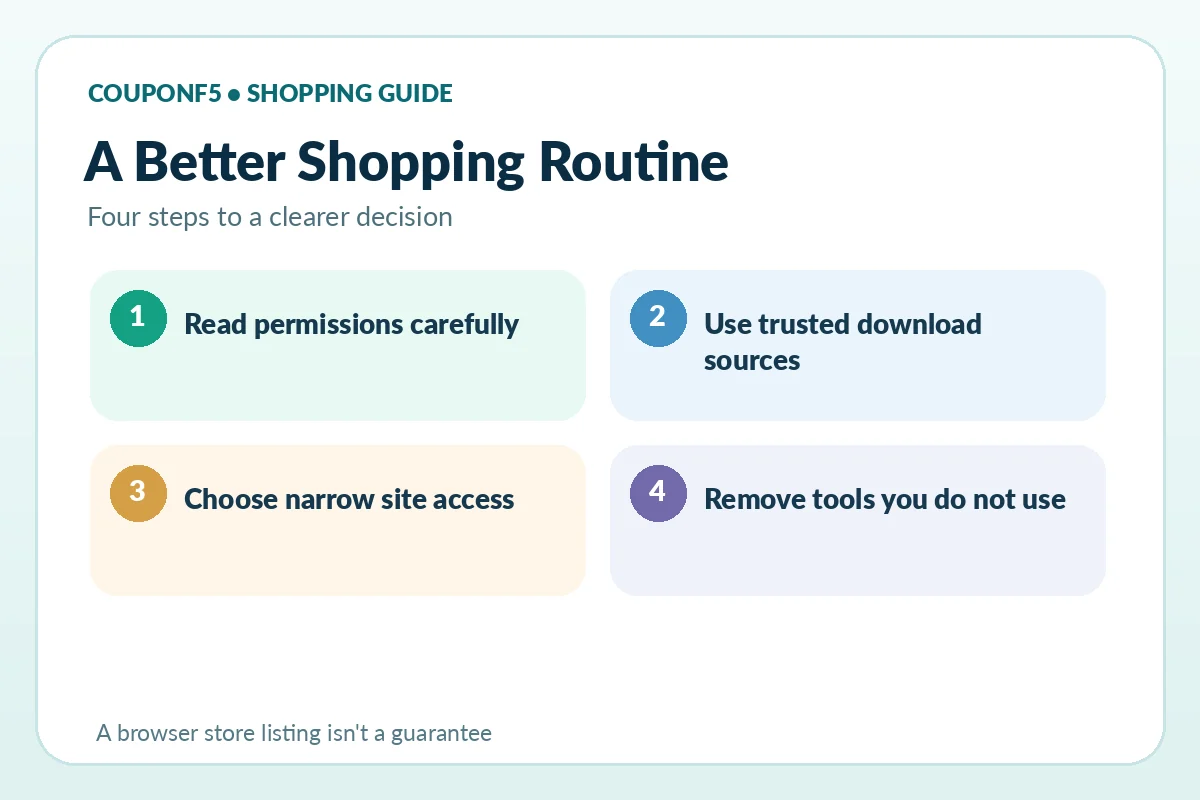
- Identify the actual convenience or savings you need.
- Research the developer and privacy policy independently.
- Review all requested browser and site-data permissions.
- Use narrow access where practical and test the real final total.
- Remove the tool if it offers little value or requests more access than you accept.
Frequently Asked Questions
Are all coupon extensions safe?
No. Risk depends on each developer, its code, permissions, practices and maintenance. A listing alone is not a security audit.
Do I need an extension to use coupon codes?
No. You can find and enter legitimate merchant codes through an ordinary browser.
Can extensions see my browsing data?
Some request permissions to read or change website data. Review the exact access scope before installation.
Do extensions guarantee the lowest price?
No. They cannot guarantee every code is current or that they have compared every credible retailer.
The Bottom Line
A coupon extension is useful only when its verified convenience or savings justify its permissions. Choose tools deliberately, limit access, and confirm every offer at checkout.