CouponF5 is an independent publisher. We may earn a commission when you purchase through our links, at no extra cost to you. Merchant terms apply.
In this guide
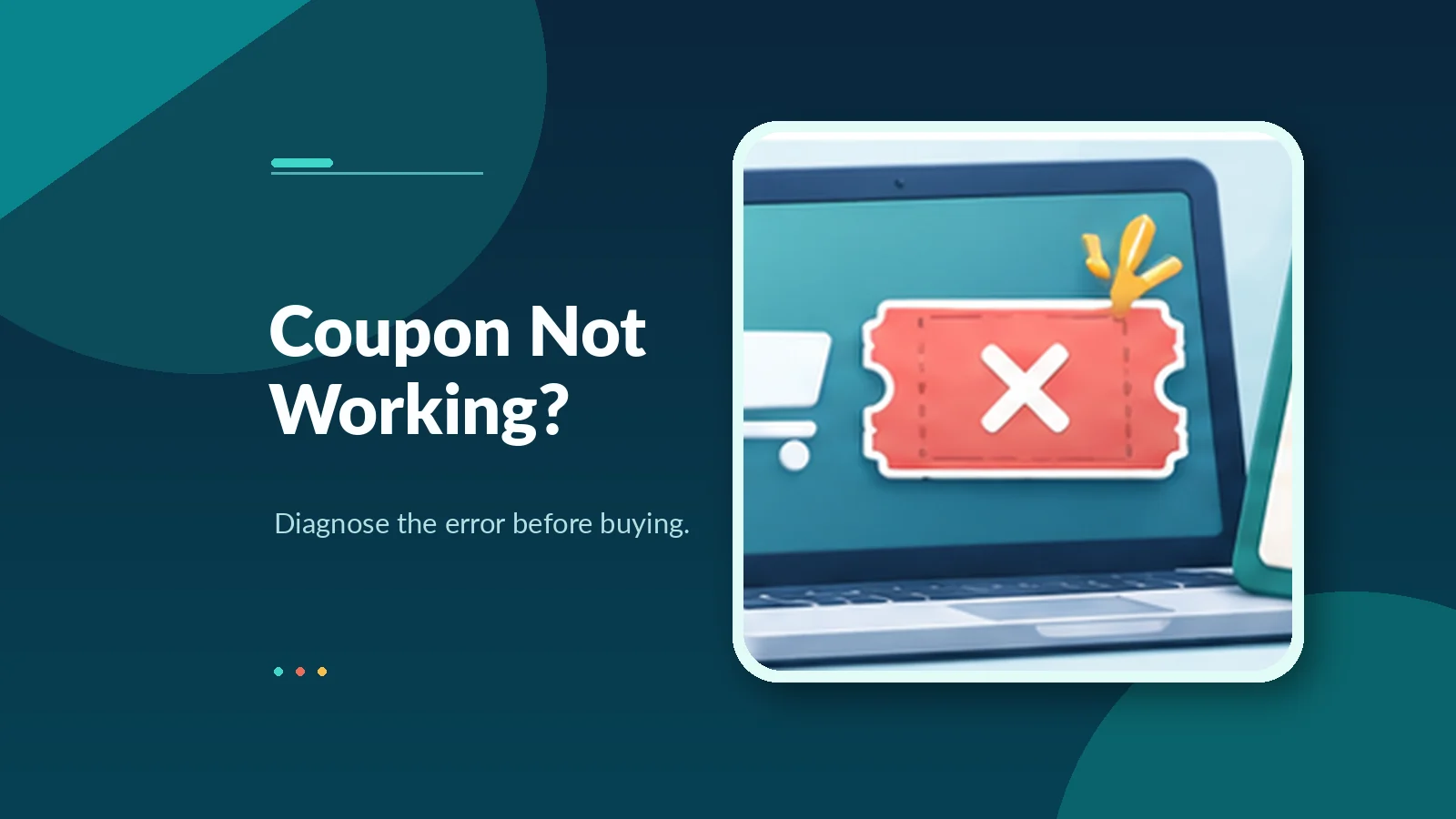
If your coupon code doesn’t work, do not pay yet expecting the discount to appear later. Recheck the exact code, read the checkout error, verify that your cart and account qualify, and compare any existing automatic promotions. When the reason is unclear, contact the retailer through its official support channel.
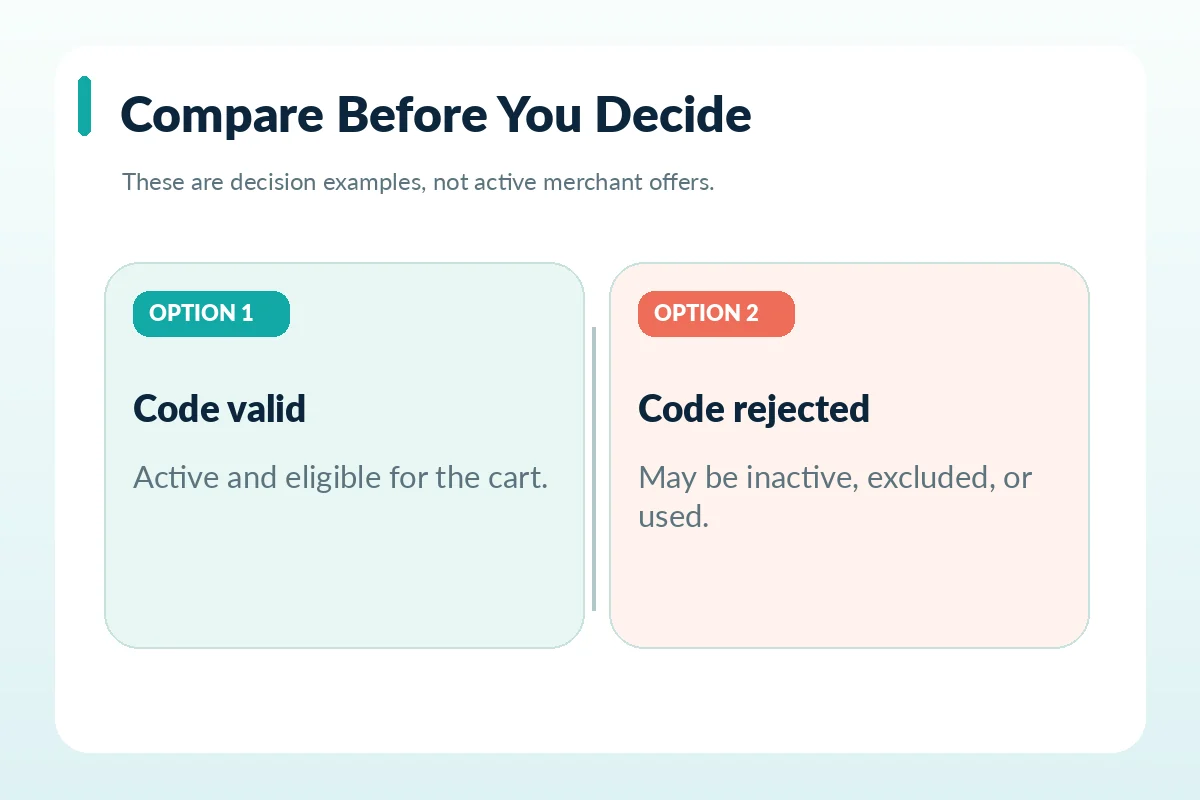
A rejected code is a problem to diagnose, not a reason to keep entering random strings. Use the response below to find out whether the issue is a typo, an expired promotion, an excluded item, a usage limit or a discount-combination conflict.
Step 1: Capture the Exact Checkout Message
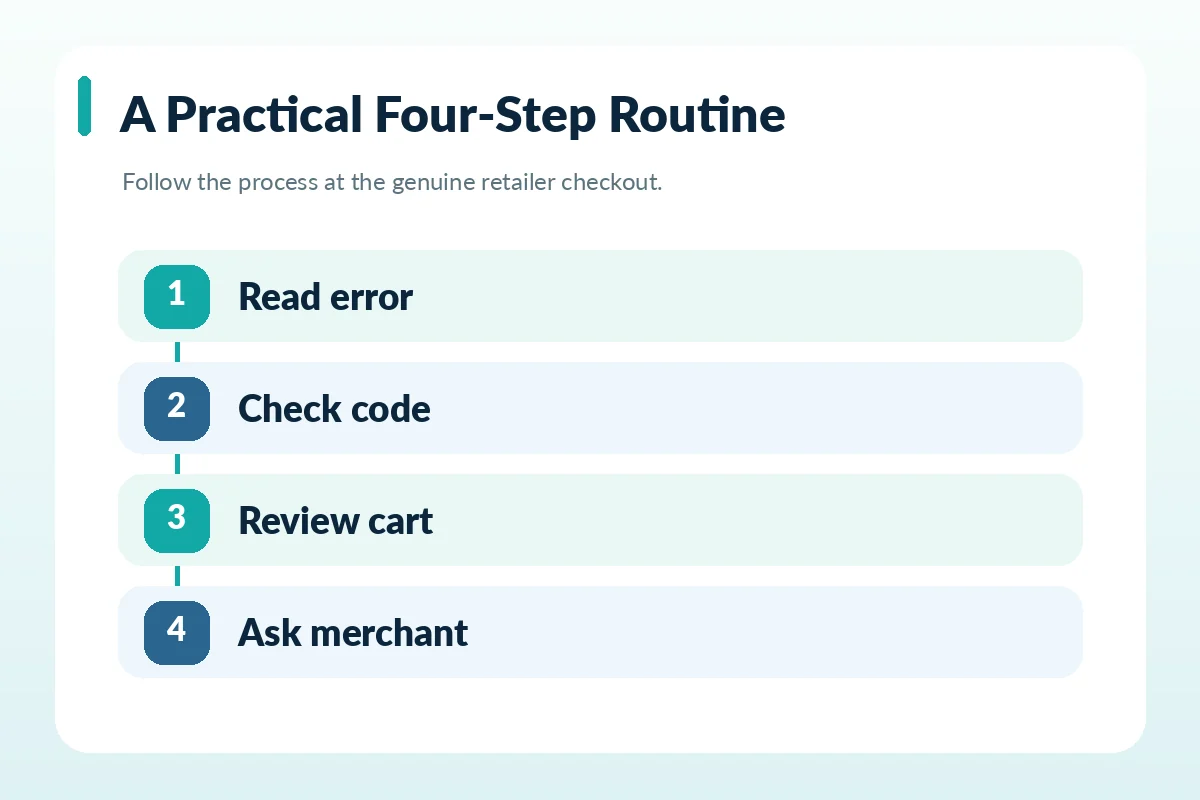
Before changing your cart, read what the retailer says. An error indicating the code is invalid is not the same as “not valid for items in your cart,” and both differ from a message about incompatible discounts. If you need to contact customer support, save the text or a screenshot of the message without exposing account passwords or payment details.
Shopify’s discount-code FAQ documents different checkout messages for inactive codes, cart ineligibility and combination conflicts. Other retail platforms may display more generic messages; use the terms to confirm what the rejection means.
Step 2: Verify the Code Exactly as Shown
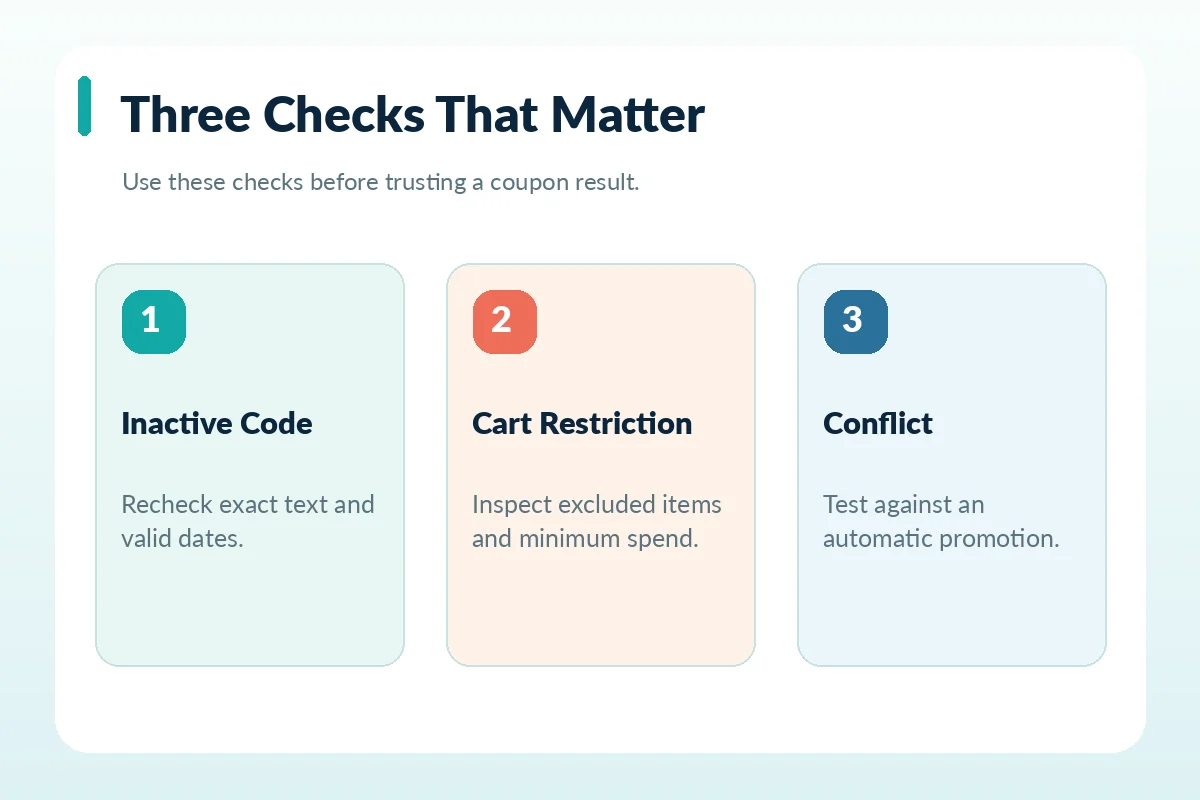
Copy the characters again from a credible source. Check missing letters, confusing symbols, and stray spaces before or after the code. Some sites treat character case differently, so preserve the formatting the merchant provides.
Also check whether the offer actually uses a typed code. Some promotions are activated with a special link or applied automatically to an eligible basket. Searching for a nonexistent code entry field will not help if the merchant uses another method.
Step 3: Check the Dates and Account Status
Find the offer’s start and end dates on the merchant’s site. If it expired, an old listing may still appear on a coupon directory. If it has not begun, the code may become valid only at the scheduled time. Time zone differences can change the exact cutoff.
Then check whether you are signed into the right account, whether the promotion is for new customers, and whether you or the campaign have reached a redemption limit. A code that works for someone else may legitimately be restricted to their customer group.
Step 4: Verify the Products and Minimum Spend
Look at the exact products, collections and variants in your cart. Some promotions exclude sale items, gift cards or selected merchandise. Even when a store advertises a percent-off deal, it may only apply to a small portion of the basket.
Minimum qualifying spend can exclude taxes, shipping and ineligible items. Suppose an offer requires $75 of qualifying merchandise but your cart contains only $68 in eligible goods; a higher displayed total will not necessarily meet the conditions.
Do not add unwanted products merely to force the code to qualify. Spending an extra $20 to save $10 can leave you paying more than the original planned order.
Step 5: See Whether Another Discount Is Already Active
A store may have automatically applied a promotion. A second code might conflict, replace the existing reduction, or be ignored. Some stores allow specific product, order and shipping combinations; others choose one permitted offer.
The Shopify combinations guide explains that eligible discount classes may combine when configured by the merchant. That does not guarantee any particular store will permit all codes to stack. Compare your cart’s total with each possible promotion instead of assuming more codes are always better.
Step 6: Try a Clean, Ordinary Checkout Flow
If the checkout is behaving unusually, confirm you are using the retailer’s legitimate website rather than a third-party coupon page. Check whether a discount field is tucked inside a collapsed order summary, especially on mobile. Some express payment flows display fields differently.
If the merchant provides a standard cart, return to it to inspect the complete order summary. Avoid repeatedly refreshing a nearly completed payment or entering credentials into new pages just because a coupon pop-up asks you to do so.
Step 7: Contact the Retailer With Useful Details
When you believe the offer should apply, send official support the code, the promotion source or screenshot, the error text, and the relevant item details. Ask which rule prevents redemption. Do not send your password, security code, full card number or other unrelated sensitive data.
The retailer may clarify eligibility, provide an alternative offer if it chooses, or explain that the campaign ended. Do not assume support must honor an expired or misapplied third-party code; follow the merchant’s policy.
When to Stop Troubleshooting
If the code is not legitimate for your order, do not chase it. You can still compare the regular price with other credible sellers, look for official current offers or postpone a nonurgent purchase. A failed coupon is not proof of a scam. However, a link that demands personal information or downloads just to reveal a code deserves separate caution.
Most importantly, do not place the order based on an expected adjustment that the checkout does not show.
A Troubleshooting Flow to Remember
- Read and record the message.
- Recheck text, valid dates and account conditions.
- Review eligible products and minimums.
- Compare existing and newly entered discounts.
- Ask official support if the rejection is unexplained.
Frequently Asked Questions
Should I keep trying codes until one works?
No. A short check of merchant-issued offers and clear terms is more productive than random guesses.
Why did a valid code stop working?
It could expire, reach a use limit or become incompatible with your current cart or other offers.
Can I add the code after placing the order?
Some retailers may make discretionary adjustments, but you should not count on that. Confirm the offer before payment.
Can customer service always fix the code?
Not always. Support may explain the terms or offer alternatives at the merchant’s discretion.
The Bottom Line
Respond to a rejected coupon by checking the rule, not by forcing the purchase. Resolve the code, cart and stacking issue before paying—or skip the offer if it is not eligible.