CouponF5 is an independent publisher. We may earn a commission when you purchase through our links, at no extra cost to you. Merchant terms apply.
In this guide
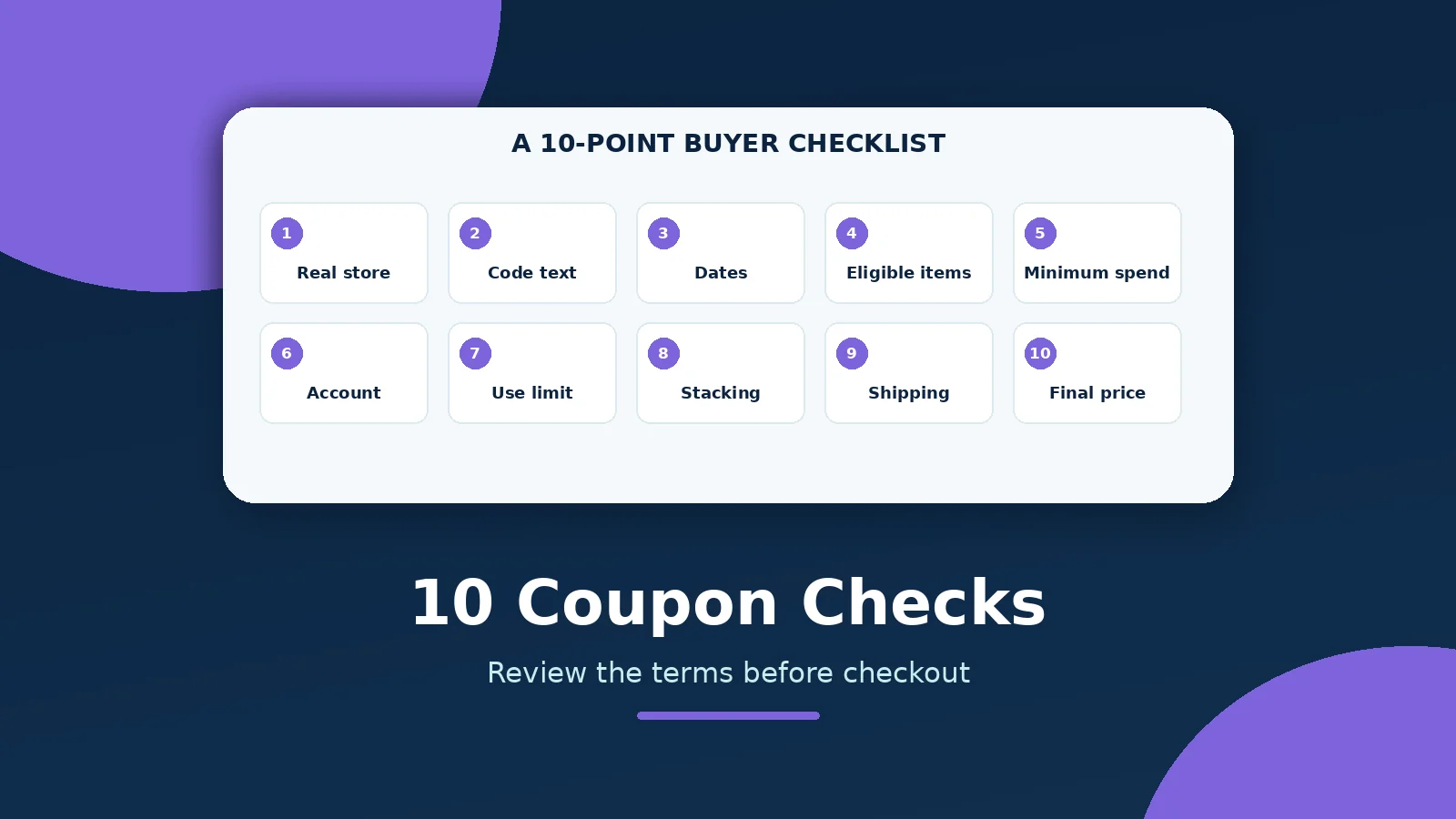
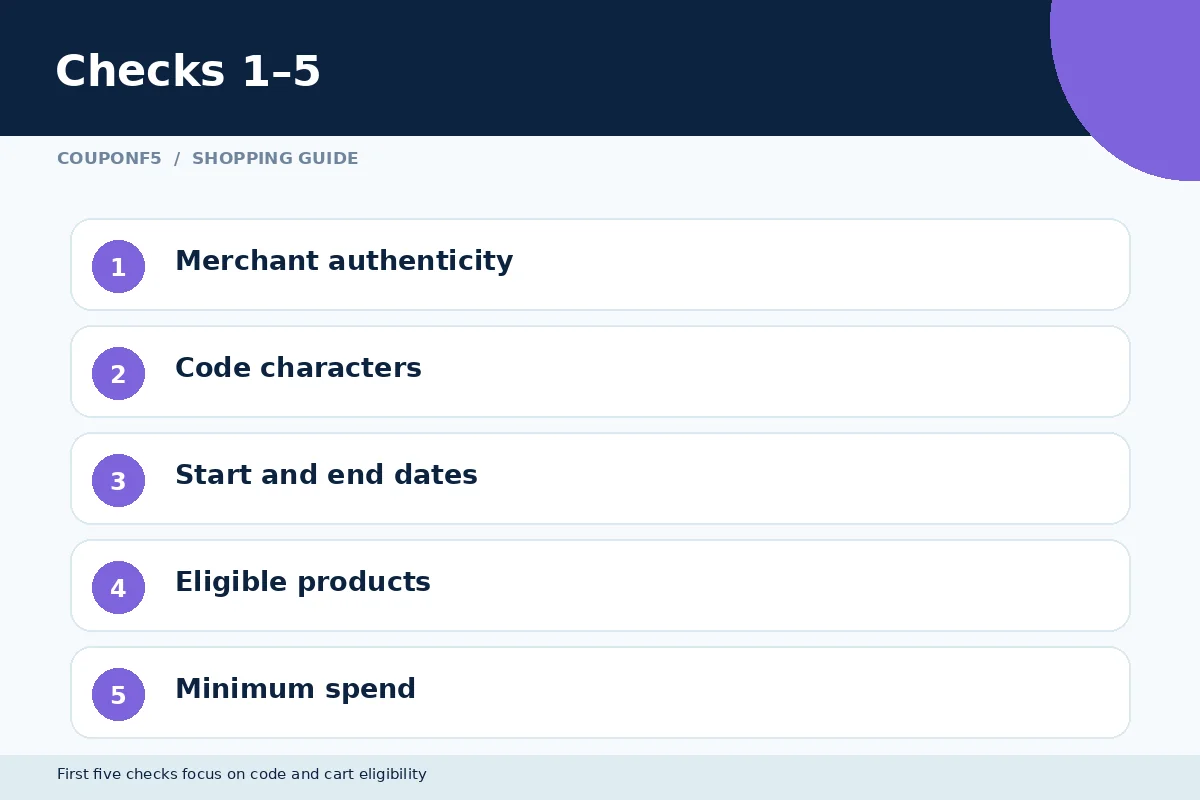
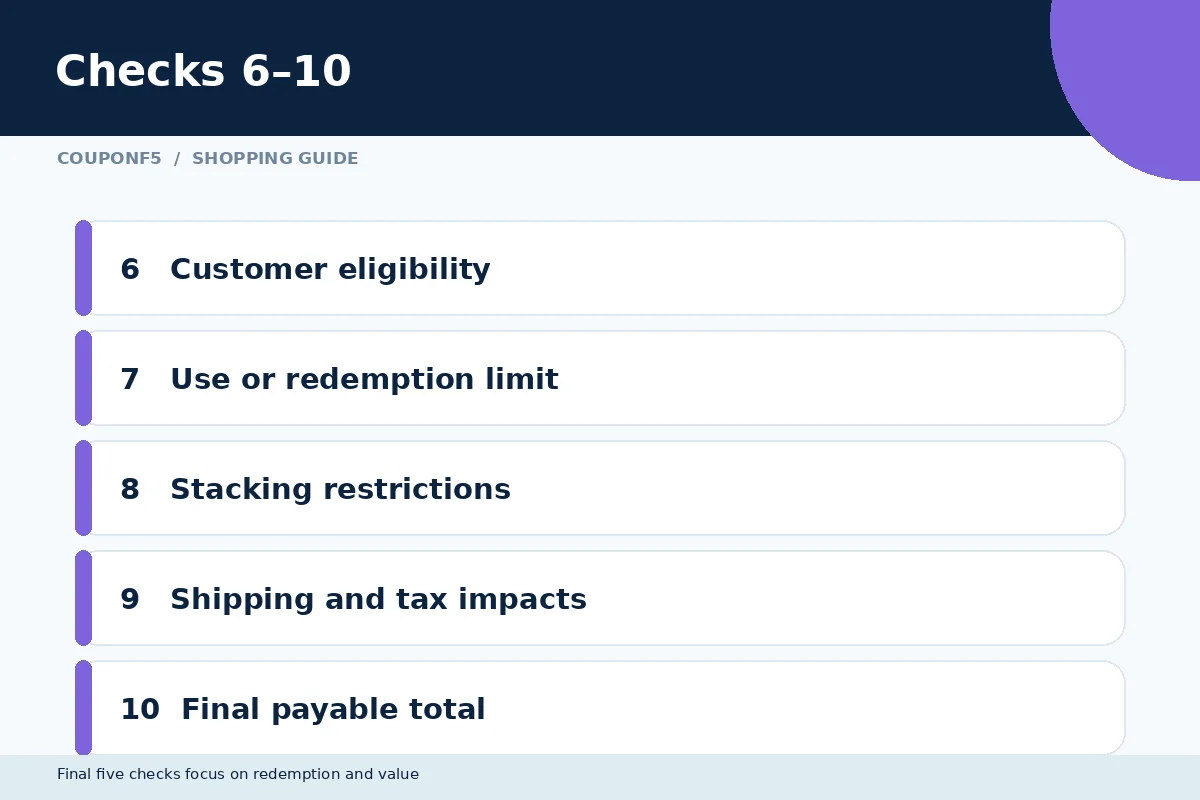
Before using a coupon code, check the seller, code text, validity dates, product eligibility, minimum spend, customer requirements, redemption limits, stacking rules, delivery and tax implications, and final total. These ten checks take less effort than trying to resolve an unexpected price after ordering. They also help you distinguish a real discount from a promotion that sounds good but does not suit your purchase.
You do not need to perform an exhaustive investigation for every everyday sale. Use this checklist as a practical pre-payment review, especially for a larger order, an unfamiliar retailer, or a code found outside the merchant’s own site.
1. Confirm the Merchant and Coupon Source
Start by asking whether the offer genuinely belongs to the store where you plan to shop. Official promotion pages, requested brand communications, and your verified account are good starting points. Third-party coupon listings can be leads, but they are not proof of live eligibility.
Check the whole store URL before entering login or payment details. A strange link, lookalike domain, or demand for a password to reveal a coupon is reason to stop and verify independently. The FTC warns that fraudulent messages can lure shoppers with fake coupons and other offers.
2. Double-Check the Exact Code Characters
A mistyped code can fail even when the promotion is otherwise valid. If you copy it from a reliable source, remove spaces accidentally placed before or after the code. Pay attention to visually similar characters such as O and 0, or I and 1. Whether character case matters depends on the checkout.
Some promotions work through a discount link or account activation instead of typed characters. If there is no code to enter, follow the retailer’s official method rather than inventing a code.
3. Check the Start Date, Expiration Date, and Time Zone
A code can be visible online but outside its redemption window. Look for the merchant’s stated start and end dates and, where relevant, the time zone. “Ends today” is not always meaningful without knowing the retailer’s checkout cutoff.
Shopify’s official discount-code guidance confirms that stores can configure validity dates and that timed promotions follow the store’s chosen time zone. Do not assume a date shown by a coupon listing reflects your local time.
4. Check Which Products and Variants Qualify
Some coupons apply across a store; others target a collection, product, size, color, or specific variant. Sale merchandise, certain brands, gift cards, or bundles may be excluded. If a listing claims “sitewide,” read the actual terms before treating that word literally.
For a mixed cart, a discount may reduce only a portion of the subtotal. Check the line items or discount summary rather than expecting an identical reduction for everything.
5. Check the Minimum Eligible Spend
A minimum purchase requirement may apply to qualifying merchandise rather than the full displayed total. Shipping, taxes, and excluded items may not count toward the threshold. Check what the merchant means by “order minimum.”
Do not automatically add an unwanted item to reach the threshold. If you planned to spend $45 and add a $20 product solely to get $10 off, your resulting $55 product subtotal is still $10 higher than the original plan, assuming all items and the promotion qualify. This is an illustrative example, not a live offer.
6. Confirm Customer or Account Eligibility
Welcome codes may apply only to first-time customers; member offers may require a signed-in account or a specific tier. Personalized promotions can be connected to a recipient’s email or account. A code that works for one person is not guaranteed to work for another.
If registration is required, consider whether you want the account and its terms. Do not provide unnecessary personal information to an unknown website just to unlock a claimed benefit.
7. Look for Use and Redemption Limits
A merchant may limit how many shoppers can redeem the offer, how many times one account can use it, or how many uses remain across the campaign. That means a code can be legitimate but unavailable by the time you shop.
Some checkouts reserve usage during an unfinished order. Shopify’s discount-code FAQ explains that a code can temporarily be held against a usage limit during a checkout process. If a supposedly unused code is rejected, check the exact message and ask the merchant instead of assuming fraud.
8. Check Whether It Stacks With Another Offer
Do not assume a discount can be combined with an automatic sale, another coupon, free shipping, or an account benefit. Merchants set combination rules, and some stores choose the best eligible discount instead of stacking every promotion.
Compare the final amount using one offer versus another. If the retailer supports combinations, make sure the expected discounts actually appear together in the order summary. If applying a new code removes a stronger discount, the code may be a worse choice.
9. Inspect Shipping, Handling, Taxes, and Other Costs
A coupon may reduce item prices without changing delivery fees, or it may waive shipping while leaving item prices untouched. Delivery method, destination, handling charges, and taxes can affect the final price. The benefit should be judged on the same order and delivery options.
For example, a hypothetical 10% item discount on an eligible $60 cart saves $6. A different hypothetical offer waiving an $8 delivery charge could be worth more, if only one offer can be used and everything else is comparable. Taxes are excluded from this simplified comparison.
10. Confirm the Actual Discount and Final Amount Due
This is the decisive check. After entering the code, read the checkout response and inspect the discount line. Compare the new total with what you would pay without the offer. A success banner or an aggregator’s “verified” badge is not proof that your actual payable amount decreased.
If the discount is missing or smaller than expected, investigate before paying. Save the order confirmation for reference. Do not assume you will receive a retroactive adjustment later.
A Quick Checklist You Can Use at Checkout
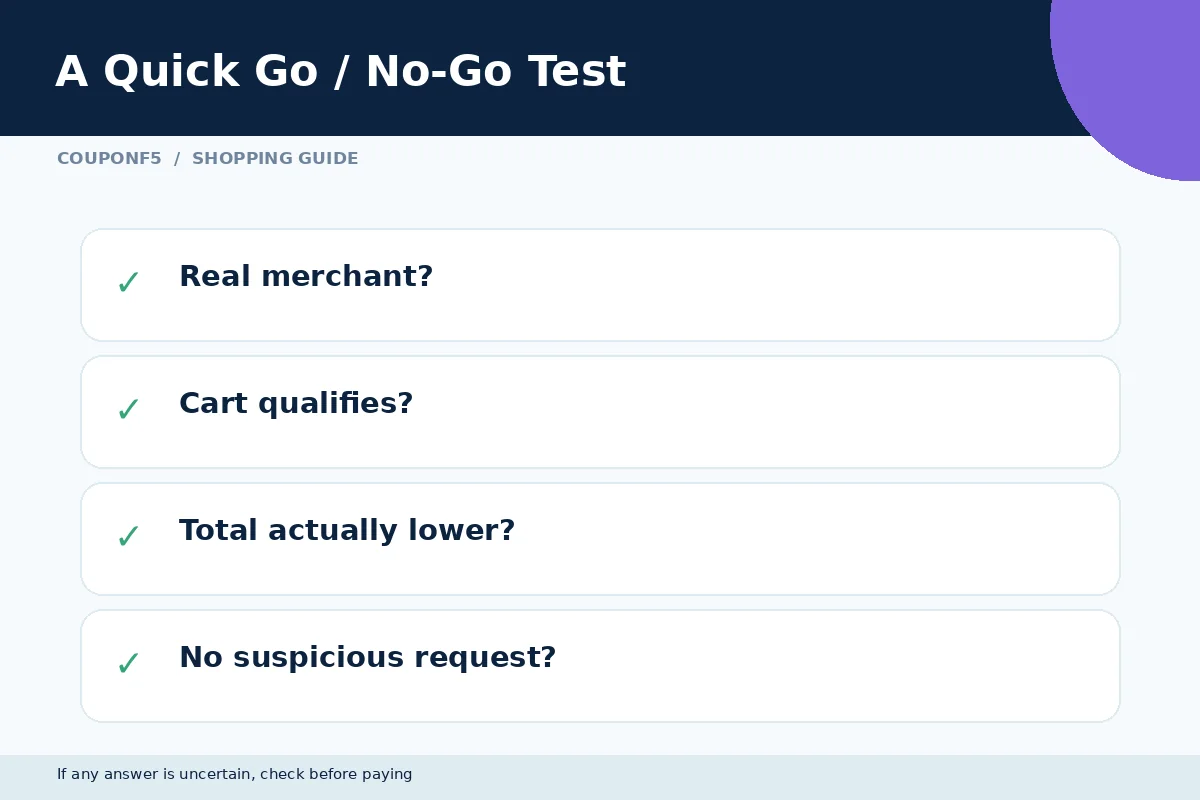
| Check | Question to answer |
|---|---|
| 1. Authenticity | Is this the real retailer and a credible offer source? |
| 2. Characters | Did I enter the exact code? |
| 3. Dates | Is the offer active in the retailer’s time zone? |
| 4. Products | Are my items and variants eligible? |
| 5. Minimum | Does the qualifying subtotal meet the threshold? |
| 6. Customer | Does my account satisfy the eligibility rules? |
| 7. Limits | Is redemption still available? |
| 8. Stacking | Can this be combined with other promotions? |
| 9. Extra costs | What happens to shipping, handling, and tax? |
| 10. Final total | Is the payable amount actually better? |
What to Do if One Check Fails
Do not force an incompatible code. If the date expired, look for a currently valid offer through official sources. If your cart is ineligible, avoid adding unwanted items merely to qualify. If the merchant is suspicious, leave the page. If the final total is no better, use the existing price or another eligible promotion.
Some stores allow shoppers to test codes in checkout before completing an order. This can verify practical eligibility, but it is not a guarantee the code will remain available indefinitely. Promotions can end, and cart conditions can change.
Frequently Asked Questions
Can a valid coupon still fail?
Yes. A code may be active but excluded for your products, customer status, minimum spend, redemption history, or combination settings.
Do coupons apply before or after sales tax?
Tax treatment depends on the retailer, location, and transaction. Check the actual checkout rather than assuming a universal formula.
Are coupon codes case-sensitive?
That depends on the merchant’s system. Enter the code exactly as provided, including letters, numbers, and any permitted symbols.
Should I create an account for a coupon?
Only if you want the account and the offer terms make sense. Some promotions require it; many do not.
Can two coupons be used together?
Sometimes. Only merchant-permitted combinations can apply, and some discounts have additional restrictions. Look for the combined result in the order summary.
The Bottom Line
The best coupon checklist ends at the final total. Confirm that the seller is real, the offer is active and relevant, the cart qualifies, and the discount produces genuine savings without unnecessary spending or risk. Those ten checks help prevent disappointment before the order is placed.