CouponF5 is an independent publisher. We may earn a commission when you purchase through our links, at no extra cost to you. Merchant terms apply.
In this guide
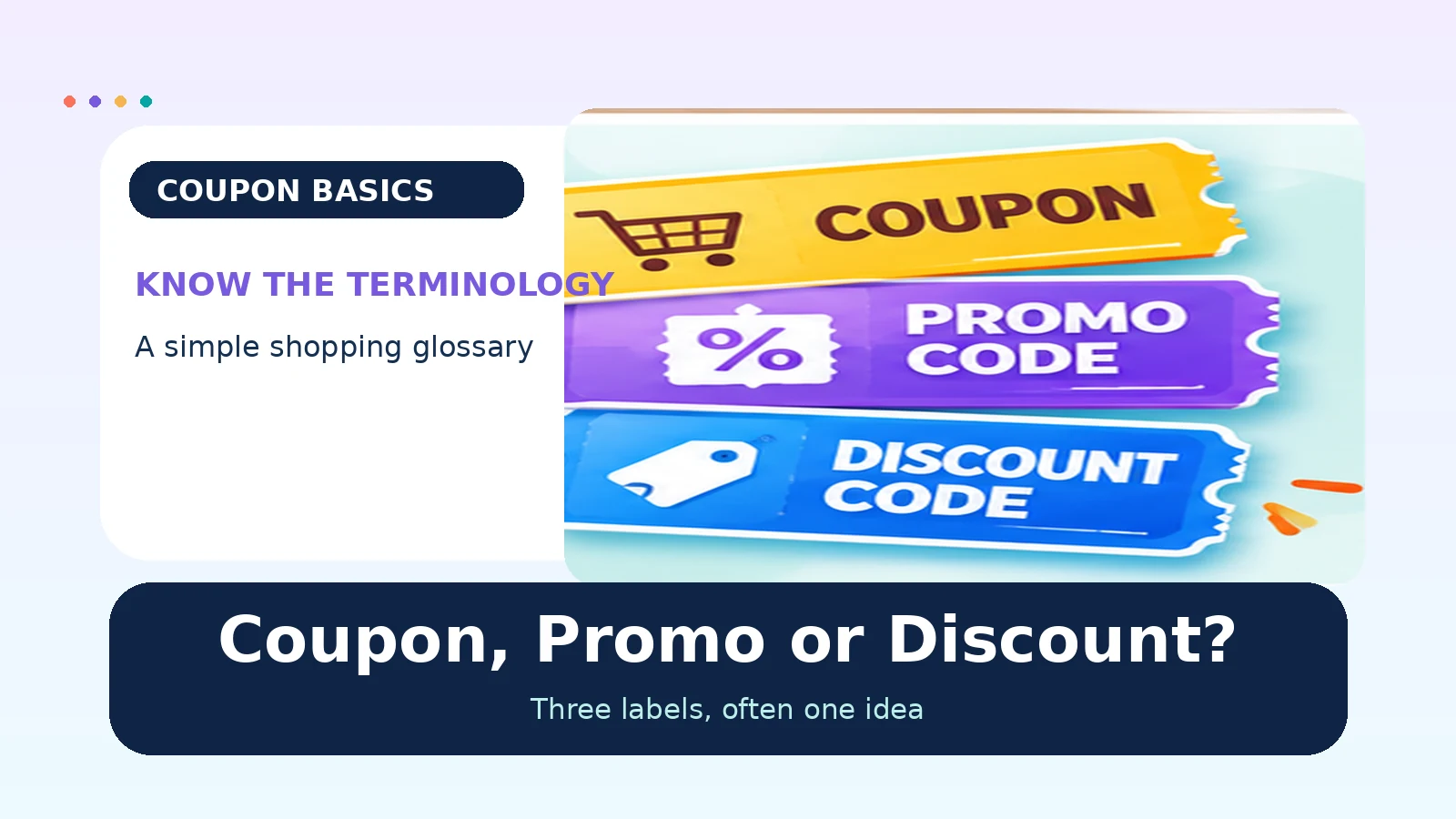
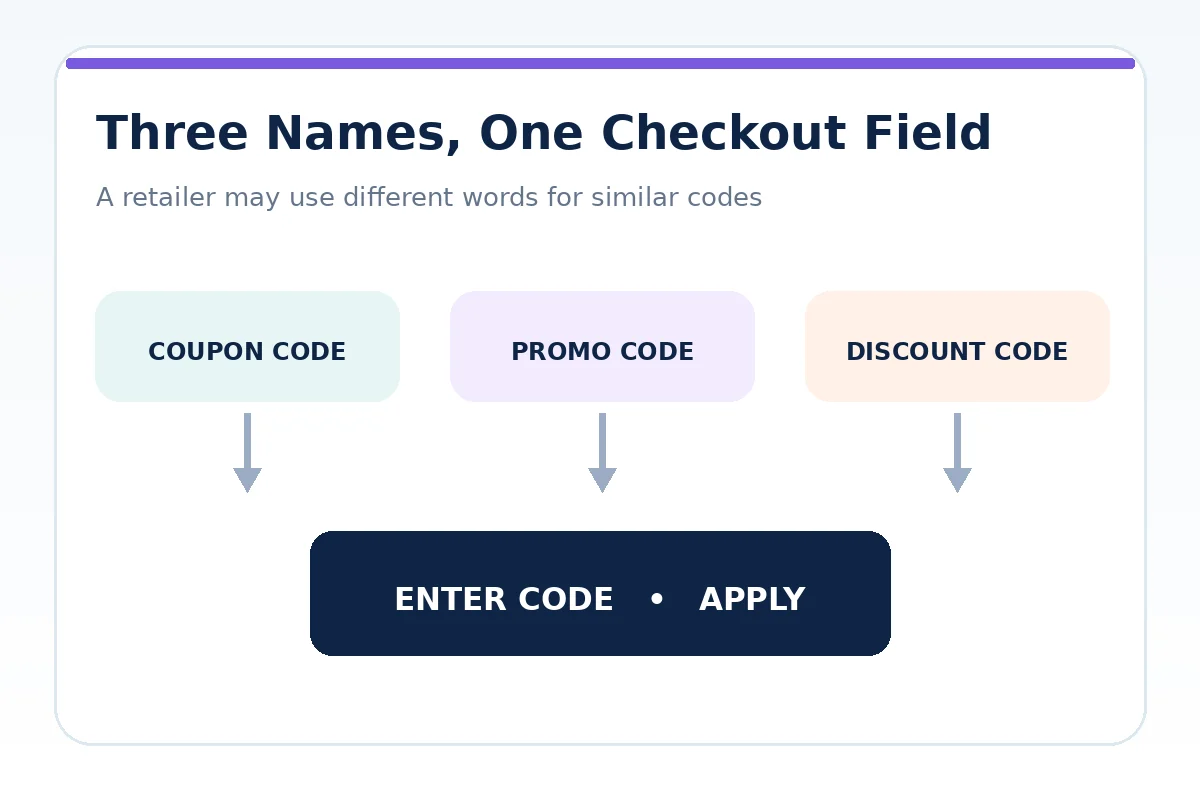
Coupon code, promo code, and discount code usually mean the same thing when you are shopping online: a short string of characters you enter at checkout to request an offer. The retailer may choose one label over another, but the wording alone does not tell you how much you will save or whether the code is valid.
There are useful nuances. A coupon can refer to a broader offer, including one activated without typing. A promo code is often used in marketing campaigns. A discount code describes a code that triggers a price reduction or another eligible benefit. None of those differences is a universal rule across all stores.
Quick Comparison: Coupon, Promo Code, and Discount Code
| Term | Typical meaning | What the shopper does | Important caveat |
|---|---|---|---|
| Coupon | A savings offer, historically a paper certificate and now often digital. | Clip, activate, scan, or enter a code depending on the merchant. | A coupon may not have any characters to type. |
| Promo code | A code associated with a promotional campaign or special offer. | Enter the characters in the merchant’s promotion field. | The name does not guarantee a discount or eligibility. |
| Discount code | A checkout code used to request an eligible price or delivery reduction. | Enter the characters and check for the applied benefit. | A code may have customer, product, date, or usage limits. |
Practical takeaway: if a checkout says “Enter promo code” but your offer says “coupon code,” the same field will often work. Follow the instructions shown by that retailer rather than searching for three different boxes.
What Is a Coupon?
A coupon is an offer that gives the holder an opportunity to obtain a specified benefit when the terms are met. Traditional coupons were printed and redeemed in person. Digital shopping now includes online codes, account-clipped coupons, discount links, and retailer-app promotions.
Because the word describes the offer as well as a possible code, “coupon” is the broadest of the three terms in many everyday contexts. You can have a coupon that requires no manually entered code: for example, an account offer that activates after you select it.
That does not make a coupon equivalent to cash or a gift card. It remains subject to conditions such as eligible products, a minimum purchase, or a valid redemption period.
What Is a Promo Code?
A promo code is a promotional code, often shared through a brand’s marketing campaign, email, event, partnership, or customer-acquisition program. The term emphasizes how the offer is promoted, not a special technical format.
A promo code might provide 10% off eligible merchandise, $15 off a qualifying order, or free shipping. Those are hypothetical benefit examples, not active codes. Some campaigns target new shoppers; others may be available broadly. The actual value comes from the rule behind the code.
Do not assume that a promo code is inherently different from a coupon code or always exclusive. The store decides whether it is public, personalized, reusable, or compatible with another offer.
What Is a Discount Code?
A discount code is a code the merchant’s checkout recognizes as a request for a configured savings rule. The term is common in e-commerce systems and store interfaces. As an example, Shopify documents discount codes alongside automatic discounts as different methods for applying promotions.
When you type a discount code, the checkout may check whether the date is valid, whether the basket qualifies, who you are, and whether the offer can combine with others. The code itself does not create a discount unless those conditions are satisfied.
For shopping purposes, the label “discount code” does not promise a better price than “promo code.” Two differently named offers could point to the same savings calculation, or one could have additional restrictions.
The Bigger Difference: A Code vs. an Automatic Discount
This distinction is more meaningful than choosing among the three labels. A code-based discount requires you to enter characters or open a retailer-approved discount link. An automatic discount can appear in the cart when you meet its conditions, without typing anything.
Shopify’s official documentation explains both methods, and retailers can configure different discount types under them. Adobe Commerce also allows merchants to create cart-price rules with or without a coupon. Therefore, an offer’s benefit and redemption method are separate things.
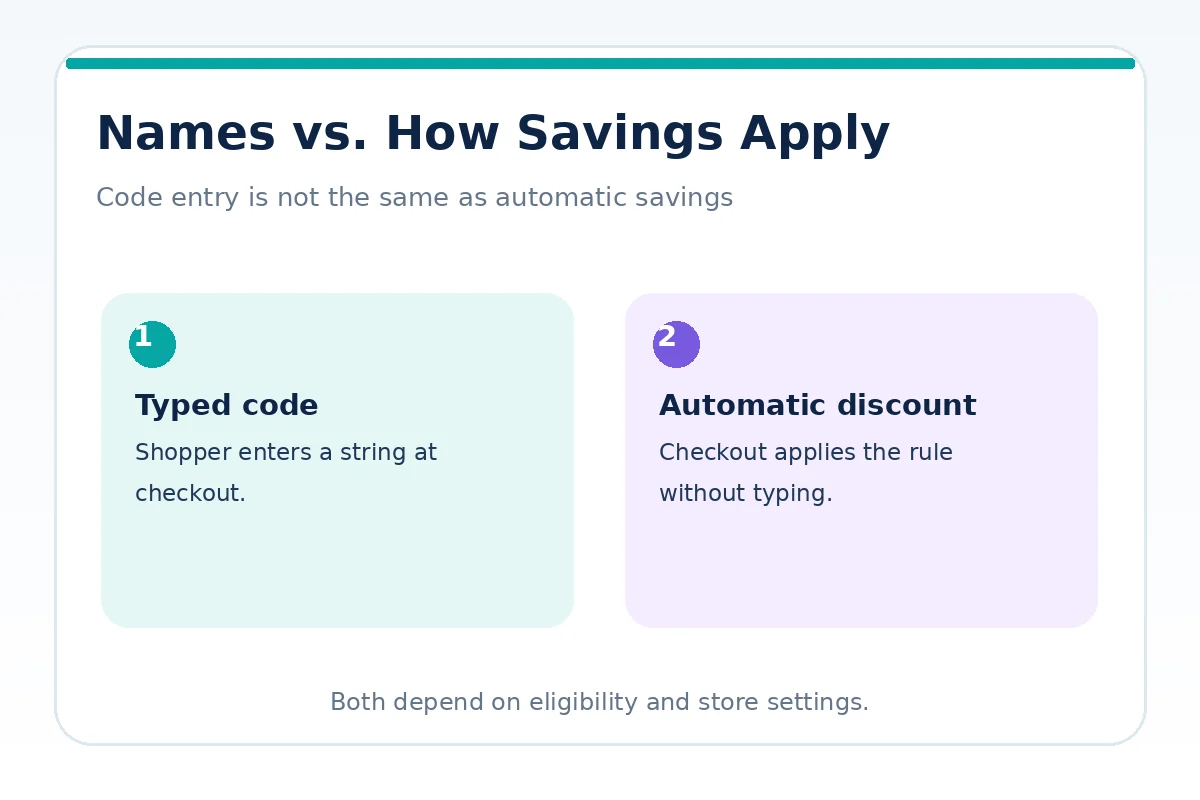
For example, two stores could both offer a hypothetical 10% reduction. One asks you to type a code. The other automatically reduces qualifying items at checkout. The amount could be identical even though the redemption experience differs.
Other Related Terms Shoppers Should Know
- Voucher: a term some stores use for an entitlement or promotional offer. Its meaning varies with the merchant and country; it is not a dependable signal of a specific benefit.
- Digital coupon: a coupon distributed or activated electronically. It might use a code, a link, or a saved account offer.
- Automatic discount: a promotional rule applied without manually entering a code when cart and customer conditions are met.
- Gift card: stored spending value used as a payment method, not necessarily a promotional price reduction.
- Cashback: a separate potential reward or repayment arrangement that may be provided after a qualifying purchase; it should not automatically be treated as an instant checkout discount.
These distinctions can help you interpret a checkout screen. If a retailer has separate fields for “Gift card” and “Discount code,” they may perform different functions even though both can reduce the amount left to pay.
Do Coupon Codes, Promo Codes, and Discount Codes Have Different Rules?
Not by name alone. A store might place limits on any of them. Typical checks include:
- Expiration: the offer must be active when the store evaluates it.
- Minimum eligible spend: qualifying cart value must meet the threshold, which may exclude delivery or tax.
- Product restrictions: certain categories, brands, bundles, or sale products may not qualify.
- Customer eligibility: a promotion may require a specific account, first-time purchase, or loyalty status.
- Redemption caps: total uses or per-customer uses may be limited.
- Combination settings: the checkout may limit stacking with other codes or automatic promotions.
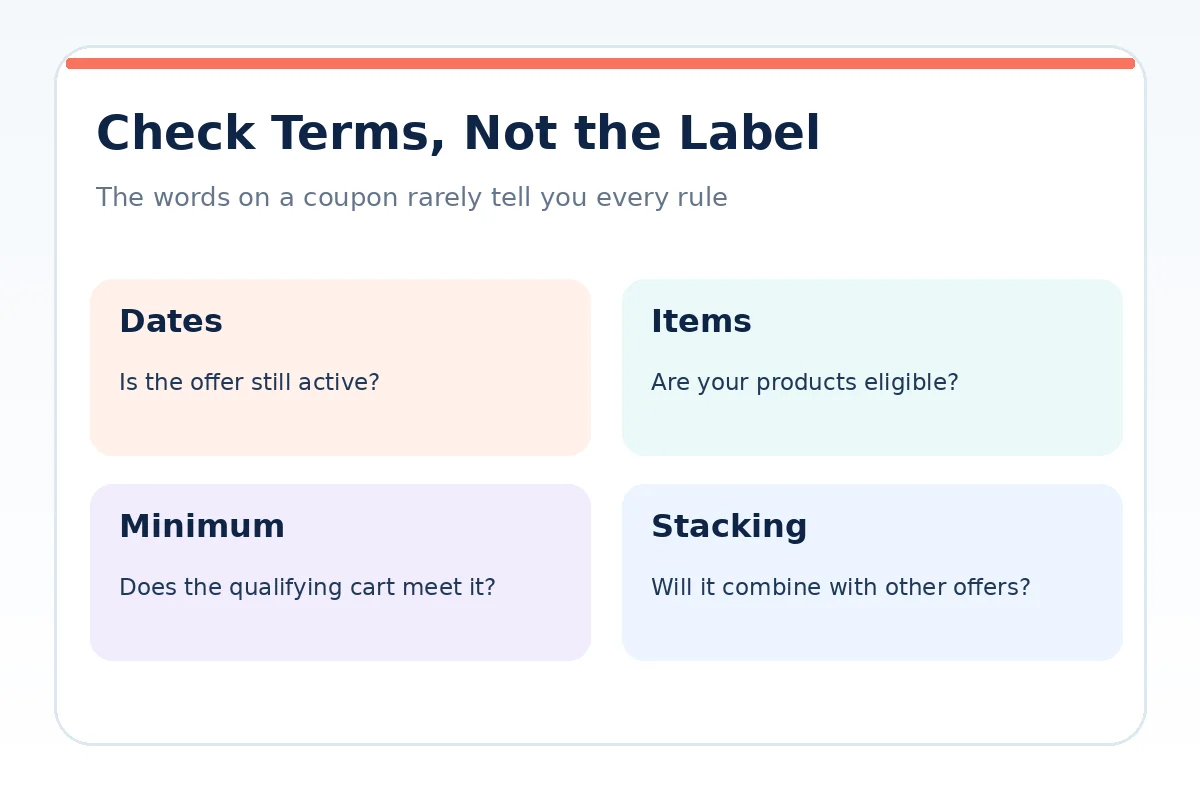
The Shopify discount-code FAQ confirms that codes can be limited by use count and that eligibility and combination restrictions can cause a code to be rejected. Those are examples of merchant-configurable conditions; the rules for your purchase come from the retailer itself.
How to Tell Which Field to Use at Checkout
- Look at the offer instructions. A code made of letters and numbers usually belongs in a coupon, promo, or discount entry field.
- Check the cart and checkout. The field may be collapsed behind “Have a code?” or “Add promo code.”
- Copy the characters accurately. Remove accidental spaces and review visually similar letters or numbers.
- Select Apply. Confirm the order summary has changed and the offer is reflected before payment.
- If there is no code: the merchant may apply the offer automatically or require you to activate it from an account or link.
A marketing banner does not guarantee that an offer applies to your cart. If a code fails, check the terms before trying to use it for a different item or assuming that the site is broken.
Examples That Show Why the Label Is Not the Savings
Example A: a retailer calls a hypothetical 15% code a “promo code.” Another calls an equivalent offer a “coupon code.” On the same qualifying subtotal, the calculation would be the same if the terms are otherwise identical.
Example B: a $10 “discount code” applies only to eligible shoes, while a 10% “promo code” applies to a broader selection. For a mixed cart, the better choice depends on the qualifying items—not the code label.
Example C: an online store offers automatic free shipping over a threshold, while a separate coupon provides a product discount. Whether both apply depends on the store’s rules and combination settings.
All three examples are hypothetical; they do not represent tested or currently available merchant offers.
Frequently Asked Questions
Is a coupon code the same as a promo code?
Usually, yes, in online-shopping usage. Both commonly refer to characters entered to request a promotion. A coupon can also be a digital or paper offer without a typed code.
Is a promo code better than a discount code?
No term is inherently better. Compare the actual benefit, eligible items, minimum spend, and final total instead.
Can a coupon work without entering a code?
Yes. Some retailers use saved digital coupons, discount links, or automatic cart promotions.
Why did my code work before but fail today?
It may have expired, reached a redemption limit, become inapplicable to the cart, or require a different account. Check the current merchant terms.
Can I stack a coupon and a promo code?
Only if the retailer permits that combination and the order qualifies for both. The terms “coupon” and “promo” alone do not establish stacking eligibility.
The Bottom Line
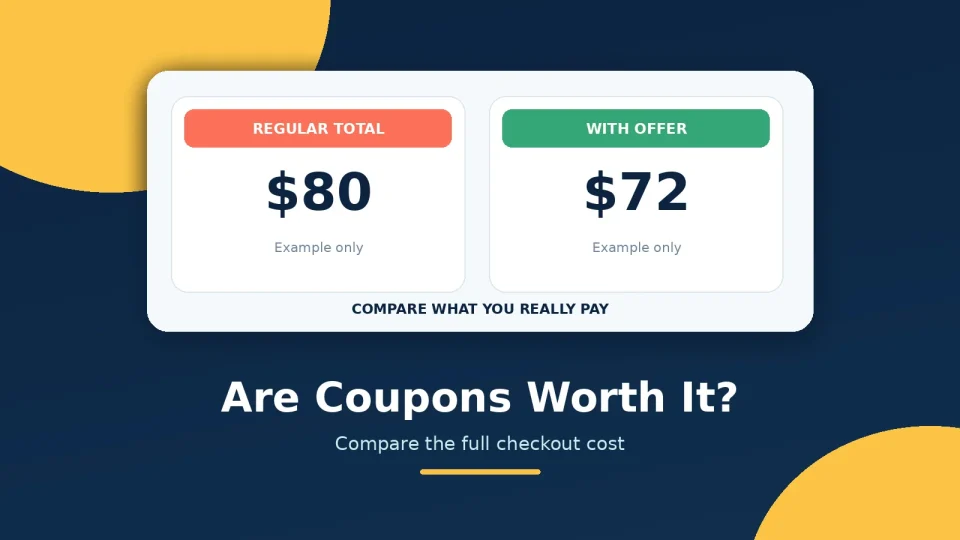
Coupon code, promo code, and discount code are usually different names for the same general checkout idea. The meaningful questions are whether a code is required, which items or shoppers qualify, how much the eligible discount is worth, and whether it appears in your final order total.