CouponF5 is an independent publisher. We may earn a commission when you purchase through our links, at no extra cost to you. Merchant terms apply.
In this guide
A coupon code is a short set of letters, numbers, or both that shoppers enter during checkout to request a discount or other promotional benefit. The store checks the code against its promotion rules. If your order qualifies, the discount appears in your cart or order summary before you pay. Coupon codes are also called promo codes, discount codes, or sometimes voucher codes.
They can be useful, but a code is not a guaranteed price cut. It may be restricted to certain products, customers, order amounts, or dates. Here is how to use one, understand the savings, and troubleshoot a code that does not work.
What Is a Coupon Code?
Think of a coupon code as a key to a specific store promotion. A merchant creates a rule—such as a percentage off eligible items or free shipping for qualifying orders—and connects it to a code. The code tells the checkout system which offer to evaluate; the rules determine whether the offer applies.
Some codes are shared publicly, such as an email promotion available to many shoppers. Others are personalized or intended for new customers, loyalty members, or recipients of a particular campaign. A code is not a gift card, cash, or proof that a promotion is valid forever.
How Does a Coupon Code Work at Checkout?
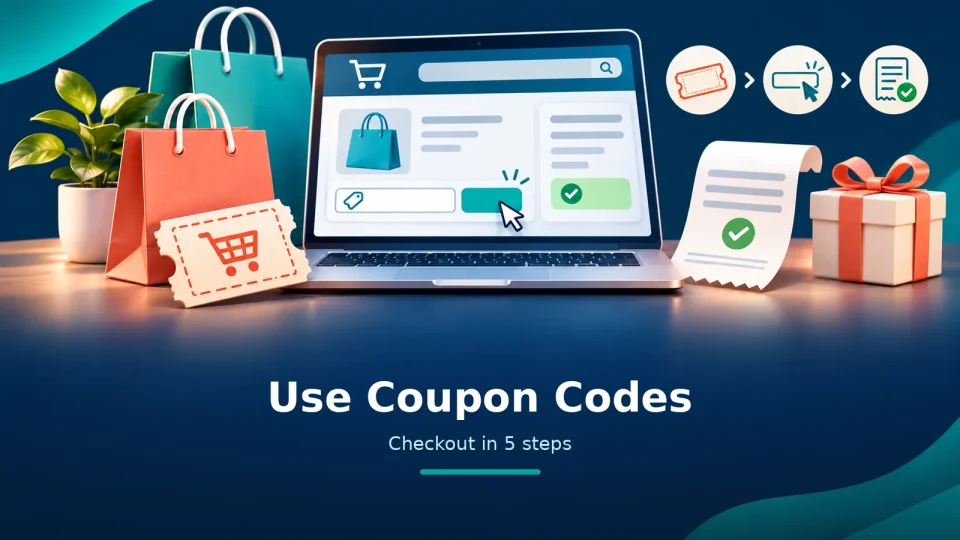
- Find an offer from a trustworthy source. Look at the merchant’s site, an email you requested from the brand, or a reputable coupon listing. Check the date and terms before relying on it.
- Add eligible items to your cart. A discount may require certain products, a minimum qualifying subtotal, or a specific customer account.
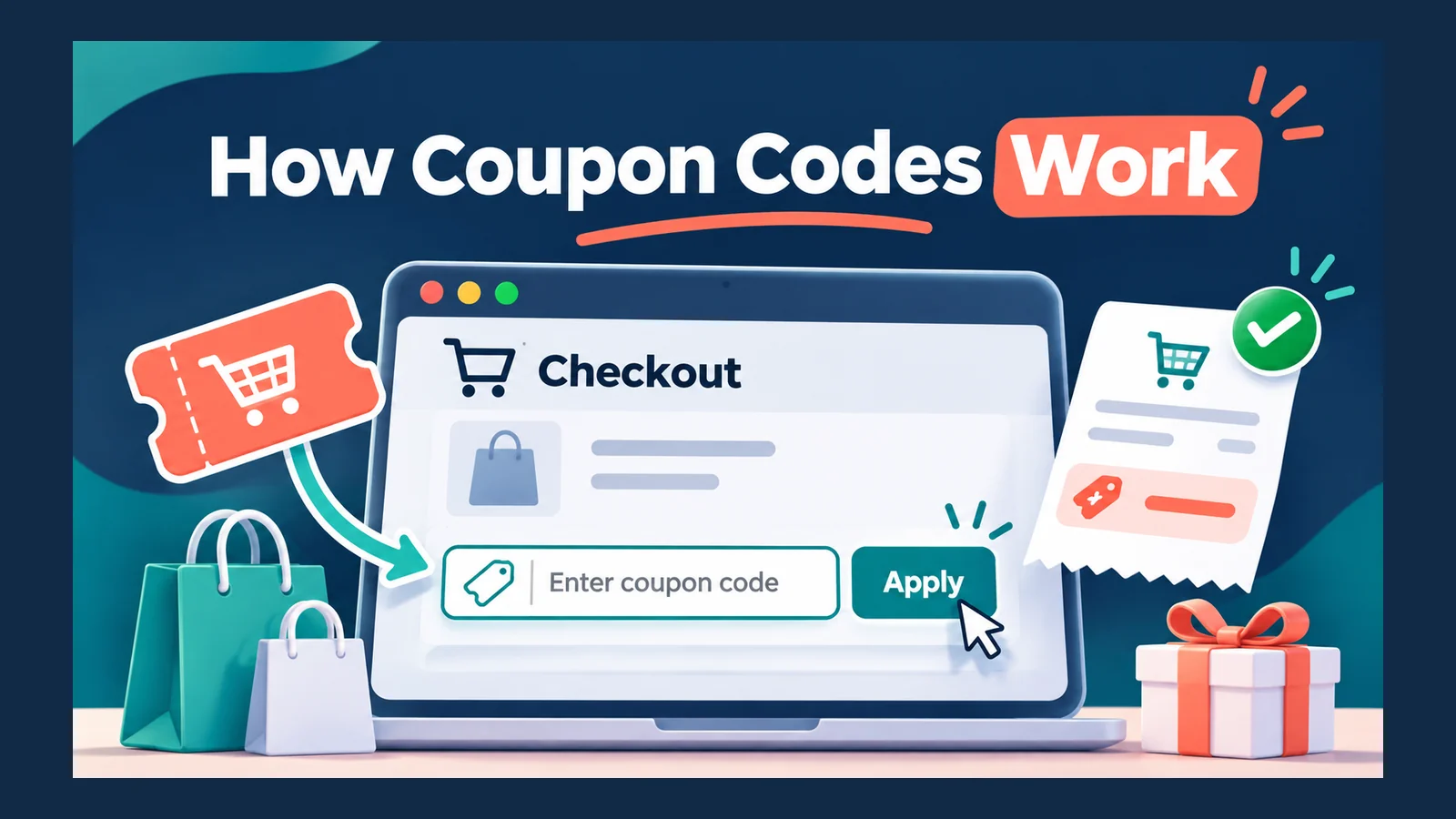
- Find the coupon field. It may be labeled “Promo code,” “Discount code,” “Coupon,” or “Have a code?” Some stores place it in the cart; others show it during checkout.
- Enter or paste the code and select Apply. Keep the characters accurate, avoid accidental spaces, and wait for the site to confirm the result.
- Check the revised order summary. Look for an actual discount line, a lower eligible subtotal, or a shipping adjustment. A message saying the code was entered is not enough if the total did not change.
- Review the final amount before paying. Shipping, taxes, other discounts, and any conditions may change the overall value of the offer.
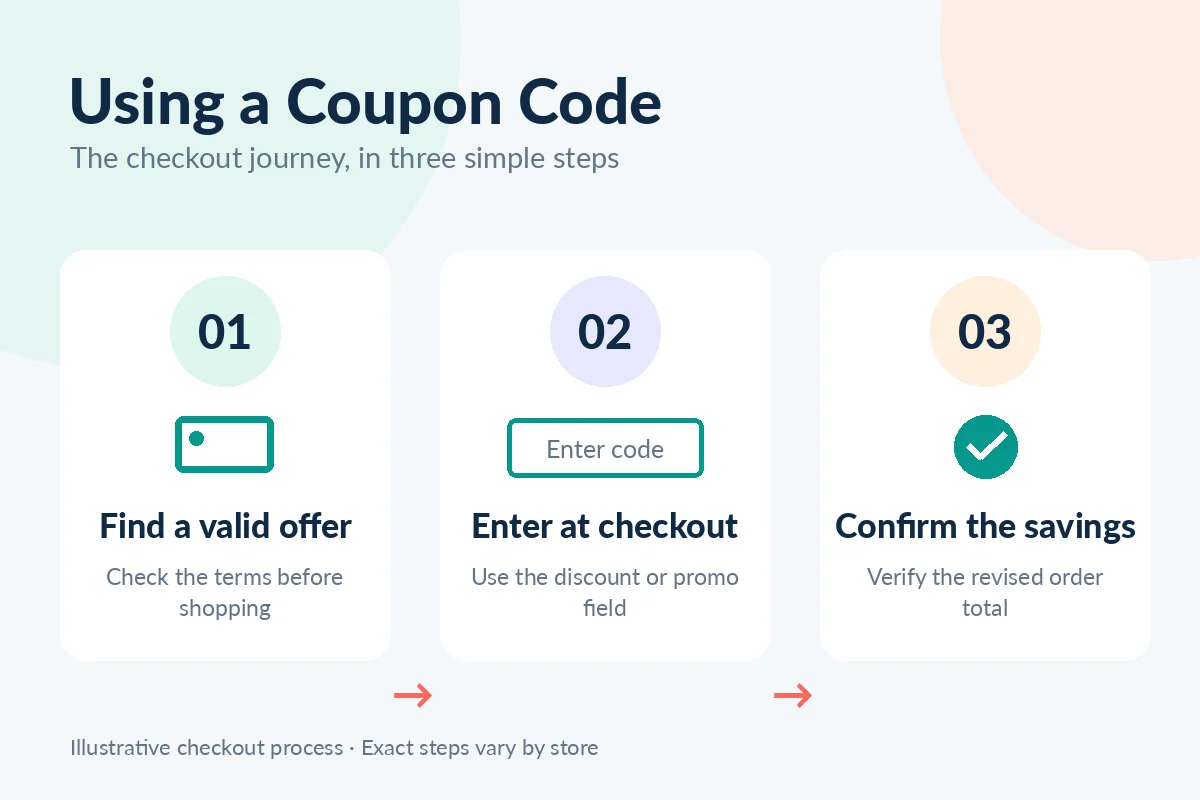
Some promotional links apply a discount automatically after you open them, so you might not need to type anything. An automatic sale is different again: it can reduce the cart total without any coupon code at all.
What Types of Discounts Can Coupon Codes Provide?
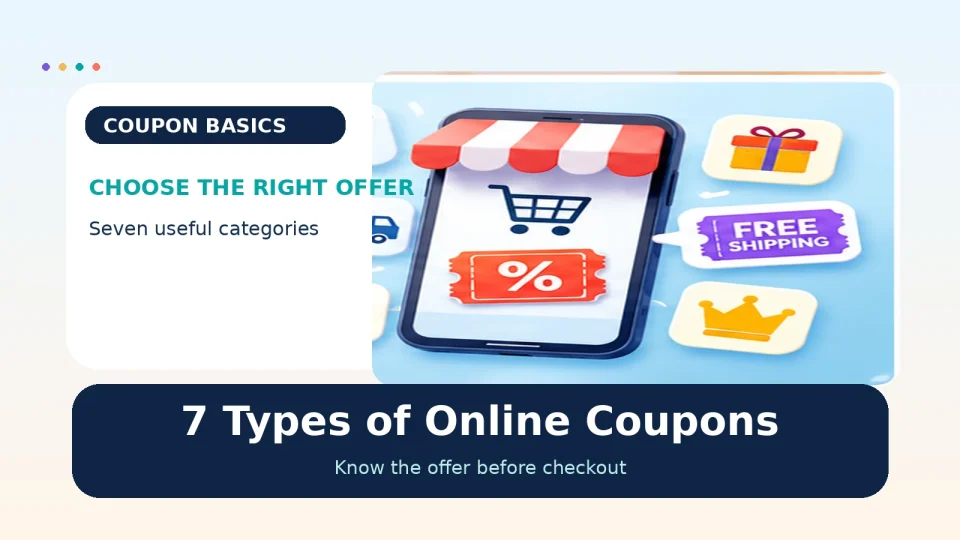
Different promotions affect different parts of your bill. The most common types include:
| Offer type | What it means | What to check |
|---|---|---|
| Percentage off | A percent of the price of qualifying items or an eligible order. | Excluded products, maximum discount, and minimum spend. |
| Fixed dollar amount off | A specified amount taken off a qualifying item or order. | Minimum subtotal and whether the offer applies once. |
| Free or reduced shipping | All or part of an eligible delivery charge is waived. | Shipping method, destination, and order threshold. |
| Buy one, get one | An additional eligible item is free or discounted after meeting the purchase condition. | Item eligibility and which product receives the reduction. |
| New-customer or member offer | A promotion for an eligible shopper group. | Sign-in, first-order, or membership restrictions. |
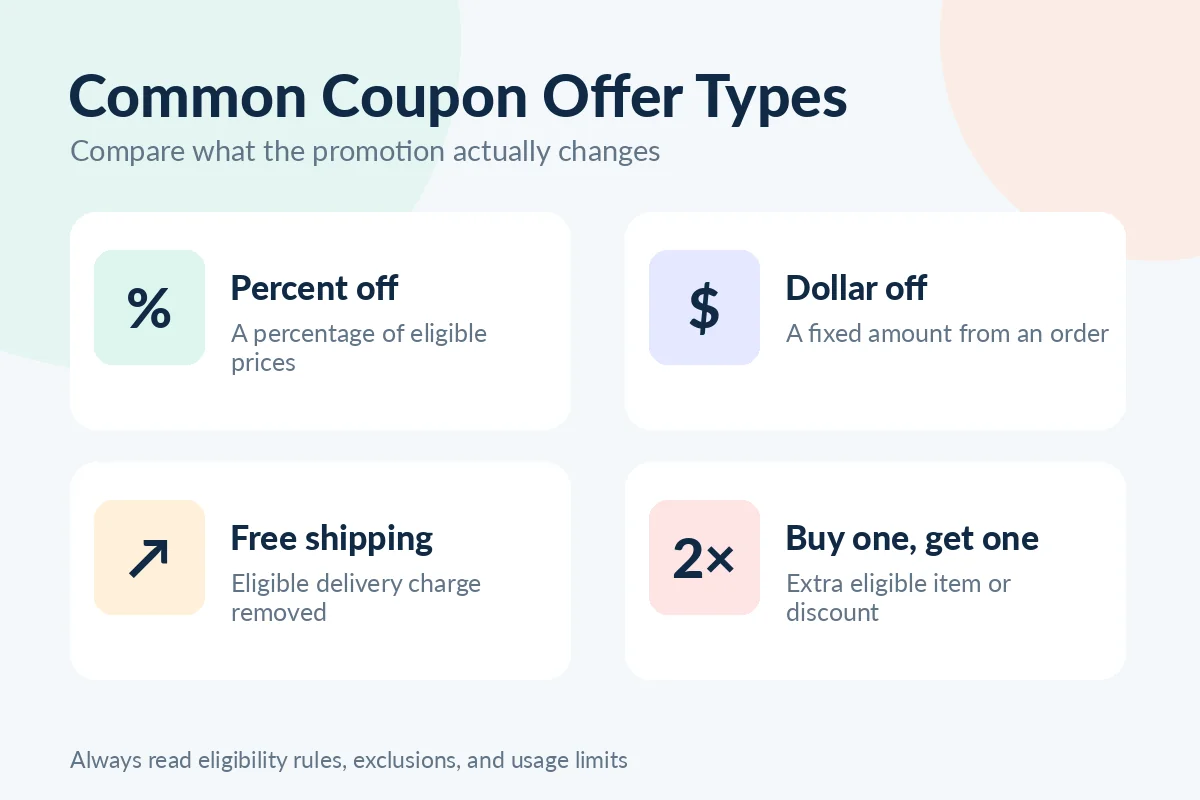
These are offer categories, not promises that a particular merchant currently provides them. The actual terms shown by the retailer control your order.
How Much Can a Coupon Code Save? A Simple Example
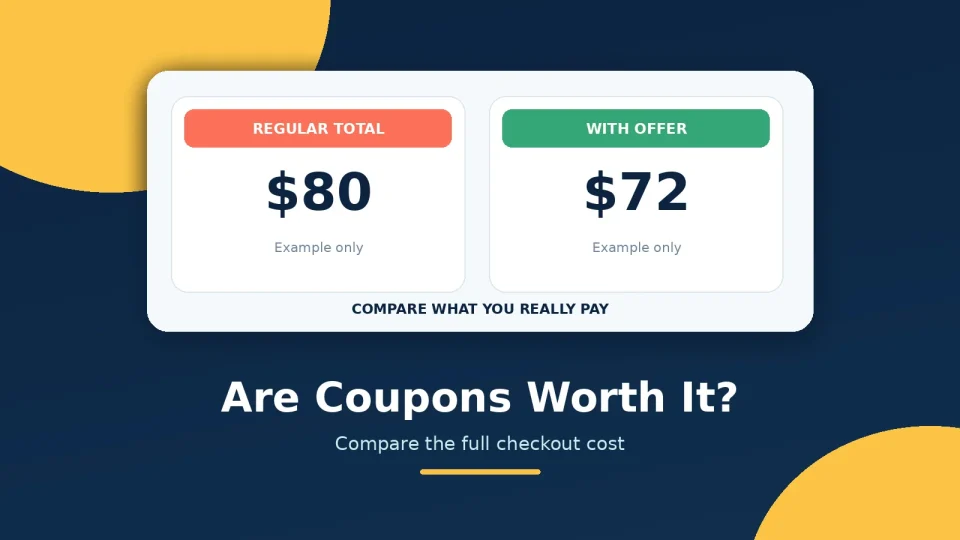
Suppose an eligible cart subtotal is $80 and a hypothetical offer gives 10% off that subtotal. Ten percent of $80 is $8, so the reduced subtotal would be $72 before any separate shipping and taxes. If a different eligible hypothetical promotion offered $12 off the same cart, its subtotal would be $68. In that example, the fixed-dollar offer saves more.
This arithmetic is illustrative; it is not an active coupon or verified merchant deal. In a real checkout, a coupon may only discount selected items, impose a savings cap, require a higher minimum purchase, or interact with an existing sale. Compare the final payable total, not the headline discount alone.
What Rules Determine Whether a Coupon Code Works?
The checkout system checks the terms the merchant has set. Common conditions include:
- Validity dates: the promotion may not have started, or it may have expired. The merchant’s time zone can matter.
- Order minimum: the cart may need to meet a qualifying subtotal, sometimes excluding taxes, delivery, or noneligible items.
- Product or brand exclusions: clearance merchandise, certain brands, gift cards, or particular items may be excluded.
- Customer eligibility: the code may be for first-time buyers, email subscribers, loyalty members, or a specified customer segment.
- Redemption limits: the merchant can limit total uses or uses per customer.
- Combination rules: a discount may not stack with other coupon codes, automatic sales, or shipping promotions.
For example, Shopify’s official discount-code guidance explains that merchants can configure dates, usage limits, minimum orders, product eligibility, and whether a discount combines with other offers. Your retailer’s own promotion rules are the final authority.
Why Is My Coupon Code Not Working?
A rejected code does not necessarily mean the checkout is broken. Try this practical sequence before giving up:
- Recheck the exact characters. Paste carefully, remove leading or trailing spaces, and distinguish similar-looking letters and numbers.
- Confirm the offer is active. Check expiration details and whether the offer has started.
- Review cart eligibility. Remove excluded products or check whether the qualifying subtotal meets the minimum requirement.
- Check your account. Some codes require a sign-in, new-customer status, or a particular membership.
- Try the offer on its own. If another discount is applied, compare the totals with one code at a time. Do not assume stacking is available.
- Look for a redemption limit or contact the store. A code may be limited to one use or may have exhausted its available uses. The retailer can clarify its own terms.
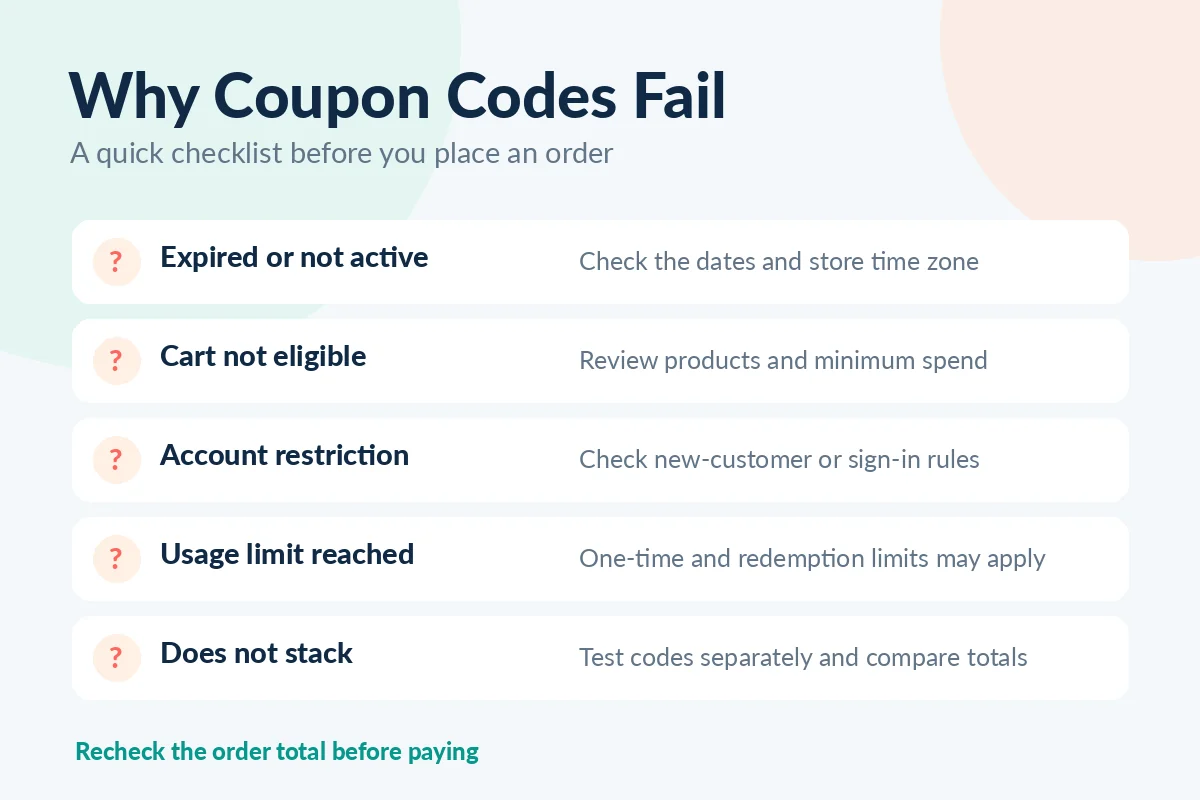
If the promotion still does not apply, do not place the order assuming the merchant will refund the difference later. Either confirm the savings in checkout or ask the retailer about the terms first.
Coupon Code vs. Promo Code vs. Automatic Discount
Coupon code and promo code usually mean the same thing in everyday online shopping: characters you enter to claim an offer. Discount code is another common term. A digital coupon might instead be activated by clicking or saving an offer to an account, with no code to enter.
An automatic discount is different because the cart applies an eligible promotion without requiring the shopper to type a code. A gift card is also different: it typically provides stored spending value rather than reducing a purchase price under promotional conditions. Stores may label these fields differently, so follow the merchant’s checkout instructions.
Where Can You Find Legitimate Coupon Codes?
- Official merchant pages: promotion banners, offer pages, and sale terms can reveal current discounts.
- Brand email or text programs: opt-in campaigns may include targeted codes and exclusions.
- Retailer loyalty accounts: some offers appear only after sign-in.
- Coupon discovery sites: listings can be a starting point, but dates and availability should still be checked at the merchant’s checkout.
Use caution with sites that demand payment, unnecessary personal information, a browser extension, or account credentials just to reveal a supposed coupon. It is safest to verify the final offer on the retailer’s own site and avoid entering payment details on unfamiliar pages.
Five Habits That Help You Save More Reliably
- Compare eligible offers. A modest fixed-dollar discount may beat a larger-sounding percentage at your cart size.
- Check the complete total. Delivery fees and taxes can outweigh a small item discount.
- Do not add unwanted items just to reach a minimum. Spending more than planned can erase the value of a coupon.
- Read stacking and exclusion rules. A sitewide-looking message may still exclude items.
- Confirm the discount before payment. Take note of the final receipt or order confirmation so you can reconcile the amount charged.
Frequently Asked Questions
Do coupon codes cost money?
Entering a legitimate merchant coupon code generally does not require a separate fee. Be skeptical of a third-party site that asks you to pay just to reveal an unverified code. Paid memberships or loyalty programs are separate products with their own terms.
Can I use more than one coupon code?
Sometimes. It depends on the retailer’s combination settings and the types of discount involved. Some checkouts accept eligible combinations; others apply only one or choose the best permitted promotion.
Does a coupon code work on sale items?
Only when the promotion rules permit it. Sale or clearance items may be excluded, and a code can be valid but inapplicable to your specific cart.
Can a coupon code expire or have a use limit?
Yes. Stores can set valid date ranges, total redemption caps, per-customer limits, or eligibility requirements. A previously shared code is not proof that it still works.
What if there is no coupon field?
Check the cart, the order-summary section, and any expandable “promo” area during checkout. Some stores use automatic discounts or discount links instead, while others do not accept codes for a particular checkout.
The Bottom Line
A coupon code works by asking the store to check and apply a specific promotional rule to your order. The best approach is simple: verify the terms, enter the code in the right place, and confirm the final savings before paying. That way, you can spot a genuine price reduction without relying on a coupon headline or an untested claim.